

The final step of any sale is the most critical: the payment. A clunky, untrustworthy, or limited checkout experience can undo all your hard work in an instant. That's why selecting from the best Shopify payment gateways isn't just a technical decision. It's a core business strategy that directly impacts your conversion rates, customer trust, and operational efficiency.
Many store owners default to the easiest option without realizing the nuances in fees, supported features, and global reach that different providers offer. This can lead to higher costs and lost sales down the line. Before diving into specific Shopify options, it's useful to understand the broader landscape and learn how to compare payment gateways for your business effectively. A solid understanding of the fundamentals makes choosing the right partner much easier.
This guide cuts through the complexity. We provide an in-depth, side-by-side roundup of the top payment solutions available for your Shopify store. You will learn everything from transaction costs and integration steps to the specific business types each gateway is best suited for. Each entry includes direct links and screenshots to simplify your evaluation.
We'll cover these leading options:
- Shopify Payments
- PayPal Wallet
- Amazon Pay
- Authorize.net
- Cybersource
- Adyen
- Shopify’s Official Gateway Directory
Get ready to find the perfect payment partner to scale your e-commerce venture and secure your checkout process.
1. Shopify Payments
Shopify Payments is the native payment gateway for Shopify stores, offering the most seamless and integrated checkout experience possible. Because it's built directly into the platform, there's no need to set up a separate third-party merchant account or manage credentials elsewhere. You can activate it with a single click, making it the fastest way to start accepting payments on your Shopify store.
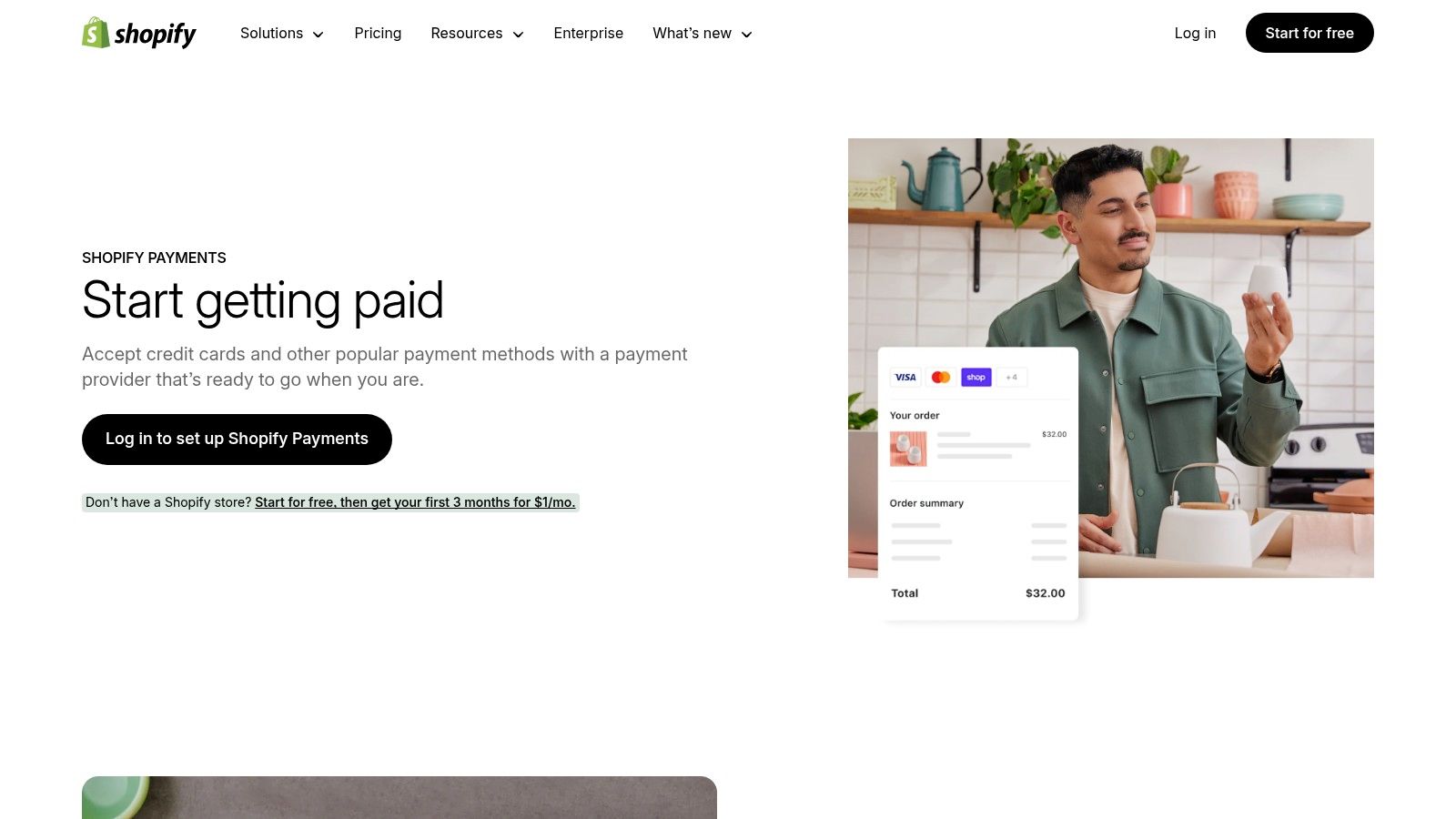
This deep integration centralizes all your transaction data, payouts, and chargeback disputes directly within your Shopify admin. This unified dashboard simplifies financial management, saving you time from juggling multiple platforms. It also automatically includes essential security features like PCI compliance and 3D Secure support, ensuring your customer data is protected without extra effort.
Pricing and Transaction Fees
One of the biggest advantages of using Shopify Payments is the waiver of Shopify's platform transaction fees, which are typically charged when using a third-party gateway. Instead, you only pay standard credit card processing rates that vary based on your Shopify plan.
Here’s a breakdown of the online credit card rates per plan:
| Shopify Plan | Online Credit Card Rate |
|---|---|
| Basic Shopify | 2.9% + 30¢ USD |
| Shopify | 2.6% + 30¢ USD |
| Advanced | 2.4% + 30¢ USD |
| Shopify Plus | Custom, lower rates |
For more details on how these rates compare to other providers, you can explore an in-depth payment gateway comparison on scaleshopify.com.
Key Features and Use Cases
Shopify Payments stands out by offering more than just credit card processing. It natively supports accelerated checkout options like Shop Pay, Apple Pay, and Google Pay, which can significantly boost conversion rates by simplifying the payment process. In certain regions, it even supports local payment methods and cryptocurrency payments with USDC.
The platform is ideal for:
- New Shopify merchants looking for the quickest and easiest setup.
- Businesses that want unified reporting and management within one dashboard.
- Stores aiming to maximize conversions with built-in accelerated checkouts.
Pros and Cons
Pros:
- Seamless Integration: Activate and manage everything directly from your Shopify admin.
- No Extra Transaction Fees: You avoid the additional 0.5% to 2% Shopify transaction fee.
- Competitive Rates: Processing fees decrease as you upgrade your Shopify plan.
- Unified Payouts: All your sales data, refunds, and chargebacks are in one place.
Cons:
- Eligibility Requirements: Not available in all countries, and certain high-risk business types are prohibited.
- Account Holds: Some merchants report sudden account holds or freezes while under review, which can disrupt cash flow.
Website: https://www.shopify.com/payments
2. PayPal Wallet (via Shopify Payments)
For U.S. merchants using Shopify Payments, PayPal Wallet offers a deeply integrated way to accept payments from one of the world's most trusted digital wallets. Instead of managing PayPal as a separate third-party gateway, this feature allows you to activate and control it directly within your Shopify admin. This streamlines operations by consolidating PayPal transactions, refunds, and disputes alongside your credit card sales data.
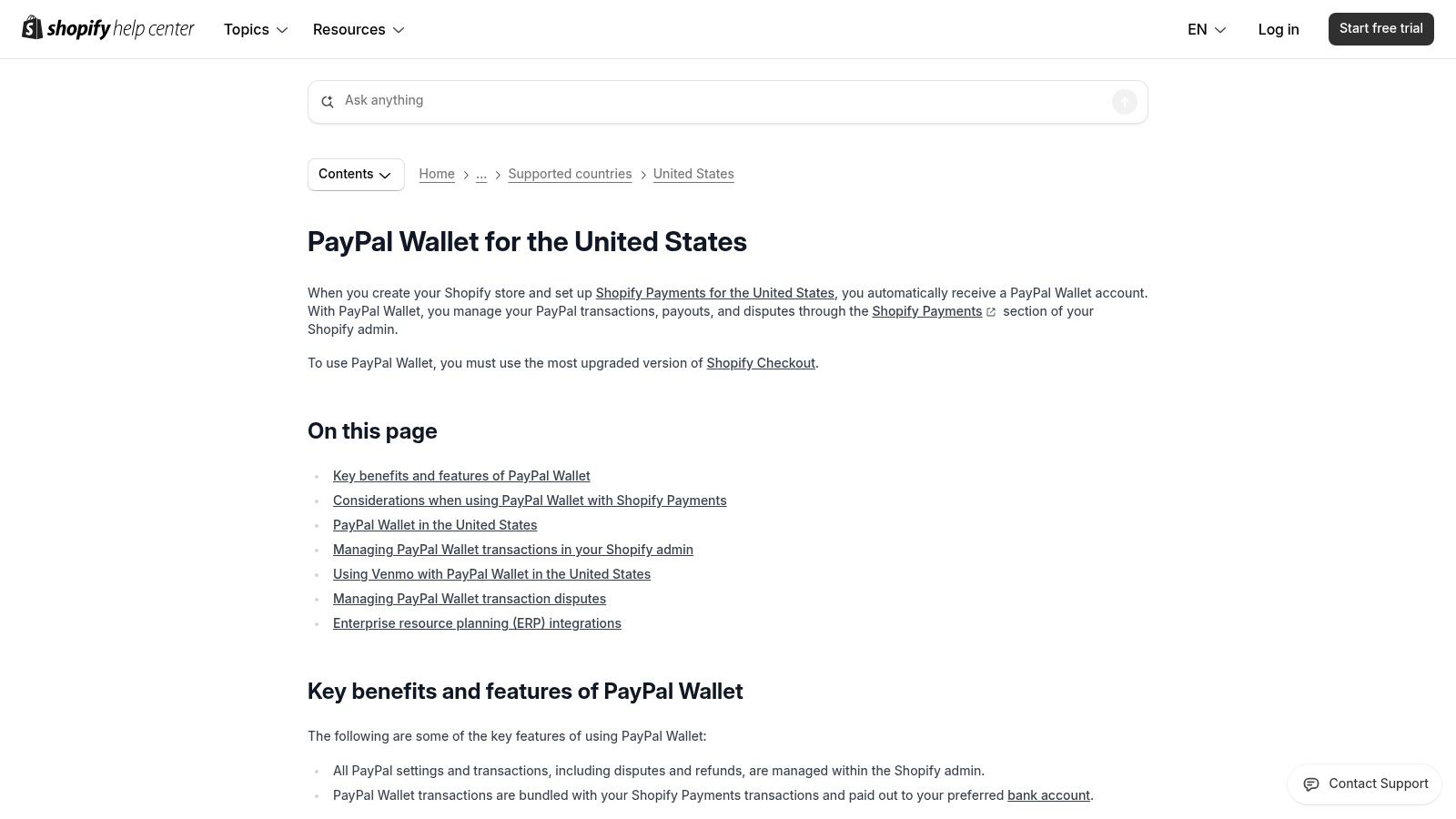
The primary benefit is unification. All your payouts, whether from a credit card or a PayPal purchase, are bundled into your standard Shopify Payments payout schedule. This eliminates the need to log into a separate PayPal Business account to manage funds or process refunds, simplifying your financial reconciliation and saving valuable administrative time.
Pricing and Transaction Fees
When you use PayPal Wallet through Shopify Payments, your pricing structure is determined by PayPal, not Shopify. Shopify does not charge its own platform transaction fees (the 0.5% to 2% fee) on these orders, which is a significant advantage. However, you are still responsible for PayPal’s standard merchant processing fees.
Here’s a breakdown of typical PayPal online transaction fees in the U.S.:
| Transaction Type | PayPal Processing Rate |
|---|---|
| PayPal Digital Payments | 3.49% + 49¢ per transaction |
| Venmo Transactions | 3.49% + 49¢ per transaction |
These rates are standard for PayPal commercial transactions and are separate from your Shopify Payments credit card rates. Always check PayPal’s official site for the most current fee information for your specific account and region.
Key Features and Use Cases
Beyond standard checkout, this integration unlocks several powerful features. It natively supports Venmo payments, tapping into a vast mobile-first audience and potentially boosting conversion rates, especially among younger demographics. The wallet also fully supports subscriptions and recurring billing, making it a viable option for businesses with recurring revenue models.
This platform is ideal for:
- U.S. merchants wanting to simplify their payment stack into a single dashboard.
- Stores targeting mobile shoppers who prefer the convenience of PayPal and Venmo.
- Subscription-based businesses that need reliable recurring payment support from a trusted provider.
Pros and Cons
Pros:
- Unified Management: Handle PayPal payouts, refunds, and reports directly in the Shopify admin.
- Simplified Payouts: PayPal funds are included in your regular Shopify Payments bank deposits.
- Increased Trust: The PayPal brand is highly recognized and can boost customer confidence.
- Venmo Integration: Easily accept payments from millions of Venmo users.
Cons:
- Limited Availability: This integrated wallet feature is currently only available for U.S.-based merchants.
- No Legacy PayPal Express: Activating this feature disables the older, separate PayPal Express Checkout gateway.
- Dispute Limitations: Certain actions, like issuing a partial refund on an open dispute, must still be handled in PayPal.
3. Amazon Pay (with Shopify Payments)
Amazon Pay offers Shopify merchants a powerful way to leverage one of the world's most trusted brands directly at checkout. As a digital wallet integrated within Shopify Payments, it allows hundreds of millions of Amazon customers to complete purchases on your store using their saved Amazon account information. This eliminates the need for them to manually enter payment and shipping details, significantly reducing friction and checkout abandonment.
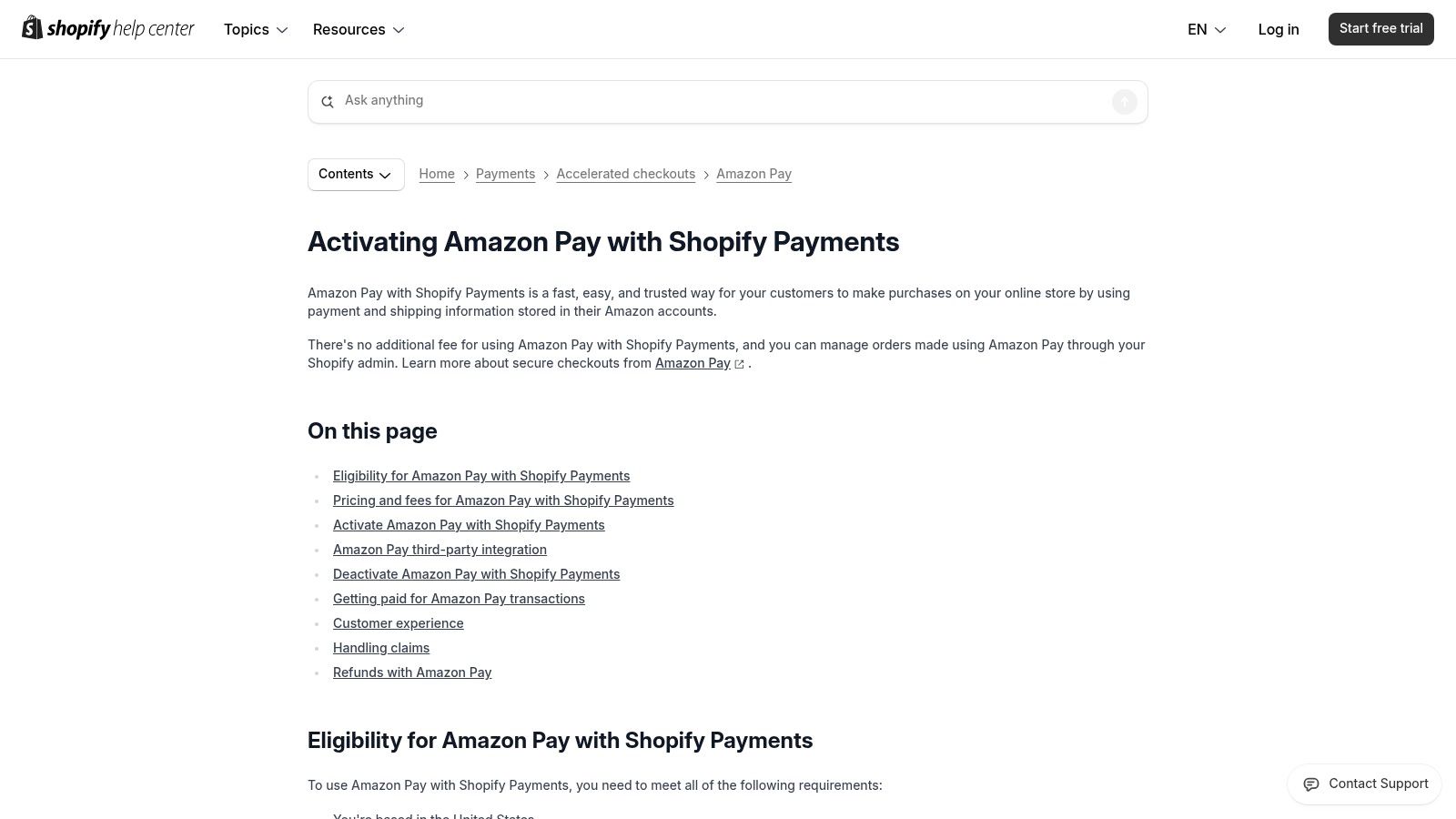
Unlike its previous standalone integration, the new version of Amazon Pay is a feature activated directly within Shopify Payments. This means U.S.-based merchants can enable it with a single click and manage all transactions, payouts, and reporting from their Shopify admin. There’s no need to manage a separate Amazon Seller Central account for reconciliation, creating a unified and streamlined financial workflow.
Pricing and Transaction Fees
A major benefit of using Amazon Pay through this native integration is the simplified fee structure. You do not pay any additional fees to Amazon for using the service. Instead, all transactions processed via Amazon Pay are subject to your standard Shopify Payments online credit card processing rate. This makes it a cost-effective addition to your payment options.
The applicable rates are tied to your Shopify subscription plan:
| Shopify Plan | Applicable Shopify Payments Rate |
|---|---|
| Basic Shopify | 2.9% + 30¢ USD |
| Shopify | 2.6% + 30¢ USD |
| Advanced | 2.4% + 30¢ USD |
This structure ensures that you can offer a trusted, accelerated checkout without incurring extra costs, making it one of the best Shopify payment gateways for conversion optimization.
Key Features and Use Cases
The core value of Amazon Pay lies in its ability to inspire trust and speed up the checkout process. By displaying the familiar Amazon Pay button, you tap into the confidence customers already have in Amazon's secure payment infrastructure. Activation is managed entirely from the "Wallets" section within your Shopify Payments settings.
This gateway is ideal for:
- Merchants targeting a broad U.S. consumer base who are likely to have Amazon accounts.
- Businesses focused on mobile commerce, where manual data entry is a significant pain point.
- Stores aiming to boost conversion rates by offering a trusted, one-click payment alternative.
Pros and Cons
Pros:
- Increased Trust and Conversion: Leverages the Amazon brand to reduce shopper hesitation and speed up checkout.
- Unified Management: Payouts and reporting are fully integrated into your Shopify Payments dashboard.
- No Additional Fees: Transactions are processed at your standard Shopify Payments rate with no extra Amazon Pay fees.
- Simple Activation: Can be enabled with just one click if you are already using Shopify Payments.
Cons:
- Availability: Currently limited to U.S.-based merchants using Shopify Payments.
- Dependency: Requires you to have an active Shopify Payments account and use the upgraded Shopify Checkout.
- Legacy Integration Discontinued: The older, standalone Amazon Pay gateway was phased out, requiring migration to this new integrated version.
Website: https://help.shopify.com/en/manual/payments/accelerated-checkouts/amazonpay/amazon-pay
4. Authorize.net (Visa) – Official Shopify Connection
Authorize.net, a Visa solution, is one of the most established and trusted payment gateways in the United States. It offers an official Shopify connection, providing a reliable alternative for merchants who need or prefer to use a gateway other than Shopify Payments. This platform is well-suited for businesses that already have a merchant account with a specific acquirer and want to connect it seamlessly to their Shopify store.
The official Shopify plugin ensures a smooth integration, supporting essential features like Payment ID mapping for easy reconciliation and token vaulting for secure, saved customer payment information. By providing a stable bridge between your Shopify storefront and your merchant account, Authorize.net empowers you with flexibility and control over your payment processing relationships.
Pricing and Transaction Fees
Authorize.net’s pricing model is separate from your Shopify subscription. It typically involves a monthly gateway fee and a per-transaction fee. Critically, because it is a third-party gateway, Shopify will charge an additional platform transaction fee on top of Authorize.net's rates.
Here’s a look at Authorize.net's standard pricing and Shopify's added fees:
| Fee Type | Cost |
|---|---|
| Authorize.net Monthly Gateway | $25 per month |
| Authorize.net Per Transaction | 2.9% + 30¢ |
| Shopify Basic Plan Fee | +2.0% per transaction |
| Shopify Plan Fee | +1.0% per transaction |
| Advanced Shopify Plan Fee | +0.5% per transaction |
For merchants operating across borders, understanding how these fees apply is crucial. You can find more information in this guide to international payment gateways.
Key Features and Use Cases
Authorize.net provides a robust feature set designed for security and developer flexibility. It accepts all major credit and debit cards, including Visa, Mastercard, American Express, and Discover. The integration also supports modern payment methods like Apple Pay and Google Pay to streamline the checkout process.
The platform is ideal for:
- Established businesses with existing merchant accounts they want to use with Shopify.
- Merchants in industries that may face restrictions with Shopify Payments.
- Developers who require a sandbox environment and extensive resources for custom integrations.
- U.S.-based stores looking for a long-standing, reputable payment processor.
Pros and Cons
Pros:
- Highly Reliable: Backed by Visa, it offers a secure and dependable payment processing environment.
- Broad Acquirer Support: Works with a wide range of merchant accounts, offering great flexibility.
- Advanced Fraud Detection: Includes a suite of tools to help identify and prevent fraudulent transactions.
- Strong Developer Tools: Provides a sandbox for testing and comprehensive support for custom setups.
Cons:
- Additional Shopify Fees: You must pay Shopify's third-party gateway transaction fees (0.5% to 2.0%).
- More Complex Setup: Requires managing a separate Authorize.net account and merchant account.
- Monthly Gateway Fee: Incurs a recurring monthly cost in addition to per-transaction fees.
Website: https://www.authorize.net/support/shopify-platform-update.html
5. Cybersource (Visa) – Official Shopify App
Cybersource, a payment management platform owned by Visa, brings enterprise-level security and global payment processing to Shopify merchants through its official app. Designed for businesses that prioritize advanced fraud prevention and international sales, Cybersource offers a robust alternative to simpler gateways. Its direct integration via a dedicated Shopify app ensures a reliable connection, complete with detailed documentation to guide you through setup.
This gateway stands out by leveraging Visa’s powerful fraud detection infrastructure. It integrates the Visa Decision Manager, a sophisticated tool that uses machine learning and a vast dataset of global transactions to screen for fraud in real-time. This high level of security, combined with support for 3-D Secure (Payer Authentication), makes it one of the best Shopify payment gateways for merchants who need to minimize risk and protect their revenue.
Pricing and Transaction Fees
Cybersource's pricing is not publicly listed and is typically tailored to the specific needs of the business. As an enterprise-focused solution, it operates on a custom quote model based on factors like transaction volume, business industry, and required features. You will need to contact their sales team to get a detailed proposal.
Remember that when using a third-party gateway like Cybersource, Shopify will charge an additional platform transaction fee on top of Cybersource's processing rates. This fee is waived only if you use Shopify Payments.
| Shopify Plan | Shopify's Additional Transaction Fee |
|---|---|
| Basic Shopify | 2.0% |
| Shopify | 1.0% |
| Advanced | 0.5% |
| Shopify Plus | 0.15% (or custom) |
Key Features and Use Cases
The core strength of Cybersource lies in its advanced security and global reach. It supports major credit cards as well as accelerated checkouts like Apple Pay and Google Pay, ensuring a smooth customer experience. The platform is continuously evolving, with plans for Shopify vaulting and subscription support on its roadmap.
This platform is ideal for:
- Large or enterprise-level businesses that require sophisticated fraud management tools.
- Merchants with high international sales who need reliable global payment acceptance.
- High-risk industries that face significant chargeback threats and need advanced screening.
Pros and Cons
Pros:
- Advanced Fraud Detection: Access to Visa Decision Manager provides top-tier fraud screening.
- Global Payment Coverage: Backed by Visa's extensive network for reliable international transactions.
- Detailed Documentation: The official Shopify app comes with comprehensive guides from Cybersource for installation and configuration.
- Official App Integration: Ensures stable and supported connectivity with the Shopify platform.
Cons:
- Complex Implementation: Setup and configuration are more involved compared to native solutions like Shopify Payments.
- Limited Subscription Support: While on the roadmap, current subscription and tokenization features may be limited.
- Additional Shopify Fees: You will incur Shopify's platform transaction fees in addition to Cybersource's rates.
6. Adyen – Shopify Payments App for Enterprise
Adyen is a global payment platform offering a powerful Shopify payment app designed for enterprise-level and Shopify Plus merchants. It provides a unified commerce solution, allowing large businesses to process payments across multiple regions and channels through a single integration. Adyen stands out for its scalability, making it one of the best Shopify payment gateways for businesses with high-volume or complex international operations.
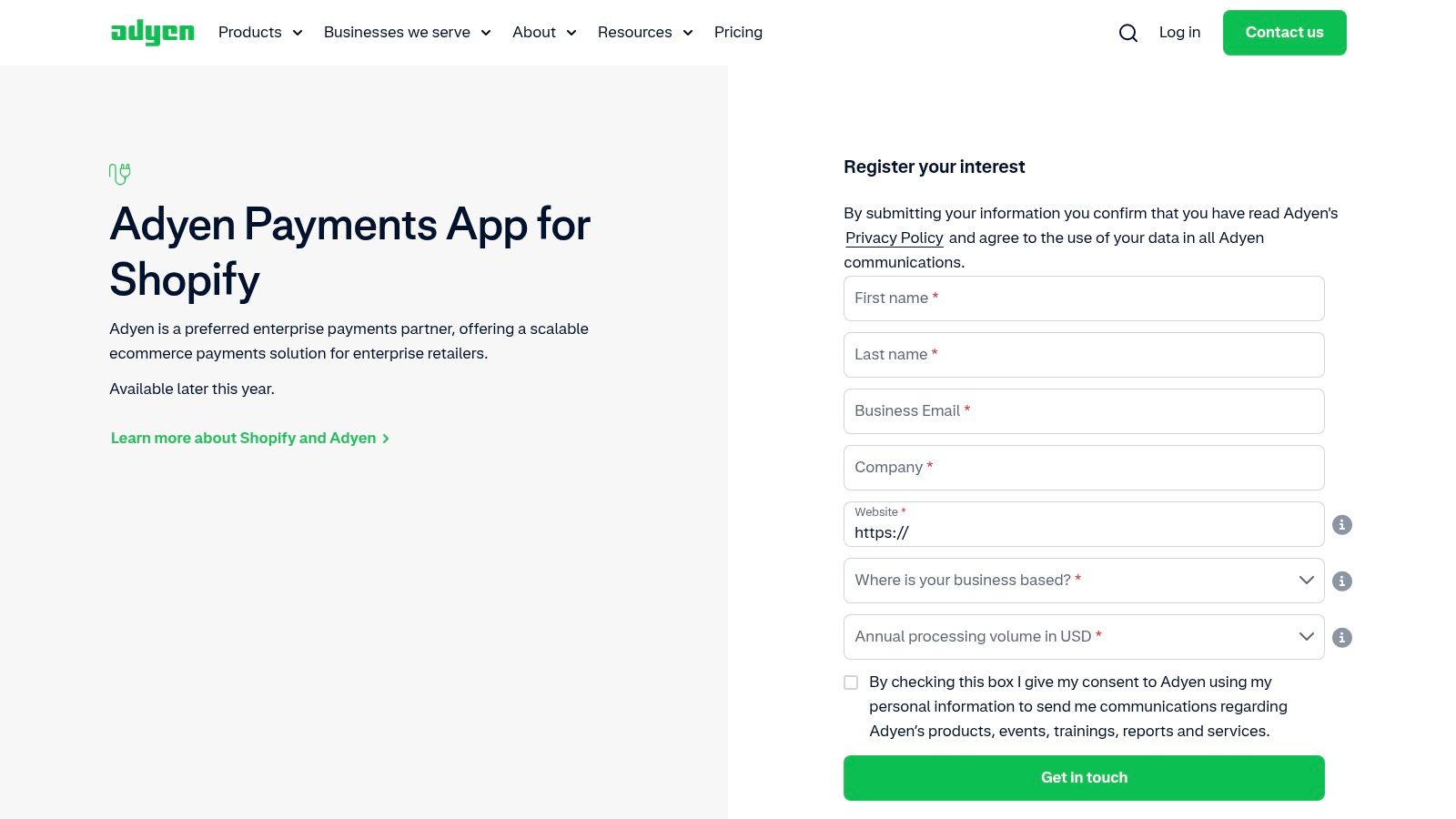
Unlike simpler gateways, Adyen is an all-in-one platform that includes acquiring, processing, and risk management. This consolidation gives merchants access to rich data insights and centralized control over their entire payment stack via the Adyen Customer Area. The integration helps streamline reconciliation and provides a single source of truth for global sales.
Pricing and Transaction Fees
Adyen's pricing is customized based on volume and business needs, but it follows an Interchange++ model. This transparent structure breaks down the cost into three parts: the interchange fee (set by the card network), the scheme fee (also from the card network), and Adyen's processing fee.
Here's a look at the standard processing fee per transaction for major payment methods:
| Payment Method | Adyen Processing Fee |
|---|---|
| Credit/Debit | Interchange++ (Varies) + 12¢ |
| ACH Direct | 13¢ + 27¢ |
| Apple Pay | Interchange++ + 12¢ |
| Google Pay | Interchange++ + 12¢ |
| Cash App Pay | 3% + 30¢ |
Keep in mind that when using Adyen instead of Shopify Payments, Shopify’s third-party transaction fees (0.5% to 2%, depending on your plan) will also apply.
Key Features and Use Cases
Adyen’s Shopify integration supports a wide range of popular and alternative payment methods, including ACH Direct Debit, Apple Pay, Google Pay, and Cash App Pay. Its strength lies in its global acquiring capabilities, which allow businesses to process payments locally in different regions, potentially improving authorization rates and reducing cross-border fees.
The platform is ideal for:
- Shopify Plus merchants managing high transaction volumes.
- Global businesses needing to accept local payment methods in multiple countries.
- Omnichannel retailers looking to unify online and in-store payment data.
- Enterprises that require advanced reporting and risk management tools.
Pros and Cons
Pros:
- Highly Scalable: Built to handle enterprise-level volume and complexity.
- Unified Platform: A single provider for international, online, and in-person payments.
- Rich Data Insights: Centralized reporting in the Adyen Customer Area provides deep analytics.
- Global Acquiring: Helps increase authorization rates and lower costs for international sales.
Cons:
- Complex Setup: Requires a dedicated Adyen merchant account and a more involved setup process.
- Additional Shopify Fees: You must pay Shopify’s third-party transaction fees.
- Limited Payment Methods on Shopify: Not all of Adyen’s extensive list of local payment methods are available through the Shopify app.
Website: https://www.adyen.com/contact/shopify
7. Shopify’s Official Payment Gateway Availability Directory
While not a payment gateway itself, Shopify’s Official Payment Gateway Availability Directory is an indispensable resource for any merchant evaluating their payment options. This official, constantly updated directory lists every third-party payment gateway available for Shopify stores, filterable by country. It’s the ultimate source of truth for verifying which providers you can integrate with your store, making it a critical first step in your research process.
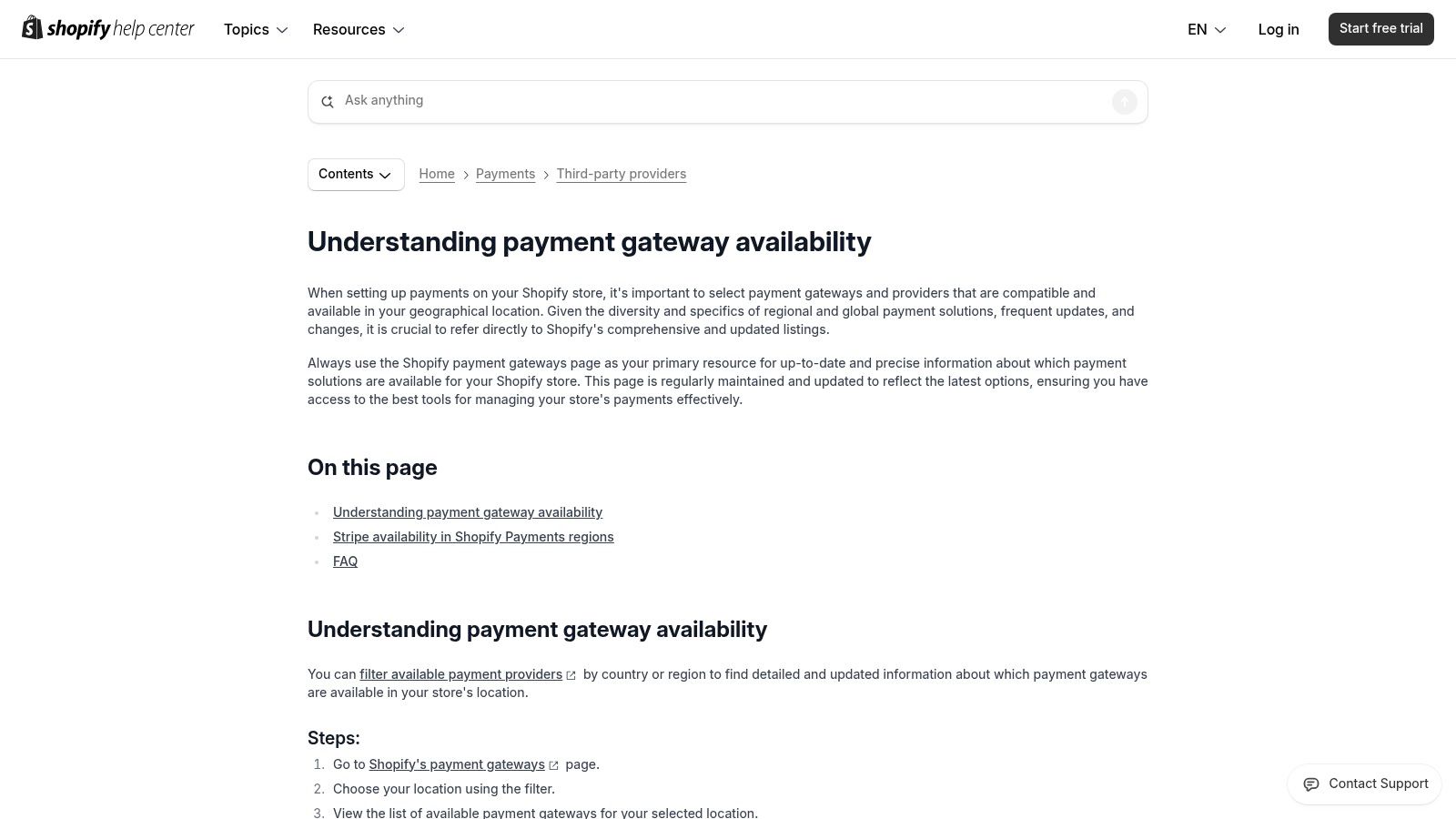
This directory removes guesswork and misinformation by providing direct links to setup documentation and clarifying the eligibility status for each provider. Instead of relying on outdated blog posts or provider sales pages, you get accurate information straight from Shopify. This is especially useful for merchants in countries where Shopify Payments is unavailable or for high-risk businesses looking for specialized providers that can support their industry.
Pricing and Transaction Fees
The directory itself is a free resource provided by Shopify. However, the pricing and fees listed will belong to the individual third-party gateways you discover through it. Remember that when using any of these external providers, Shopify will apply a separate platform transaction fee on top of the gateway's own processing rates.
Here’s a breakdown of the additional Shopify transaction fees when using a third-party gateway:
| Shopify Plan | Additional Transaction Fee |
|---|---|
| Basic Shopify | 2.0% |
| Shopify | 1.0% |
| Advanced | 0.5% |
| Shopify Plus | 0.15% (or custom) |
Choosing the right gateway is a key part of your store's financial health and conversion strategy. For more strategies on enhancing your payment process, explore our complete guide to Shopify checkout optimization on scaleshopify.com.
Key Features and Use Cases
The directory's primary function is to serve as an authoritative, filterable list. It clarifies complex availability rules, such as which regions Stripe can be used in as a third-party option versus where it powers Shopify Payments. Its direct links to setup guides streamline the integration process once you’ve made a decision.
This tool is ideal for:
- International merchants needing to find payment providers that support their specific country.
- High-risk businesses that are prohibited from using Shopify Payments and need to find a suitable alternative.
- Merchants looking for niche features, like specific local payment methods or advanced fraud protection not offered by default.
Pros and Cons
Pros:
- Authoritative Source: The information is maintained by Shopify, ensuring it's accurate and up-to-date.
- Comprehensive Listings: Includes all approved third-party providers for every supported country.
- Free to Use: A no-cost research tool that saves time and prevents integration headaches.
- Simplifies Research: Quickly filter and identify eligible gateways for your store’s location.
Cons:
- It's a Directory, Not a Gateway: You cannot process payments with it; it only provides information.
- Lacks Comparative Data: It doesn't compare the features or pricing of the listed gateways; further research is required.
Website: https://help.shopify.com/en/manual/payments/third-party-providers/payment-gateway-availability
Top 7 Shopify Payment Gateways Comparison
| Payment Solution | Implementation Complexity 🔄 | Resource Requirements ⚡ | Expected Outcomes 📊 | Ideal Use Cases 💡 | Key Advantages ⭐ |
|---|---|---|---|---|---|
| Shopify Payments | Low – fully integrated with Shopify | Minimal – no separate merchant account | Streamlined payouts, centralized dispute handling | U.S.-based Shopify stores needing native integration | No 3rd-party fees, fast setup, supports POS |
| PayPal Wallet (via Shopify Payments) | Low – built into Shopify Payments | Minimal – managed via Shopify admin | Simplified PayPal/Venmo payments and reporting | Merchants wanting PayPal & Venmo within Shopify | Unified admin, trusted wallet increasing conversions |
| Amazon Pay (with Shopify Payments) | Low – one-click activation | Minimal – no separate Seller Central | Faster checkout using Amazon credentials | Merchants targeting Amazon customers | Trusted Amazon checkout, no extra Amazon fees |
| Authorize.net (Visa) – Shopify | Medium – requires separate gateway | Moderate – account setup & integration | Flexible gateway options beyond Shopify Payments | Merchants needing gateway flexibility | Visa-backed, broad acquirer support, 24/7 support |
| Cybersource (Visa) – Shopify App | High – enterprise-level integration | High – configuration and fraud tools | Enhanced fraud detection, global payment coverage | Merchants needing strong fraud protection | Visa Decision Manager, detailed docs, strong security |
| Adyen – Shopify Payments App for Enterprise | High – requires Adyen merchant account | High – setup and multi-region managing | Scalable enterprise payment processing | Large, multi-region or Shopify Plus merchants | Omnichannel, global acquiring, local payment methods |
| Shopify’s Payment Gateway Directory | Very Low – informational only | None | Gateway selection guidance | Merchants researching payment gateway options | Trusted, up-to-date gateway availability info |
Making the Right Choice for Your E-commerce Growth
Navigating the landscape of the best Shopify payment gateways can feel complex, but making an informed decision is a critical step in building a resilient and scalable e-commerce business. As we've explored, the right choice isn't about finding a single "best" option; it's about finding the best fit for your unique operational needs, customer base, and future goals.
The journey begins with a clear understanding of your business model. For the vast majority of new and growing Shopify stores, the path of least resistance is often the most effective. Shopify Payments offers an unparalleled combination of simplicity, competitive rates, and seamless integration right out of the box, eliminating the need for complex third-party setups and additional transaction fees.
Recapping Your Top Options
Let's distill the key takeaways from our deep dive into each gateway:
- Shopify Payments: This is your foundational tool. Its direct integration with your store's analytics, inventory, and payout schedule makes it the default choice for a reason. It simplifies management and provides a frictionless checkout experience for customers.
- PayPal & Amazon Pay: These are not standalone gateways but powerful digital wallets that you can activate alongside Shopify Payments. They act as trust signals and conversion boosters, catering to millions of users who prefer the speed and security of a one-click checkout.
- Authorize.net & Cybersource: These dedicated third-party gateways represent a strategic pivot for established businesses with specific needs. If you require advanced fraud protection, have an existing merchant account with a preferred bank, or operate in a high-risk industry, these solutions provide the necessary control and specialization.
- Adyen: For enterprise-level merchants, particularly those on Shopify Plus, Adyen is the gold standard for global commerce. Its ability to unify online, mobile, and in-person payments into a single platform offers invaluable data insights and operational efficiency for international brands.
A Framework for Your Decision
Choosing the right payment infrastructure isn't a one-time decision. It's an ongoing evaluation that should adapt as your business evolves. To guide your selection process, ask yourself these critical questions:
- What is my current business stage? A startup's need for simplicity and cost-effectiveness (favoring Shopify Payments) is vastly different from a global enterprise's requirement for multi-currency processing and advanced risk management (leaning towards Adyen or Cybersource).
- Who are my customers and where are they located? If you have a significant international audience, offering familiar local payment methods and digital wallets is non-negotiable. Look at your analytics to see where your traffic comes from and choose a gateway that supports those regions.
- What is my risk tolerance? Businesses in industries prone to chargebacks or fraud may find the investment in a gateway like Cybersource, with its robust Visa-backed security tools, pays for itself by preventing lost revenue.
- What are my long-term growth plans? Do you plan to introduce subscriptions, expand into physical retail, or launch in new countries? Anticipating these moves will help you select a gateway that can grow with you, preventing a costly and disruptive migration down the road.
Ultimately, your payment gateway is more than just a tool for processing transactions. It’s a core component of your customer experience and a vital driver of your financial health. A seamless, trustworthy checkout process reduces cart abandonment, builds customer loyalty, and directly impacts your bottom line. Optimizing this part of your business is one of the most powerful levers you can pull. Beyond payment processing, making the right choices for your e-commerce business also involves understanding and implementing effective e-commerce growth strategies to maximize overall success.
Take the time to assess your specific needs, weigh the pros and cons outlined for each solution, and don't hesitate to start simple. You can always add more specialized tools as your brand grows and your requirements become more sophisticated. The goal is to create a payment ecosystem that works silently and effectively in the background, allowing you to focus on what you do best: building your brand and delighting your customers.
Feeling overwhelmed by the technical details of payment gateway integration or need a custom solution? The experts at E-commerce Dev Group specialize in Shopify and Shopify Plus development, ensuring your checkout is secure, optimized, and perfectly tailored to your business needs. Let us help you build a rock-solid technical foundation for your e-commerce growth. Learn more at E-commerce Dev Group.
