


When you're comparing payment gateways for your Shopify store, it really comes down to three heavy hitters: Shopify Payments, PayPal, and Stripe. Think of it this way: Shopify Payments is for seamless simplicity, PayPal is for customer trust, and Stripe is for powerful, deep customization. Your best choice hinges on what you value most—simplicity, conversion rates, or global-ready scalability.
How to Choose Your Shopify Payment Gateway
Picking a payment gateway isn't just a technical step; it's a fundamental business decision. It directly shapes your checkout experience, your operating costs, and even your customer's trust in your brand. There’s no single "best" gateway for everyone. The goal is to find the one that fits your business model, customer base, and future plans like a glove.
The move to online payments is massive and only getting bigger. The global payment gateway market hit USD 26.0 billion in 2022 and is expected to soar to USD 161.0 billion by 2032. This isn't just a statistic—it's a sign that getting your payment process right is more critical than ever.
The Main Contenders at a Glance
For most Shopify store owners, the choice narrows down to these three key players. Each one brings something different to the table, and knowing their core strengths is the first step to making a smart decision.
- Shopify Payments: This is Shopify's built-in solution. Its biggest selling point is that it gets rid of the extra transaction fees Shopify charges for using third-party gateways. It’s all managed right from your Shopify dashboard.
- PayPal: Everyone knows PayPal. Offering it as an option can seriously boost conversions because customers trust the name and love the convenience of its express checkout.
- Stripe: While Stripe is the engine behind Shopify Payments, you can also use it directly. This opens up a world of advanced features, making it a go-to for businesses that need deep customization or operate internationally.
A smart strategy many successful stores use is to combine gateways. You can use Shopify Payments for standard credit card processing and still offer PayPal as a trusted alternative. If you're curious about this approach, our guide explains how to add multiple payment methods in Shopify.
You can see just how integrated Shopify Payments is in the screenshot below. Everything is right where you expect it to be.
Having your orders and payouts in one place isn't just convenient—it saves a ton of time you'd otherwise spend jumping between different accounts.
Key Decision-Making Criteria
To really break this down, let's look at how each gateway stacks up across the most important factors for any e-commerce business.
| Criteria | Shopify Payments | PayPal | Direct Stripe |
|---|---|---|---|
| Primary Advantage | Seamless Integration & No Extra Shopify Fees | High Customer Trust & Brand Recognition | Unmatched Customization & Global Tools |
| Best For | Most new and domestic-focused stores | Maximizing conversions with a trusted option | International sales & subscription models |
| User Experience | On-site, unified checkout | Redirects to PayPal for completion | Fully customizable on-site checkout |
Shopify Payments: The Built-In Advantage
When you're comparing payment gateways for your Shopify store, it’s impossible to ignore Shopify Payments. It’s the platform’s own, native solution, and that’s its biggest strength. Forget juggling a separate provider and a third-party account; everything happens right inside your Shopify dashboard.
This isn’t just about neatness. It means your orders, customer info, and payouts are all in one place. You handle refunds and fight chargebacks in the same admin where you’re running marketing campaigns and adding new products. It’s a huge time-saver that cuts out the headache of switching between systems and trying to match up data.
Why Going Native Can Save You Serious Money
For most merchants, the number one reason to stick with Shopify Payments comes down to the fees. Shopify has a clever way of encouraging you to use it: they completely waive their own platform transaction fees if you do. These fees usually run between 0.5% and 2.0% on every single sale if you use an outside gateway.
By turning on Shopify Payments, that extra fee just vanishes. You’ll only pay the standard credit card processing rates, which get cheaper as you move up through Shopify’s plans. A business on "Basic Shopify" pays one rate, while a "Shopify Plus" merchant gets a better one. It’s a structure that rewards you for growing—as you scale, your margins improve.
Key Insight: Dropping Shopify's extra transaction fee is a massive financial win. If your store does $50,000 in sales a month, avoiding a 1% third-party fee means you're keeping an extra $500 every single month. That’s $6,000 a year straight to your profit.
Simple Setup and Smart Security
Getting started with Shopify Payments couldn't be easier. You activate it with a few clicks from your settings page, pop in some basic details about your business, and you're good to go. There’s no messing with complex APIs or hiring a developer. It's truly plug-and-play, which is perfect for new store owners.
It also comes with robust, built-in fraud analysis right out of the box. The system automatically flags orders that look fishy—maybe the billing and shipping addresses don’t match, or the order size is unusual. It gives you a simple high, medium, or low-risk rating, so you can pause and investigate before you ship the product and get hit with a chargeback.
Knowing the Boundaries and Support Structure
But let's be clear: Shopify Payments isn't for everyone. The biggest hurdle is its geographic availability; it only works in a select list of countries. If your business is based anywhere else, you can't use it. It's as simple as that.
Shopify also has a list of prohibited products and services. If you're in what they consider a high-risk industry—think certain types of supplements or some digital goods—you might find your business isn't eligible. It's crucial to check their policies first. For larger businesses, it’s also smart to understand how support differs, which is why we break down Shopify Plus support versus standard support in detail.
Even with these limitations, for a typical e-commerce store in a supported country, Shopify Payments is often the most practical and financially sound choice on the table.
Taking a Look at PayPal as a Trusted Checkout Option
PayPal isn't just another payment processor; it's a household name. That familiar blue button at checkout is a powerful symbol of trust for online shoppers. For a customer who’s on the fence or doesn't know your brand yet, seeing the PayPal option can be the very thing that convinces them to complete their purchase. For this reason alone, it's a smart addition to almost any Shopify store.

Now, let's talk about cost. PayPal’s pricing works differently than the straightforward tiers you see with Shopify Payments. For most online sales in the US, you’re looking at a standard rate of 3.49% + $0.49 per transaction. That's quite a bit higher than the starting rate for Shopify Payments, so using it as your only payment processor would get expensive fast.
This is why most Shopify merchants don't use it that way. Instead, they offer PayPal as a secondary, express checkout method right alongside Shopify Payments. The beauty of this setup is that you don't get hit with Shopify's extra third-party transaction fees on those PayPal sales. The decision then becomes about balancing PayPal's higher per-transaction cost against the potential boost in conversions it can bring.
The User Experience: Convenience vs. Redirects
The real magic of PayPal is its frictionless 'Express Checkout'. Customers who already have a PayPal account can skip the entire process of typing in their shipping and billing details. A quick login, a confirmation click, and the purchase is done.
This is a game-changer for mobile shoppers, who are notoriously quick to abandon carts when faced with tiny forms on small screens. If you're selling to a wide audience, that convenience can make a huge difference to your bottom line.
Real-World Impact: By offering a familiar and fast checkout option, PayPal directly addresses customer trust issues. With over 360 million active users worldwide, many of your customers will already have an account, making the path to purchase incredibly short and secure.
The main trade-off? The off-site redirect. When a customer picks PayPal, they're temporarily bounced from your store over to PayPal's website to log in. After they approve the payment, they’re sent back to your confirmation page. While this is a standard and secure flow, any time a shopper leaves your branded site, you introduce a small risk that they might get distracted and not complete the purchase.
Breaking Down the Fees and Seller Protections
When you put the standard domestic online transaction fees side-by-side, the cost difference is pretty clear.
| Gateway | Per-Transaction Fee (USA) |
|---|---|
| Shopify Payments (Basic Plan) | 2.9% + 30¢ |
| PayPal Commerce Platform | 3.49% + 49¢ |
It's obvious that for pure credit card processing, Shopify Payments has the edge on price. PayPal also has a more layered fee structure for other things. For instance, international sales come with an extra 1.5% cross-border fee, and chargebacks will set you back $20, which is a bit more than Shopify's $15 fee.
On the flip side, PayPal is famous for its robust Buyer and Seller Protection policies. For sellers, this program can be a lifesaver, offering a shield against bogus claims and fraudulent chargebacks, as long as you play by their rules and provide proof of shipment. This can be especially comforting if you're selling high-ticket items.
However, a common gripe you'll hear from merchants is PayPal's tendency to freeze or hold funds if its system detects anything unusual. While this is done for security, it can cause serious cash flow headaches if it isn't sorted out quickly. Ultimately, PayPal is a fantastic tool for boosting conversions, but it's one you need to manage carefully as a Shopify merchant.
Using Stripe for Advanced Customization and Global Reach
Even though Stripe is the engine humming quietly behind Shopify Payments, choosing to integrate it directly opens up a whole new world of control and international capability. This route isn't for every merchant—you'll have to factor in Shopify's third-party transaction fees—but for certain business models, it's a strategic move that pays for itself.
Opting for a direct Stripe integration is a conscious decision for store owners who need advanced features that go beyond the native simplicity of Shopify Payments. It's all about trading convenience for power.
Unlocking Sophisticated Subscription Tools
One of the biggest reasons to go directly with Stripe is its legendary suite for managing recurring revenue, Stripe Billing. While you can find basic subscription apps that work just fine with Shopify Payments, Stripe Billing is in a different league. It lets you get incredibly granular with your recurring payments.
You can build out complex, tiered pricing models, implement usage-based billing, handle prorated upgrades or downgrades, and manage trial periods with sophisticated rules. For a SaaS business or a subscription box company with complex billing needs, these tools aren't just nice to have; they're essential. They give you the flexibility to create a revenue model that can grow and adapt with your business.
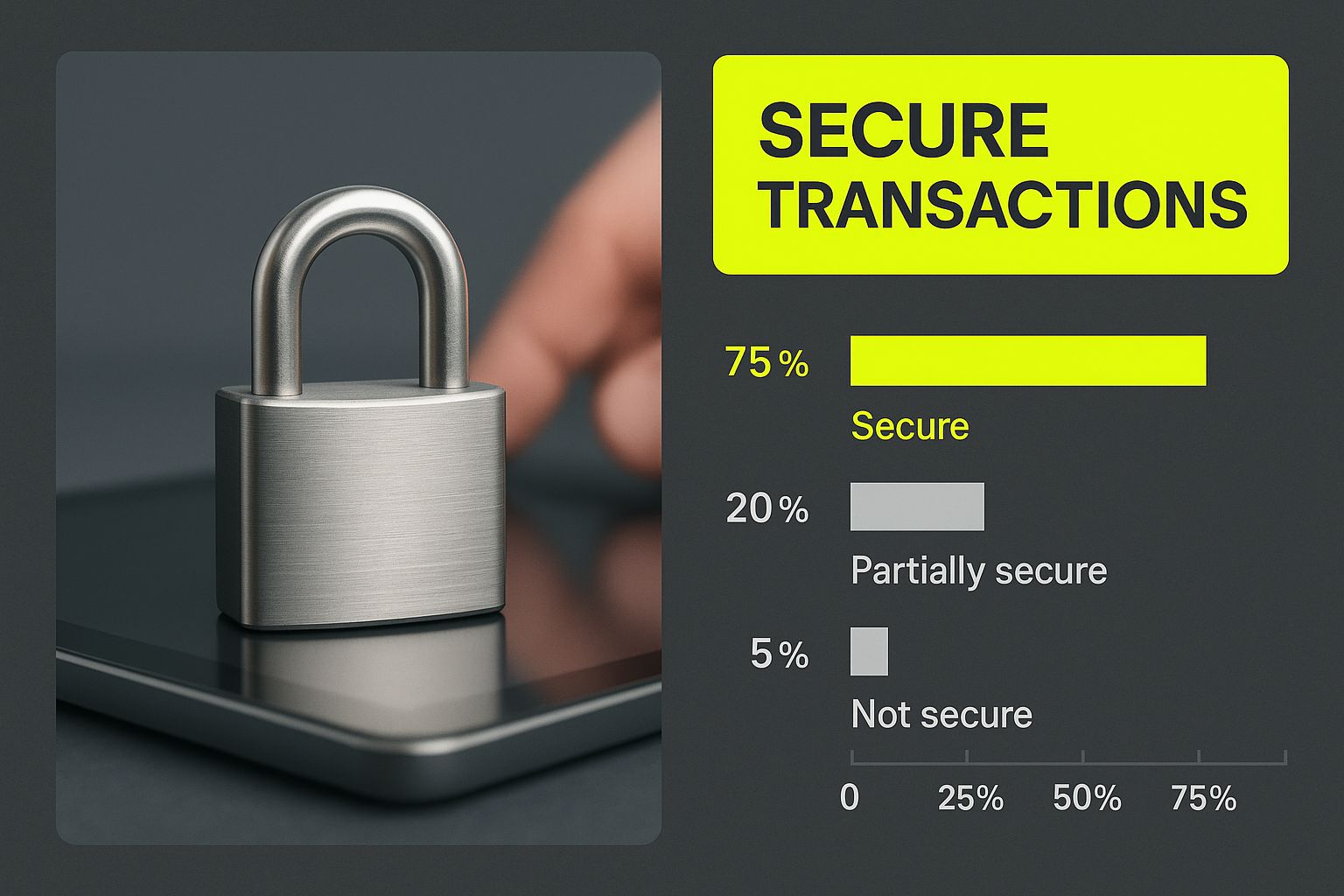
As this image suggests, secure and flexible payment options are the bedrock of a successful online store, especially for those managing long-term customer relationships. The boom in subscription models is a huge driver of innovation in the payment gateway market, which is projected to grow from USD 26.7 billion in 2024 to USD 48.4 billion by 2029. This trend puts pressure on payment providers to offer best-in-class subscription tools, which is exactly where Stripe shines. You can explore more data on this expanding market to see how these trends are shaping e-commerce.
Excelling in Global Commerce
Stripe's other main advantage is its incredible global reach. It supports processing payments in over 135 currencies and offers a wide array of local payment methods that are critical in certain regions, like iDEAL in the Netherlands or Giropay in Germany.
Letting customers pay in their own currency with a method they trust is a proven way to boost international conversion rates. While Shopify Payments does support multiple currencies, a direct Stripe integration gives you much broader coverage and more options. For any merchant serious about expanding globally, this makes Stripe the clear winner in any long-term payment strategy.
Key Takeaway: Choose a direct Stripe integration when your business model relies on complex recurring billing, requires deep API customization for a unique checkout flow, or has a strong focus on capturing international sales with localized payment methods.
Shopify Payments vs Direct Stripe Integration Feature Comparison
So, how do the two options stack up side-by-side? This table breaks down the crucial differences between using Stripe's power through Shopify's native solution versus integrating it directly yourself. It should help clarify which path makes the most sense for your specific needs.
| Feature | Shopify Payments (Powered by Stripe) | Direct Stripe Integration |
|---|---|---|
| Transaction Fees | Standard processing fees; no extra Shopify fee. | Standard processing fees plus Shopify's third-party fee (0.5% – 2.0%). |
| Setup & Management | Simple, one-click activation within Shopify admin. | Requires more technical setup and management via the Stripe dashboard. |
| Subscription Billing | Relies on third-party Shopify apps for basic subscriptions. | Access to Stripe Billing for advanced, usage-based, and metered billing. |
| Checkout Customization | Limited to Shopify's checkout theme capabilities. | Full control via Stripe's API to build a completely custom experience. |
| International Payments | Good multi-currency support. | Extensive support for 135+ currencies and more local payment methods. |
| Data & Reporting | Unified reporting within the Shopify dashboard. | Advanced, granular reporting and data access through the Stripe dashboard. |
At the end of the day, the choice comes down to a simple trade-off. Shopify Payments delivers unmatched convenience and integrated costs that work perfectly for most stores. But for businesses with more specialized needs, the extra expense and effort of a direct Stripe integration is a smart investment for the power and flexibility you get in return.
A Practical Breakdown of Gateway Fees and Costs

When you're comparing payment gateways, the advertised percentages are only half the story. The real cost doesn't become clear until you plug those fees into your actual sales numbers. What looks like a tiny difference can quietly siphon thousands of dollars from your profits over a year.
Let’s run the numbers for three common business stages to see exactly how this plays out. This will give you a much better feel for your real-world monthly costs and how they change as your revenue climbs.
Scenario 1: The Startup Store at $5,000 Per Month
At this point in your journey, every single dollar matters. We'll assume you're on the "Basic Shopify" plan, processing 100 orders with an average value of $50.
- Shopify Payments: With a rate of 2.9% + $0.30 per transaction, your total cost comes out to $175.
- PayPal: Their standard fee is 3.49% + $0.49 per transaction. That brings your total to $223.50.
- Direct Stripe: This is where it gets tricky. You pay Stripe’s fee (2.9% + $0.30) plus Shopify’s 2.0% third-party transaction fee. Your total cost hits $275, making it the priciest option by far.
Right out of the gate, Shopify Payments offers significant savings. That $48.50 difference between it and PayPal is cash you could be putting straight back into your marketing budget.
Scenario 2: The Growing Store at $50,000 Per Month
As you scale up, you'll likely jump to the "Shopify" plan. This is great because your Shopify Payments rate drops to 2.6% + $0.30. Let's say you're now doing 500 orders with a $100 average value.
| Gateway Option | Fee Structure | Estimated Monthly Cost |
|---|---|---|
| Shopify Payments | 2.6% + $0.30 per transaction | $1,450 |
| PayPal | 3.49% + $0.49 per transaction | $1,990 |
| Direct Stripe | 2.9% + $0.30 (Stripe) + 1.0% (Shopify) | $2,100 |
The cost gap gets much wider at this level. Sticking with Shopify Payments saves you a cool $540 every month compared to PayPal.
Scenario 3: The Established Brand at $250,000 Per Month
Once you're an established brand on the "Advanced Shopify" plan, your Shopify Payments rate is even better at 2.4% + $0.30. The third-party fee also shrinks to just 0.5%. Let’s calculate this based on 1,250 orders with a $200 average.
Key Insight: At this scale, even a fraction of a percentage point translates into a huge amount of money. Your gateway choice is no longer just an operational detail—it's a critical financial decision that directly impacts your bottom line and your ability to keep growing.
- Shopify Payments: Your total cost is $6,375.
- PayPal: You’d be paying $9,337.50.
- Direct Stripe: The combined fee (2.9% + 0.5%) results in a total cost of $8,875.
This is a massive industry. The payment processing market was valued at USD 144.12 billion in 2024 and is on track to hit USD 914.91 billion by 2034. This explosive growth fuels intense competition, pushing providers to offer better rates for businesses of all sizes. That’s why it’s so vital to run these numbers for your own store.
You can discover more about payment processing market trends to see how things are evolving. But as this practical breakdown shows, for most domestic sellers, Shopify Payments is almost always the most financially sound choice, no matter what stage you're at.
Making the Final Decision for Your Business
After comparing all the options, you've probably realized there's no single "best" payment gateway. The right choice really comes down to what's best for your business, right now. Your sales volume, where your customers are, and your long-term goals all play a huge role.
For most Shopify stores just starting out or primarily selling to customers in their own country, Shopify Payments is a no-brainer. It's built right in, so you skip the extra transaction fees Shopify charges for using anything else. Plus, managing everything from one dashboard keeps things simple. It’s hands-down the fastest way to get up and running.
Combining Gateways for Maximum Impact
As your store grows, you don't have to stick with just one option. A popular and very effective strategy is to use Shopify Payments for your main credit card processing while adding PayPal as an express checkout button. This gives you the best of both worlds.
This dual setup works because it caters to different buying habits. You get the streamlined, low-cost processing of Shopify Payments for customers who enter their card details, plus the familiar, trusted PayPal button that can seriously boost conversions—especially for mobile shoppers who want to check out fast.
When to Choose a Direct Integration
So, when does it make sense to look beyond Shopify Payments and integrate Stripe directly? This move is usually for stores with very specific, advanced needs. If you're expanding globally, Stripe’s ability to handle over 135 currencies and countless local payment methods is a game-changer. The same goes for businesses with complex subscription models; Stripe's native billing tools offer a level of control you just can't get through Shopify's app ecosystem.
Yes, you'll have to pay Shopify's third-party transaction fees if you go this route, but for many scaling businesses, the access to global markets and deep customization is well worth the cost. It’s a strategic trade-off for stores ready to operate on a bigger stage.
Ultimately, picking your payment setup is a big decision. Before you lock anything in, I highly recommend you learn how to test Shopify payment gateways on a test site. This lets you see firsthand how everything works, ensuring your choice fits your business today and supports where you want to go tomorrow.
Got Questions About Shopify Payments? We've Got Answers
Even after comparing all the top payment gateways, you probably still have a few lingering questions. That's completely normal. Getting into the nitty-gritty of fees, switching providers, and dealing with disputes is where the rubber meets the road. Let's tackle some of the most common questions Shopify merchants have.
Think of this as the practical, real-world side of choosing a payment processor—moving beyond features to the day-to-day situations you'll actually encounter.
Can I Use More Than One Payment Gateway on My Shopify Store?
Absolutely. In fact, it's often a smart move. A common strategy is to use Shopify Payments as your main processor for credit and debit cards, but also turn on PayPal for its express checkout. This gives your customers options, which is always a good thing for conversions, especially when you consider over 360 million people have a PayPal account.
You can even add others like Amazon Pay or Klarna. Just be aware of one key detail: if you use a third-party gateway for credit card processing instead of Shopify Payments, Shopify will tack on an extra platform transaction fee for every sale made through that gateway.
What Do I Need to Know Before I Switch Payment Gateways?
Switching your primary gateway is easy to do in the Shopify admin, but the fallout can be significant if you're not prepared. Your transaction history won't carry over, and more importantly, neither will your customers' stored payment information. For any business relying on subscriptions, this is a huge deal.
A Word of Warning: If you have active subscribers, you'll need a solid migration plan. You can't just move their data over. This means asking customers to re-enter their payment details, and if you don't communicate this clearly, you risk losing them. Always schedule a switch during a slow period to minimize the chaos.
How Are Chargebacks Handled by Different Gateways?
A chargeback always starts with the customer's bank, but how you fight it depends entirely on your gateway. With Shopify Payments, everything happens right inside your Shopify admin. You submit your evidence there, and if you win the dispute, they refund the chargeback fee (usually about $15).
PayPal, on the other hand, makes you use its own Resolution Center, which has its own rules for timelines and what evidence you need to provide. No matter which gateway you use, the secret to winning is acting fast and providing solid proof, like shipping confirmations. This is one area where Shopify’s built-in fraud analysis really shines, helping you spot risky orders before they ever turn into a chargeback.
Figuring out payment gateways can feel overwhelming, but you don't have to tackle it by yourself. The team at E-commerce Dev Group lives and breathes this stuff. We help Shopify stores optimize for growth, from basic setup to complex customizations. Reach out to us today, and let's make sure your payment strategy is built to help you win.
