


So, you're thinking about moving from BigCommerce to Shopify? It’s a common move, and for good reason. Merchants often make the switch because they’re looking for a platform that can keep up with their growth, offers a more user-friendly experience, and opens the door to a massive ecosystem of tools.
Why Make The Move From BigCommerce To Shopify

Changing your e-commerce platform is a huge decision. It's not just a technical task; it's a strategic pivot for your business. For many brands, the core reason comes down to future-proofing their operations.
BigCommerce is a solid platform, no doubt. But I've seen growing brands hit a wall when they need more advanced customization, specialized marketing tools, or the agility to jump on new market trends.
Shopify is built differently—it's designed for modular growth. Its real strength isn't just the core platform itself, but the incredible ecosystem built around it.
The Power Of A Superior App Ecosystem
Picture this: you need a very specific feature for your new loyalty program or an integration with a niche inventory system. On Shopify, with its App Store of over 8,000 apps, there’s almost always a ready-made solution you can plug in and use today.
This is a stark contrast to the BigCommerce marketplace, which is much smaller. You often end up needing custom development for functionality that you could get with a simple app on Shopify.
This difference gives you a real competitive edge:
- Innovate Faster: You can add new features and test ideas on the fly without waiting weeks for a developer.
- Lower Your Costs: An app subscription is almost always cheaper than paying a developer for a custom-coded solution.
- Work Smarter: Automate everything from your email campaigns to complex shipping rules, freeing up your team to focus on what matters—growth.
Scalability Without The Technical Headaches
As your business takes off, the demands on your platform skyrocket. The last thing you want is your site crashing during a Black Friday flash sale. Shopify’s infrastructure is built to handle that kind of pressure, supporting everyone from small startups to massive brands processing thousands of orders a minute.
The real draw of moving to Shopify is the operational advantage. You offload the technical burden. Shopify handles the hosting, security, and updates, so you can pour all your energy into selling and marketing.
This hands-off approach is a game-changer. I’ve noticed a lot of businesses moving from BigCommerce to Shopify in 2025 specifically for better scalability and mobile optimization. Shopify's infrastructure supports that growth without the technical roadblocks, and every theme is mobile-responsive out of the box—a must-have in today's market.
To see how the two platforms stack up in more detail, take a look at our complete e-commerce platform comparison.
When it comes down to it, moving from BigCommerce to Shopify is about choosing a platform that not only works for you now but also gives you a clear and flexible path to grow into the future.
Planning Your Migration: A Strategic Checklist
I can't stress this enough: a successful migration is 90% planning. I've seen too many businesses jump straight into the technical side of things, only to end up with lost data, broken links, and absolute chaos after launch. Rushing is the number one mistake.
Think of it like building a house. You wouldn't just start laying bricks without an architectural plan, right? The same logic applies here. You need a detailed roadmap to make sure every single part of your business—from your product catalog to your hard-earned SEO authority—makes it over to Shopify intact.
Secure Your Assets First
Before you do anything else, and I mean anything, back up your entire BigCommerce store. This is your safety net, and it’s non-negotiable. If something goes sideways during the export, this backup is the only thing that will let you hit the reset button without losing critical data.
Your backup needs to be comprehensive. Make sure you have everything:
- Product Data: All your SKUs, descriptions, images, variants, and any custom fields you’ve set up.
- Customer Information: Names, contact details, shipping addresses, and full purchase histories.
- Order History: A complete record of every transaction. You'll need this for reference and reporting.
- Content and Media: Every blog post, "About Us" page, and image file on your site.
Once you know your data is safe, it’s time for an SEO audit. This is where you map every single URL on your current BigCommerce site. You’ll use this map to create 301 redirects later, which is how you tell Google where your old pages have moved. Skipping this step is a fast track to tanking your search rankings, and it's a painful, slow climb back up.
A migration is the perfect chance to do some spring cleaning. Use this audit to find and fix old SEO issues, get rid of outdated content, and rethink your site structure before you move it to Shopify.
Inventory Your Tech Stack and Data
Next, let's look at what makes your store tick. You need to make a complete list of every app and third-party integration you're currently using on BigCommerce. I’m talking about everything—your email marketing platform, review apps, loyalty programs, shipping calculators, and accounting software.
For each app on your list, you need to find its Shopify equivalent. The Shopify App Store is huge, and you’ll often find even better, more modern tools than what you were using before. This isn't just about finding replacements; it helps you budget for new subscription costs and plan out the setup time. To really get this right, a solid grasp of web development project planning is key to building a checklist that actually works.
Finally, it’s time to get your hands dirty with your data. Get all your product information organized into clean, standardized spreadsheets, especially if you’re planning a manual CSV import. This is often the most tedious part, but it's crucial. Hunt down inconsistent SKUs, fix formatting errors in your descriptions, and track down any missing image files. Clean data makes for a smooth import, preventing the kind of frustrating errors that can bring your entire migration to a halt.
For a more granular, step-by-step guide, our complete Shopify migration checklist will walk you through every detail.
Getting Your Data From BigCommerce to Shopify
Alright, this is where things get serious. Moving your data—all your products, customer info, and order history—is hands-down the most technical part of migrating to Shopify. It's the engine room of the whole project.
If you nail this part, your launch will be smooth. If you don't, you're looking at a heap of problems, from lost customer data to broken product pages. It’s a mess you really want to avoid.
You essentially have three ways to tackle this, and the best path for you depends on your store's size, your budget, and how hands-on you want to be.
The image below breaks down the key stages of this process, from pulling your data out of BigCommerce to getting it settled into its new home on Shopify.
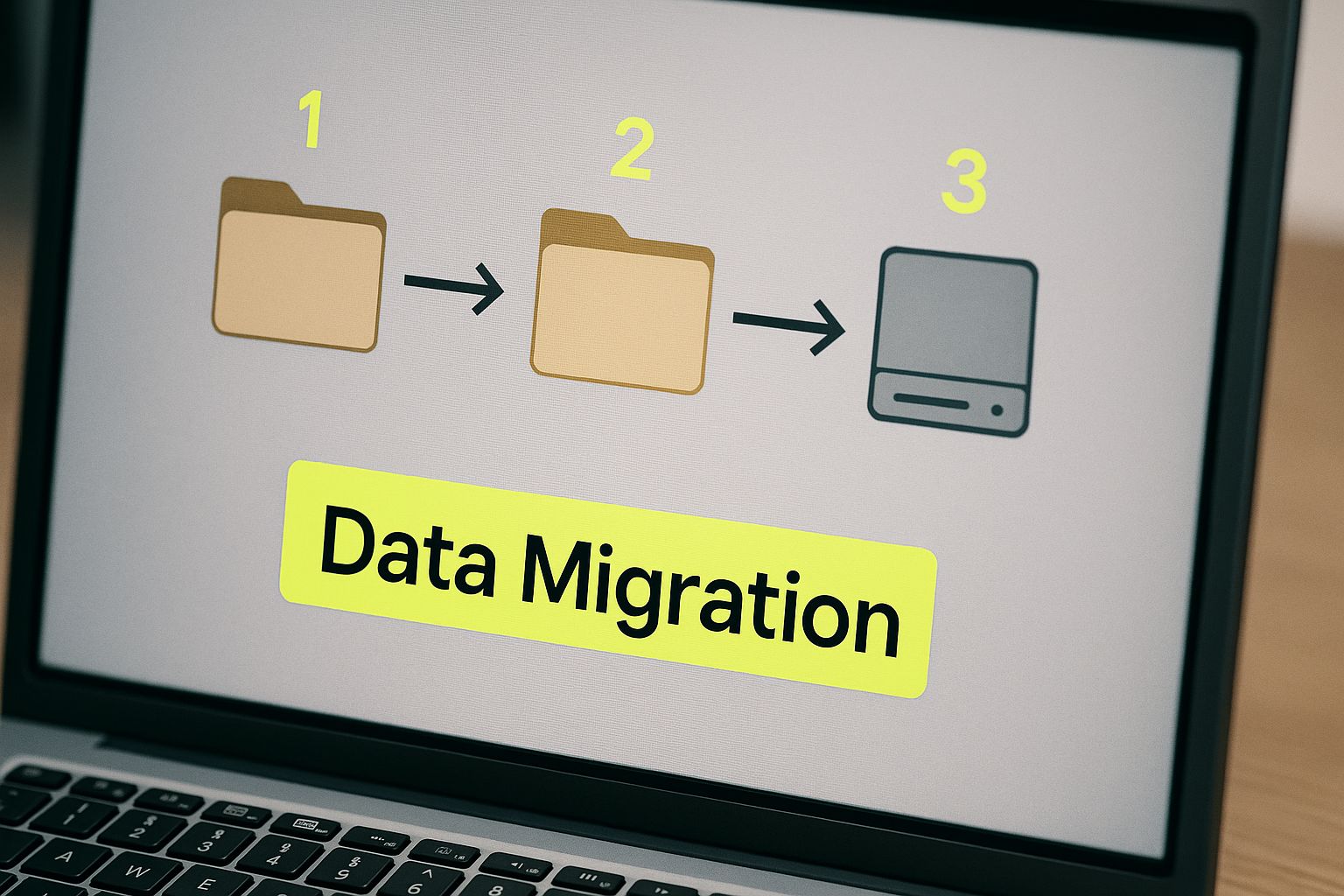
As you can see, every step requires careful attention to make sure nothing gets lost or jumbled along the way.
Option 1: Use a Dedicated Migration App
For most merchants, this is the way to go. Using a specialized app like LitExtension or Cart2Cart is the perfect middle ground. These tools are built for one purpose: moving e-commerce stores from one platform to another.
They do the heavy lifting for you, automating the export from BigCommerce and correctly formatting it for Shopify. It's a massive time-saver and drastically cuts down the risk of human error, especially with tricky data like product variants and customer passwords.
But don't assume it's a "set it and forget it" solution. I've seen a few common snags pop up:
- Custom Fields: If you used a lot of custom fields on your BigCommerce products, they probably won't have a perfect 1-to-1 match in Shopify and will need some manual mapping.
- Gift Cards: Balances on gift cards or store credit almost never transfer automatically. You’ll need a separate plan for handling those.
- Order Statuses: Your unique order statuses in BigCommerce (e.g., "Awaiting Personalization") won't map cleanly to Shopify's standard set.
My biggest piece of advice: Always, always run the free demo migration first. Nearly every migration app offers one. This lets you move a small chunk of your data to see exactly how it looks on Shopify. It’s the single best way to catch problems before you commit to the full transfer.
Option 2: The Manual CSV Method
If your store is small and simple—I’m talking under 100 products with basic options—you can definitely tackle this yourself with CSV files. It's the most budget-friendly route, but it requires patience.
The process involves exporting your data from BigCommerce into spreadsheets and then reformatting them to match Shopify's specific CSV template. This is where people get tripped up. The column headers have to be exact.
You’ll spend a fair bit of time in Excel or Google Sheets, meticulously copying and pasting data into the right columns. One wrong comma or a misspelled header can make the entire import fail, forcing you to hunt down the error. Our guide on Shopify data migration walks through the nitty-gritty of getting those CSVs just right.
Option 3: Hire a Shopify Expert
Is your store large and complex? Do you have years of order history, thousands of customers, and tons of custom-coded features? If so, this is not the time to DIY. Hiring a certified Shopify Expert or a migration agency is your safest bet.
Yes, it’s the most expensive option, but you're paying for expertise and peace of mind. A seasoned pro has seen it all. They'll write custom scripts to move unique data, navigate API limits, and guarantee the integrity of your information. They know the pitfalls before they even happen.
Think of it this way: you're not just moving data; you're entrusting an expert to rebuild the digital foundation of your business, piece by piece, without dropping anything. For a high-stakes migration, that's an investment worth making.
Rebuilding Your Storefront: Themes, Apps, and Customizations

Alright, your data has safely landed in its new home on Shopify. Now for the fun part: rebuilding everything your customers will actually see and touch. None of your BigCommerce theme, apps, or custom code will carry over, which might sound daunting, but I see it as a golden opportunity. This is your chance to build a better, faster, and more effective version of your old store.
Think of it like moving houses. You’ve hauled all the boxes inside (that’s your data), but now you need to paint the walls, arrange the furniture, and set up the kitchen to make it feel like home. This is the stage where your Shopify store truly comes alive.
Choosing Your New Shopify Theme
The theme is the skeleton of your new store. It’s tempting to hunt for something that looks just like your old BigCommerce site, but I’d advise against that. Instead, let's focus on what really matters: performance and the customer experience.
A theme is so much more than just a pretty face; it dictates how people navigate your site, find products, and ultimately, check out. Your top priorities should be speed and mobile design. With well over 50% of e-commerce traffic now coming from phones, a clunky mobile experience is a non-starter. You're just throwing sales away.
Here’s what I look for when vetting a theme:
- Raw Performance: Don't just take their word for it. Look for themes marketed as "performance-optimized," then grab the URL from their live demo and run it through Google's PageSpeed Insights. Real-world data doesn't lie.
- A True Mobile-First Design: Pull up the demo on your own phone. Is it easy to get around? Does the checkout feel natural and quick? If you struggle, your customers will too.
- Smart, Built-in Features: Check if the theme includes functionality you were using apps for on BigCommerce, like a mega menu, color swatches, or a product quick-view. Tapping into native theme features means fewer apps, which usually translates to a faster site.
Don't get stuck in analysis paralysis here. Find a well-reviewed, fast theme that fits your brand’s general vibe. You can tweak the fonts and colors later. Nailing the core structure is what’s most important right now.
Replacing Your Apps and Integrations
Now, let's talk functionality. Remember that list of BigCommerce apps you made back in the planning phase? It's time to pull it out. Your job is to go down that list and find the Shopify equivalent for each one. The good news is the Shopify App Store is massive, with over 8,000 options to choose from.
It usually breaks down like this:
- Email Marketing: If you were on Mailchimp, you'll install the Mailchimp app for Shopify. Same story for Klaviyo, Omnisend, and other major players.
- Product Reviews: Apps like Yotpo, Loox, or Judge.me have fantastic Shopify integrations, often with more robust features than you had before.
- Loyalty Programs: You can easily find the Shopify app for Smile.io or LoyaltyLion, or maybe you'll discover a new program that’s a better fit for your store.
This part of the migration can feel like a grind, but it's absolutely crucial. Dig into the app reviews, check their support reputation, and understand the pricing structure. This is also the part of the project that can really stretch your timeline. I’ve seen data from enterprise migrations where a straightforward store takes 16–20 weeks, but one with complex integrations can easily balloon to 39 weeks. It just goes to show how vital this app-planning stage is. You can learn more about enterprise migration timelines if you're dealing with a large-scale project.
Recreating Custom Functionality
What about those special, custom-coded features you had on BigCommerce? Maybe you had a one-of-a-kind product builder or a slick wholesale portal.
Before you jump to hiring a developer to rebuild it all from scratch, do a thorough search of the Shopify App Store. The ecosystem is so mature that many features requiring custom code on BigCommerce are available as a ready-to-go app on Shopify. You might save yourself a lot of time and money.
If you come up empty, then it's time to bring in a Shopify developer. This is where having that detailed brief you prepared earlier becomes essential. A clear set of requirements is the only way to get an accurate quote and a realistic timeline for the custom work ahead.
Testing and Launching Your New Shopify Store
You've moved the data and rebuilt the theme—the finish line is so close. But honestly, this next part is where a launch succeeds or fails. Sloppy testing can tank your revenue and break customer trust right out of the gate, so don't rush it. This is where meticulous, eagle-eyed review makes all the difference.
For now, think of your new Shopify store as a private development site. It’s technically live, but it's password-protected and hidden from Google. Your mission? Try to break everything. Seriously. Walk through the entire customer journey, from the very first click on your homepage all the way to getting that final "Your order is confirmed!" email.
The Pre-Launch Quality Assurance Checklist
Don't just poke around randomly. A systematic approach is key. I always recommend creating a detailed checklist and having at least two other people go through it. A fresh pair of eyes will always catch something you've been staring at for hours.
Here’s what that checklist should cover:
- Place a bunch of test orders. I'm not kidding—don't just do one. Use every payment method you offer, especially Shopify Payments and any third-party gateways like PayPal. See what happens when you apply a discount code. Go through the entire checkout process on your phone, then do it again on a desktop.
- Click every single link. Go through your main navigation, your footer, and every button on your key pages. Fill out your contact forms and sign up for your own newsletter. Do the submissions go where they're supposed to?
- Scrutinize your product pages. Do all the images load quickly? Can you switch between product variants without a hitch? Does the "Add to Cart" button actually work as expected?
- Check your app integrations. Make sure every app you installed is doing its job. Do your product reviews actually appear? When someone signs up for your newsletter, does the lead get passed to your email marketing app correctly?
Pro Tip: Your 301 redirects are your SEO lifeline. Don't just assume they work. Use a redirect checker tool to test a sample of your most critical URLs—your homepage, top-selling product pages, and major collection pages—to make absolutely sure they land on the correct new pages on Shopify.
Going Live: A Smooth Transition
Once you've tested, re-tested, and feel confident that everything is rock-solid, it's finally time to flip the switch. This just means pointing your domain over to Shopify's servers.
This is the final step in moving from BigCommerce to Shopify. It’s a move a lot of merchants are making as they look for platforms that can grow with them. The numbers really tell the story here. By 2025, Shopify had roughly 2.54 million live stores, while BigCommerce had just 41,221. That massive difference points to a real market trend, with businesses picking Shopify for its powerful ecosystem. If you're curious, you can find more stats on this migration trend at Red Stag Fulfillment.
After you've updated your domain, you have one last job. Clear your browser cache and visit your live website. Go ahead and place one more real test order to make sure everything is functioning perfectly. This final check is your best chance to catch any last-minute hiccups before your customers do.
Frequently Asked Questions
Got questions about the BigCommerce to Shopify switch? You're not alone. Here are straightforward answers to the most common things we get asked by merchants getting ready to make the move.
How Long Does The Migration Take?
Honestly, it depends. The timeline for getting your store from BigCommerce to Shopify really hinges on how complex your setup is.
If you're running a smaller shop with just a handful of products and not many apps, you could be looking at a quick 2-4 week turnaround.
For most established stores with a product catalog under 10,000 SKUs, a more realistic timeframe is about 16-20 weeks. That gives us enough breathing room to properly handle all the data, get your new theme looking perfect, and run all the necessary tests without rushing.
Now, for the big players—enterprise-level stores with deep customizations, B2B features, and over 50,000 SKUs—this is a much bigger project. We have to be meticulous. These migrations can take up to 39 weeks or more to make sure every single piece is moved over flawlessly without impacting your sales.
Will I Lose SEO Rankings When Moving To Shopify?
This is probably the biggest fear for anyone considering a platform change, but the short answer is no—not if you do it right. You absolutely can protect your search rankings.
The most critical part of the puzzle is setting up 301 redirects. Think of it as leaving a permanent forwarding address for Google. We need to map every old URL from your BigCommerce store to its new home on Shopify. This tells search engines where to find your content, and they'll pass along the SEO value you've built up over the years.
Don't just think about protecting what you have. A migration is a golden opportunity to get even better. It’s the perfect time to clean up your site structure, refine your metadata, and resolve old technical SEO problems that might have been holding your BigCommerce site back.
Can I Migrate Customer Passwords?
No, and for good reason. You cannot directly transfer customer passwords from BigCommerce to Shopify. This isn't a limitation; it's a critical security protocol. Every platform encrypts passwords in its own unique way, so trying to move them would create a major security vulnerability.
The standard and safest way to handle this involves a couple of simple steps:
- Move the Customer Accounts: We migrate all the other customer information—names, emails, shipping addresses, and order history—over to their new Shopify profiles.
- Invite Customers to Reset: After your new site goes live, we use an app (like Bulk Account Inviter) to send a simple email to all your customers. The email invites them to activate their account on the new site by creating a new password. It's secure, straightforward, and keeps their experience smooth.
Ready to make a smooth, expert-guided transition to Shopify? The team at E-commerce Dev Group specializes in seamless migrations, ensuring your data, SEO, and customer experience are handled with precision. Contact us today to start planning your successful move.
