

Remember the days when a Google search just gave you a simple list of 10 blue links? Well, those days are long gone. Today's search results are packed with all sorts of interactive elements designed to give you answers faster.
We call these elements SERP features. Think of them as anything that isn't a standard, plain-jane search result—things like answer boxes, image carousels, or local map packs.
Beyond The Blue Links: What Are SERP Features?
If the old Google search page was a quiet library aisle, today's SERP is more like a bustling department store entrance. You’ve got eye-catching displays, "staff picks," and interactive kiosks all competing for your attention. The goal is to get you what you need right away, without making you wander through every single aisle.
That’s exactly what SERP features do. They are Google's way of pulling the most relevant information directly onto the results page, making the whole experience richer and more efficient.
The Evolution of the Search Page
Not too long ago, SEO was all about climbing the ladder to one of those top ten blue links. Today, the game has changed entirely. Google’s main objective is to solve a user's problem instantly, often without them ever needing to click through to a website. This has led to the rise of "zero-click searches," where the answer is right there on the SERP.
For any Shopify merchant, this shift is a massive deal. Your goal is no longer just to rank; it's to be the answer. You want to show up in those prominent, attention-grabbing formats. Imagine your product being the direct answer in a snippet, a top result in a shopping carousel, or the featured tutorial video. Building this kind of visibility starts with a solid foundation, which our complete guide to Shopify SEO for beginners can help you establish.
The impact here is huge. SERP features now appear in an incredible 97% of all Google searches. They're the new normal. And the highly-coveted Featured Snippet (often called 'position zero') shows up in nearly 19% of queries, stealing a massive 67% of clicks when it does.
Simply put, mastering SERP features isn't just a "nice-to-have" anymore; it's a critical part of any modern e-commerce strategy.
Winning these spots gives you powerful advantages:
- Boost Visibility: Get your brand and products seen above the traditional organic results.
- Build Authority: When Google picks your content for an answer box, it positions you as a trusted expert.
- Attract Qualified Traffic: Features like Rich Snippets—with star ratings and pricing—can skyrocket your click-through rates from people ready to buy.
Let's get you started with a quick overview of the most common features you'll encounter.
Key SERP Features At A Glance
This table gives you a bird's-eye view of the different elements we'll be covering. Think of it as a quick reference guide to the key players on the search results page.
| SERP Feature | What It Does | Primary User Benefit |
|---|---|---|
| Featured Snippets | Provides a direct answer to a question at the top of the SERP. | Instant answers without needing to click. |
| Rich Snippets | Adds extra visual information to a standard result (e.g., ratings, price). | More context to make better choices. |
| People Also Ask | Shows a box of related questions and their dropdown answers. | Deeper exploration of a topic. |
| Local Pack | Displays a map with three local business listings. | Find nearby services or stores quickly. |
| Shopping Results | A carousel of product listings with images and prices. | Easy product comparison and shopping. |
| Image Pack | Shows a row or grid of related images. | Visual answers for visual queries. |
| Video Carousel | A scrollable row of relevant video results. | Access to video content directly from search. |
| Knowledge Panel | A large info box about a specific entity (person, place, brand). | A comprehensive summary in one place. |
Now that you have the lay of the land, let's dive into each one. Throughout this guide, we'll break down what these features are and, more importantly, how you can position your Shopify store to win them.
Exploring Common SERP Features
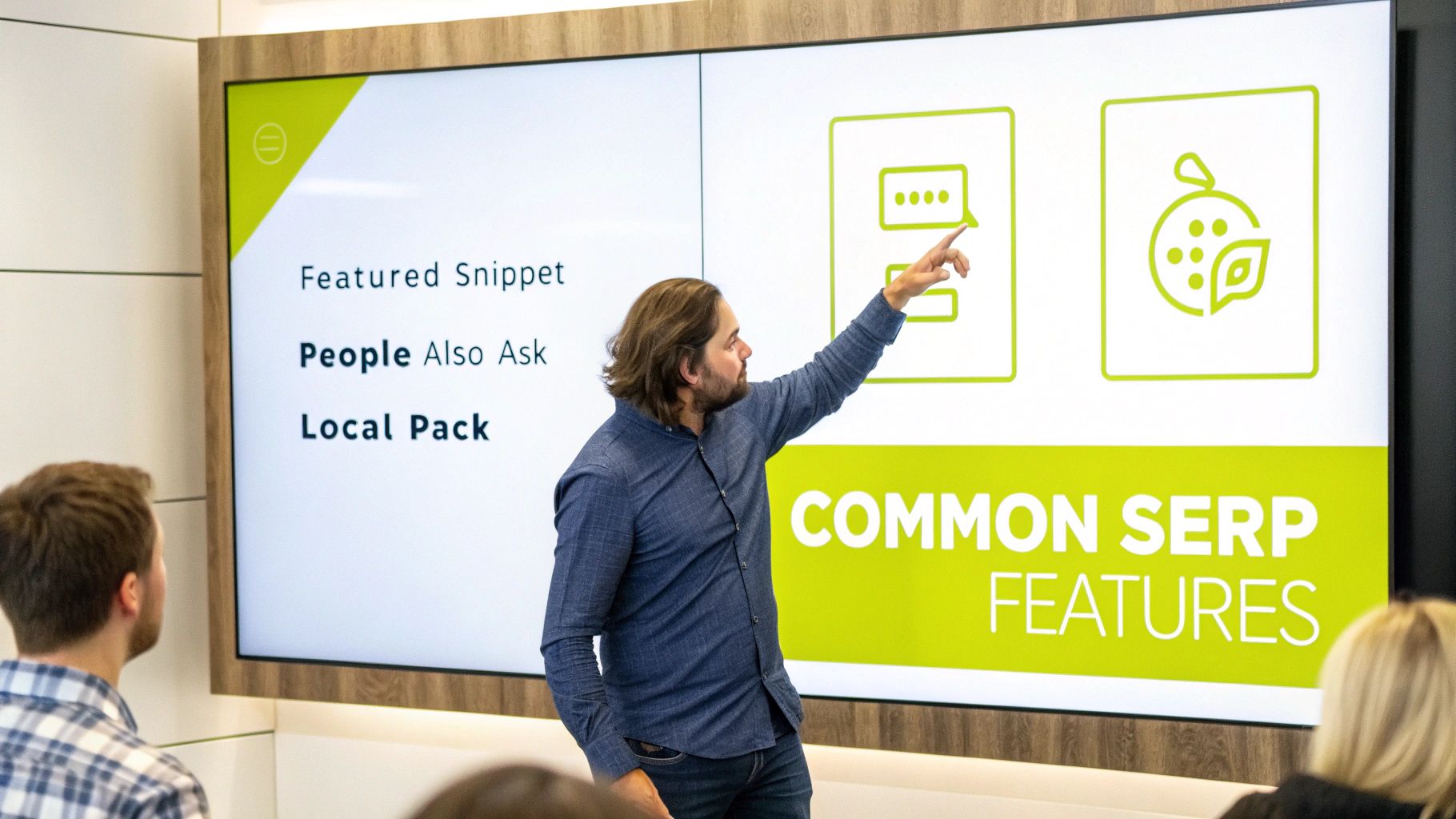
Alright, we've covered the basics. Now let's get into the good stuff—the specific SERP features you'll actually see out in the wild.
Think of these as prime real estate on Google's first page. Nabbing a spot in one of them can give your Shopify store an unbelievable edge, often launching you right above the traditional number one organic result.
Each feature pops up for a reason and hints at what the searcher is really looking for. Once you learn to spot them, you'll stop seeing them as random clutter and start seeing them as golden opportunities to connect with customers. Let's break down the most common ones.
The Coveted Featured Snippet
Ever heard of "position zero"? That's the Featured Snippet. It’s the ultimate prize in the content game, showing up as a special box right at the very top of the results page. It pulls a direct, punchy answer to a user's question straight from a webpage, giving credit with a link back to the source.
For a Shopify merchant, winning a Featured Snippet is like having Google itself point to your store and say, “This is the best answer.” It’s what you want when someone searches "how to clean suede shoes" or "what is the best material for yoga pants."
There's a reason so many people focus on strategies for securing featured snippets. Landing one instantly positions your brand as an authority on a topic.
A snippet can show up in a few different ways: a quick paragraph, a bulleted or numbered list, or even a small table. Google's whole game here is to answer the searcher's question on the spot, which is why these snippets are absolute attention-grabbers.
These features have completely changed the SEO landscape. It's a well-known fact that 75% of users never even click to the second page, so being seen is everything. Featured Snippets pull in the highest click-through rates of any SERP feature, hitting around 42.9%—proof that they dominate clicks over standard blue links.
People Also Ask: The Question Goldmine
Just below the Featured Snippet (or sometimes scattered down the page), you’ll almost always find the People Also Ask (PAA) box. It's that accordion-style list of questions related to your original search. Click one, and a short answer from a website drops down—it's like a mini-Featured Snippet.
For anyone running a Shopify store, this PAA box is an absolute goldmine of customer intelligence. It’s a direct look into the mind of your potential buyers, telling you exactly what else they’re wondering about.
You can use the PAA section in a few smart ways:
- Content Ideas: Every question is a ready-made topic for your next blog post, FAQ page, or even a product description update.
- Understanding Intent: PAA questions expose the real pain points and curiosities of your audience.
- An Opportunity to Rank: If you create clear, concise answers to these questions on your site, you can land a spot right inside the PAA box and drive some seriously targeted traffic.
Think of it as Google handing you a cheat sheet for your content strategy. If you sell hiking boots and the PAA box shows "Are hiking boots good for walking on concrete?" you know exactly what content you need to create next.
The All-Important Local Pack
If your Shopify business has a physical storefront, the Local Pack isn't just important—it's essential. This feature shows up for any search that has local intent, like "coffee shop near me" or "shoe store in Brooklyn." It’s that map at the top of the page with three local business listings neatly displayed underneath.
Each listing in the Local Pack usually includes the crucial details:
- Business name
- Star rating and number of reviews
- Address and phone number
- Hours of operation
Winning a spot in this 3-pack is a game-changer for driving foot traffic. It literally puts you on the map for local customers who are ready to buy. To get there, you'll need a perfectly optimized Google Business Profile.
Knowledge Panels for Brand Authority
Ever search for a specific brand, person, or company and see that big info box pop up on the right-hand side of the page? That's the Knowledge Panel.
Its job is to give searchers a quick, at-a-glance summary of that entity. For a major brand like Nike, or even a Shopify store that has built up some serious authority, the Knowledge Panel will show things like the company logo, founding date, CEO, and links to social media profiles.
Having a Knowledge Panel for your brand is a massive signal of legitimacy. It tells both Google and your customers that you're a recognized entity, which does wonders for building trust and cementing your brand’s presence online.
Winning With Visual SERP Features
In ecommerce, a picture isn't just worth a thousand words—it's worth a thousand clicks. Text-only results simply don't cut it anymore. To grab a customer's attention, you need to show up where their eyes naturally go first: the images, videos, and product listings that make them stop scrolling.
Think of these visual features as your shop's digital storefront window. Let's dive into the most important ones and see how you can use them to put your products front and center.
Image Packs: Your Digital Shelf Display
When someone searches for something with strong visual intent, like "modern living room ideas" or "blue running shoes," Google often rolls out an Image Pack. This is that horizontal row or block of images you see, usually right at the top of the results.
An Image Pack is essentially a digital shelf. The user isn't just looking for a link to click; they're browsing for inspiration. Getting your product photos into this prime real estate is a total game-changer, putting your merchandise directly in front of shoppers right when they're starting to look.
Here’s what an Image Pack looks like for a product search.
This visual lineup gives the searcher a ton of options at a glance, letting them bypass a wall of text and click straight to something that catches their eye.
For Shopify merchants, the message is loud and clear: your high-quality product photos are your ticket in. And it’s not just about having a decent picture; it needs to be an optimized picture. That means using descriptive filenames, writing clear alt text, and making sure your images load fast. You can learn exactly how to optimize images and videos for your Shopify store in our detailed guide.
Video Carousels: Engaging Shoppers With Motion
Just like some searches demand images, others cry out for video. For queries like "how to assemble a desk" or "best drone footage," Google often presents a Video Carousel. This is a scrollable, horizontal list of video thumbnails that links directly to platforms like YouTube or Vimeo.
These carousels are incredibly powerful for selling online. They give you a stage to show your products in action, offer tutorials, or share customer reviews. A great product demo can answer a dozen customer questions in under a minute, building trust and nudging them toward a purchase.
SERP features aren't just text; they're a rich mix of media designed to keep users engaged. Videos pop up all the time for "how-to" or review-type searches, encouraging immediate clicks. At the same time, Image Packs satisfy visual searches—think 'kittens smiling'—by showing a grid of relevant pictures.
To earn a spot in the carousel, you’ll need a solid video SEO strategy. This usually involves:
- Hosting on YouTube: Google owns YouTube, so it's no surprise that videos hosted there tend to get priority.
- Optimizing Titles and Descriptions: Use keywords that people are actually searching for in your video's title and description.
- Creating Great Thumbnails: Your thumbnail is your video's billboard. Make it pop.
Shopping Ads: The Fast Track to a Sale
Finally, we have the most direct, sales-focused visual feature of all: Shopping Ads, sometimes called Product Listing Ads (PLAs). These aren't organic results—they're paid—but their impact on the SERP is too massive to ignore. You'll see them as a carousel of individual products right at the very top of the page.
Each ad in this carousel is a mini sales pitch, packing in everything a shopper needs to know:
- A high-quality product image
- The product title
- The price
- Your store's name
- And sometimes, even customer ratings
For a Shopify store owner, this is the most direct line from a Google search to a sale. Someone searching "women's leather tote bag" can see your product, its price, and click straight to your product page, ready to buy. You set these up through the Google Merchant Center, where you can upload a product feed directly from your Shopify store.
How To Optimize Your Shopify Store For SERP Features
Knowing what SERP features are is one thing. Actually winning them is where the real growth starts. For Shopify merchants, this isn't about chasing every shiny new feature that pops up. It’s about being smart and optimizing your store to become the best possible answer for Google and, more importantly, for your customers.
So, let's put the theory aside and get practical. This is your playbook for earning the SERP features that pull in qualified traffic and build your brand's authority right from the search results.
Master Structured Data For Rich Snippets
The single most powerful tool you have for this is structured data, also known as Schema markup. Think of it as a secret language you can use to talk directly to search engines. Instead of hoping Google figures out what a string of numbers means, you can flat-out tell it, "This is the price," "This is the average star rating," or "This is how many reviews we have."
When Google gets this crystal-clear context, it often rewards you with Rich Snippets—those extra little details that make your search result stand out. For an ecommerce store, these are pure gold. They deck out your listings with valuable info like:
- Star Ratings: Instant social proof right there on the SERP, building trust before they even click.
- Pricing Information: Catches the eye of buyers in the right budget range and helps filter out those who aren't a good fit.
- Stock Availability: Creates a bit of urgency and lets customers know an item is ready to ship.
Getting this set up might sound super technical, but it's more straightforward than you’d think. You can get the full rundown in our guide on how to add Schema markup to Shopify.
Create Content That Wins Featured Snippets
To land that coveted Featured Snippet at the top of the page, you have to start thinking like a customer with a question. Your mission is to provide the clearest, most direct, and most helpful answer out there. Google absolutely loves content that gets straight to the point.
First, figure out what questions your customers are actually asking. Check out the "People Also Ask" boxes for searches related to your products. For example, if you sell leather bags, a user might search, "How do you condition a leather bag?"
To target this, you could write a blog post or add an FAQ section to a product page with a very clear heading, like "How to Condition Your Leather Bag." Right after that heading, give them the answer—either a tight, concise paragraph or a numbered list walking them through the steps.
When you structure your content as a direct answer, you’re essentially serving it up on a silver platter for Google. You're no longer just writing a blog post; you're creating a snippet-ready solution.
This simple shift changes your content from just being about a topic to being the answer. It’s a core principle of good ecommerce SEO best practices because it’s all about meeting the user's needs instantly.
Optimize Your Visuals For Image and Video Packs
For a Shopify store, visual SERP features are your digital window display. Getting your product photos and videos dialed in is non-negotiable if you want to show up in Image Packs and Video Carousels.
This infographic gives a great overview of how to think about optimizing your visual assets.
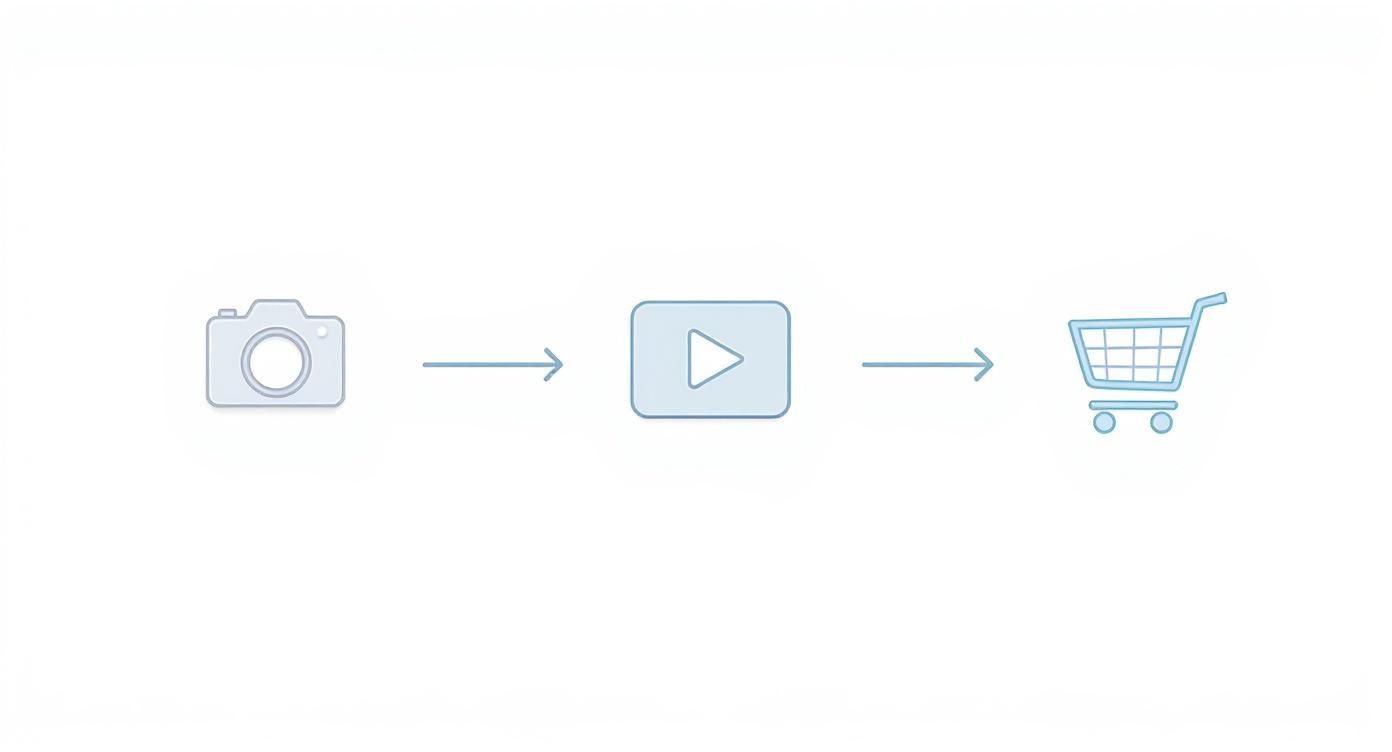
The big takeaway? Every image and video needs its own little SEO strategy, from the photo itself to how you list the product.
Here’s how to put that into action:
- Use Descriptive File Names: Ditch
IMG_1234.jpg. Instead, name your imageblue-suede-running-shoe.jpg. This gives Google a clue about the image before it even sees it. - Write Compelling Alt Text: Alt text is what search engines "read" to understand an image. Be descriptive. Something like: "A pair of bright blue suede running shoes with white soles sitting on a wooden floor."
- Optimize Video Content: For your videos, create thumbnails that grab attention and write keyword-rich titles and descriptions on platforms like YouTube. A video titled "5 Ways to Style Our Classic Leather Tote" has a much better shot at ranking than one with a generic file name.
Structure Your Site For Sitelinks
Sitelinks are those extra links that sometimes appear under your main search result, pointing people to key pages like "About Us," "Shop All," or "Contact." They're a huge vote of confidence from Google, signaling that it sees your site as well-structured and authoritative.
While you can't just pick which Sitelinks Google shows, you can heavily influence them. It all comes down to a logical and clean site architecture.
- Clear Navigation: Keep your main menu simple and make sure it links to your most important pages. Don't bury the good stuff.
- Internal Linking: Link from your homepage and blog posts to your key category and product pages. Show Google what's important.
- Submit a Sitemap: An XML sitemap is like a road map for Google, helping it understand your site's hierarchy and find all your pages.
When you make it easy for both people and search engines to find their way around, you send strong signals about which pages are most valuable. That's what increases their chances of showing up as Sitelinks, which not only looks great on the SERP but also gets your visitors where they want to go faster.
The Future Of Search And Advanced SERP Features
The Google search results page isn't set in stone. It's a living, breathing space that is constantly being tweaked and refined. What we see today is just a snapshot in time. The future of search is unfolding right before our eyes, and it's being built on a foundation of artificial intelligence.
For any Shopify merchant, getting a handle on this shift is critical for long-term survival. The old playbook just won't cut it in the AI-driven SERP of tomorrow. We’re watching Google transform from a search engine that gives you a list of links to one that hands you a synthesized answer. That changes everything.
The Rise Of AI Overviews
The single biggest shake-up to the SERP in years is the rollout of AI Overviews. You've probably seen them popping up—they're the AI-generated summaries that sit right at the very top of the results page. Think of them as a Featured Snippet on steroids.
Instead of just pulling a neat answer from a single source, AI Overviews pull together information from multiple websites to create a single, comprehensive answer. Google’s goal is simple: solve the user's problem right then and there, without making them click through ten different blue links.
This new reality is both a massive challenge and a golden opportunity for your store.
The core threat of AI Overviews is pretty clear: a potential drop in organic traffic. If a searcher gets a perfectly good summary at the top of the page, why would they bother clicking through to your website?
This means the battle for visibility has moved to entirely new territory. It's no longer just about cracking the top 10 rankings; it's about becoming a trusted source that Google's AI wants to quote. According to recent data, AI Overviews now show up in over 13% of searches and cite about five sources on average. You can discover more insights about SEO statistics to see just how quickly this is taking hold.
Risks And Rewards In An AI-Powered SERP
The risk is obvious: fewer clicks could mean less direct traffic, especially from those informational, top-of-funnel searches. But the opportunity is just as big. Getting your site cited as a source within an AI Overview is a powerful stamp of approval.
It positions your Shopify store as a genuine expert. Even if the user doesn't click through that first time, seeing your brand name builds recognition and trust. That can pay off down the road with direct searches for your brand.
The good news is that optimizing for AI Overviews isn't about learning a bunch of new tricks. It's about doubling down on what's always worked for great SEO:
- Lean into E-E-A-T: Every piece of content you create needs to ooze Experience, Expertise, Authoritativeness, and Trustworthiness.
- Go Deep on Content: Don't just scratch the surface. Cover your topics from every angle, answer all the related questions, and back up your claims with real data.
- Keep it Clean and Structured: Use logical headings, short paragraphs, and bullet points. Make your content ridiculously easy for an AI to read and understand.
Looking Ahead To Other Advanced Features
AI Overviews are getting all the attention right now, but they aren't the only feature to watch. Things like the Top Stories carousel are also becoming a bigger deal, especially for merchants who are good at content marketing.
If your brand publishes timely content—like trend reports, new product announcements, or industry news—optimizing for Top Stories can give you a huge visibility boost. This feature highlights fresh, relevant content, often giving it prime real estate at the top of the page.
At the end of the day, thriving in the future of search demands a forward-thinking mindset. It's about building a brand that Google's AI learns to respect and trust. If you focus on creating high-quality, authoritative content and nail the technical fundamentals, your Shopify store won't just be ready for the future—you'll be helping to shape it.
Frequently Asked Questions About SERP Features
When you start digging into SERP features, a lot of practical questions pop up, especially if you're a Shopify merchant trying to connect the dots between search visibility and actual sales. This section tackles the most common questions we hear from store owners, with quick, straightforward answers.
Think of this as your go-to guide for cutting through the noise and focusing on what really moves the needle for your business.
Can I Choose Which SERP Feature My Site Appears In?
In a word, no. You can't just pick a SERP feature off a menu and tell Google you want it. Google’s algorithms have the final say, and they make their decision based on what they think is the most helpful answer for any given search.
What you can do, however, is heavily influence your chances. Think of it like training an athlete for the Olympics. You can’t guarantee they’ll win gold, but you can do everything in your power—the right training, the right diet, the right coaching—to make them a top contender. For your store, that means using structured data to make your products eligible for Rich Snippets with star ratings and pricing.
Or, by creating clear, concise answers in your content, you put yourself in the running for a Featured Snippet. It’s all about making your site the best possible candidate, not directly choosing the outcome.
Are SERP Features Bad For My Shopify Store's Traffic?
It's complicated, but for an ecommerce store, the good almost always outweighs the bad. It's true that some features, like an answer box for a simple question ("what is the capital of France?"), can result in "zero-click searches." The user gets their answer and never clicks through.
But for a Shopify store, getting into a SERP feature is a huge vote of confidence that builds authority and trust. A Rich Snippet showing off a 5-star rating or a great price can make your click-through rate skyrocket, driving more qualified, ready-to-buy customers right to your product page.
The goal is to chase the features that make people want to click—like product carousels, tempting sitelinks, or snippets that hint there’s more valuable information on your site—not the ones that close the loop right there on Google.
What Is The Most Important Thing For Winning SERP Features?
While the technical side of SEO, like structured data, is non-negotiable, the single most important thing is creating genuinely high-quality content that solves a user's problem or answers their question. Google’s core mission is to give people the best answer and the best experience. Period.
When your product page leaves no stone unturned, your blog post nails a customer's question, and your images are crisp and well-described, you're getting on Google's good side. This user-first approach is the bedrock that makes you eligible for all kinds of SERP features.
Here’s what that looks like in the real world:
- For Product Pages: Write detailed descriptions, upload multiple high-res images, encourage customer reviews, and add a clear FAQ section.
- For Blog Content: Tackle specific questions with clear headings and short, scannable paragraphs. Use lists and tables to break down information.
- For Visuals: Give every image a descriptive alt text and filename. Help Google see what the image is about.
At the end of the day, a relentless focus on delivering value to your potential customers is the most powerful and sustainable way to earn that prime real estate on the search results page.
Ready to transform your Shopify store's search presence and win the SERP features that drive growth? The team at E-commerce Dev Group specializes in expert Shopify development and SEO strategies that get results. Contact us today to see how we can help you dominate the search results and turn clicks into customers.
