


As your Shopify store scales, managing orders efficiently becomes a critical bottleneck. Juggling inventory across multiple channels, processing a high volume of orders, handling returns, and keeping customers updated can quickly overwhelm even the most dedicated team. This is where dedicated Shopify order management software steps in, transforming chaotic workflows into streamlined, automated processes.
Effective software doesn't just prevent shipping errors or stockouts; it unlocks sustainable growth. By automating repetitive tasks, it frees up your team to focus on customer experience and strategy. Centralizing order data from all sales channels provides the clarity needed to make smarter inventory and marketing decisions, directly impacting your bottom line and customer satisfaction.
This guide is designed to help you find the right tool for your specific business needs. We will dive deep into the top solutions available, breaking down their core features, pricing, ideal use cases, and potential limitations. Each review includes screenshots and direct links, giving you a clear, practical overview to help you select the best Shopify order management software and scale your operations with confidence.
1. Shopify Order Management & Delivery
For many Shopify merchants, the best place to start is with the tools you already have. Shopify’s native order management system is a powerful, built-in solution that handles the entire order lifecycle directly from your admin dashboard. It's designed to be the central hub for processing orders, tracking payments, and managing fulfillment without needing any third-party apps, making it an excellent piece of Shopify order management software for new and growing stores.
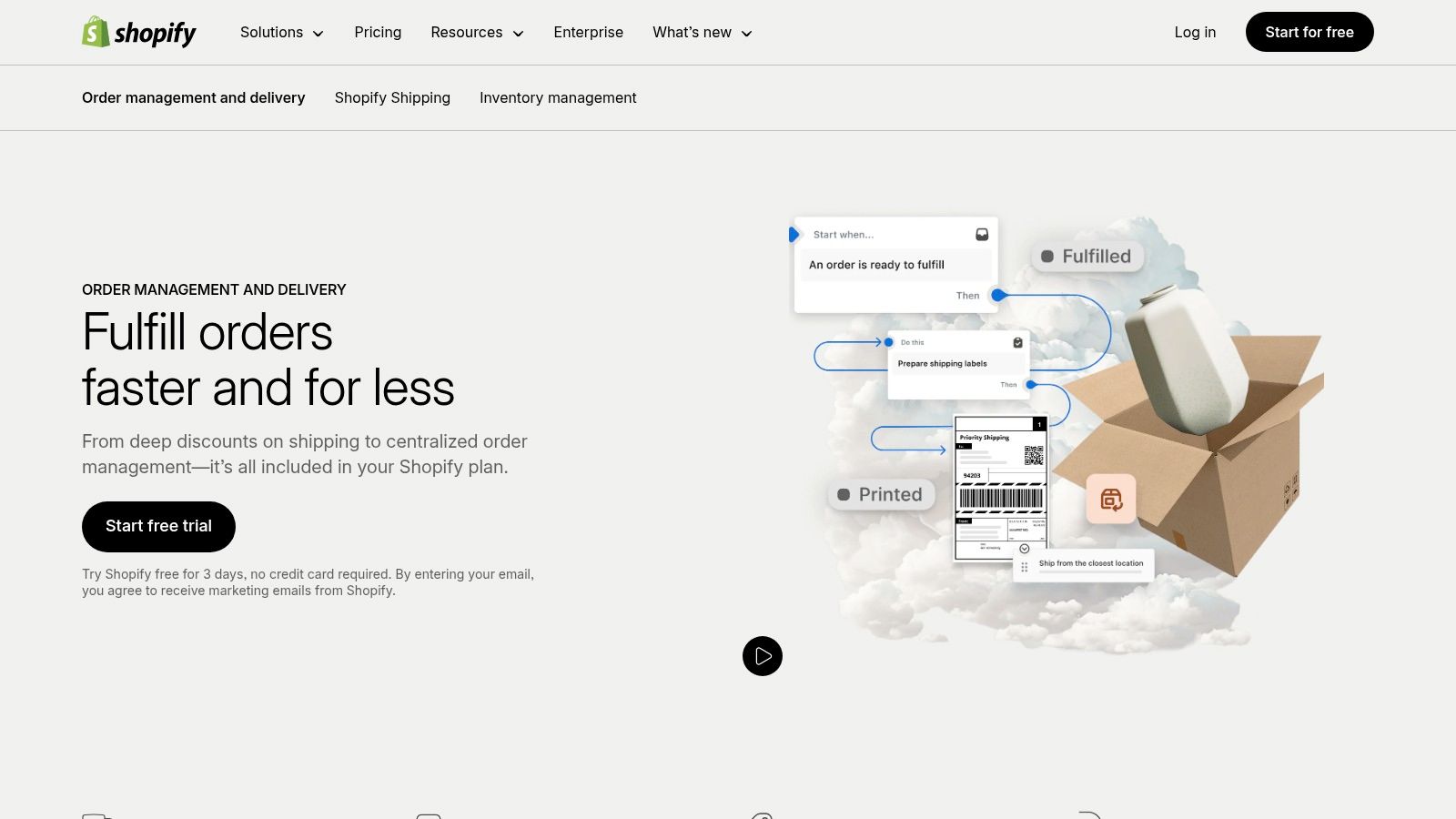
The primary advantage is its seamless integration. Since it's part of the core Shopify platform, there are no extra costs, compatibility issues, or complex setups. It excels at core tasks like real-time inventory tracking, printing shipping labels with discounted carrier rates, and sending automated customer updates. If you're managing a single warehouse or just a few locations, this system provides a clean, user-friendly interface that gets the job for a wide array of businesses.
Key Features & Considerations
| Feature | Best Use Case | Implementation Note |
|---|---|---|
| Integrated Fulfillment | Stores managing their own shipping or using Shopify Shipping. | Set up your shipping zones and carrier accounts directly in Settings. |
| Multi-Location Inventory | Businesses with multiple retail stores or warehouses. | Assign inventory quantities to specific locations to prevent overselling. |
| Local Delivery & Pickup | Restaurants, local boutiques, and service-based businesses. | Configure local delivery zones and pickup availability in your shipping settings. |
For businesses that plan on moving significant amounts of historical information, it's worth reviewing best practices. If you are migrating to a new system, you can explore more about Shopify order data migration to ensure a smooth transition. While Shopify's native tools are robust, stores with highly complex logistical needs, like dropshipping from numerous vendors or requiring advanced warehouse automation, may eventually need to supplement it with a more specialized app.
- Website: Shopify Order Management
2. Katana Manufacturing ERP
For Shopify merchants who make their own products, standard order management often falls short. Katana is a specialized Shopify order management software built for manufacturers, connecting your e-commerce sales directly to your production floor. It automatically syncs Shopify orders and provides a real-time overview of your entire operation, from raw materials and finished goods inventory to production schedules. This ensures you know exactly what you can sell and when you can ship it.
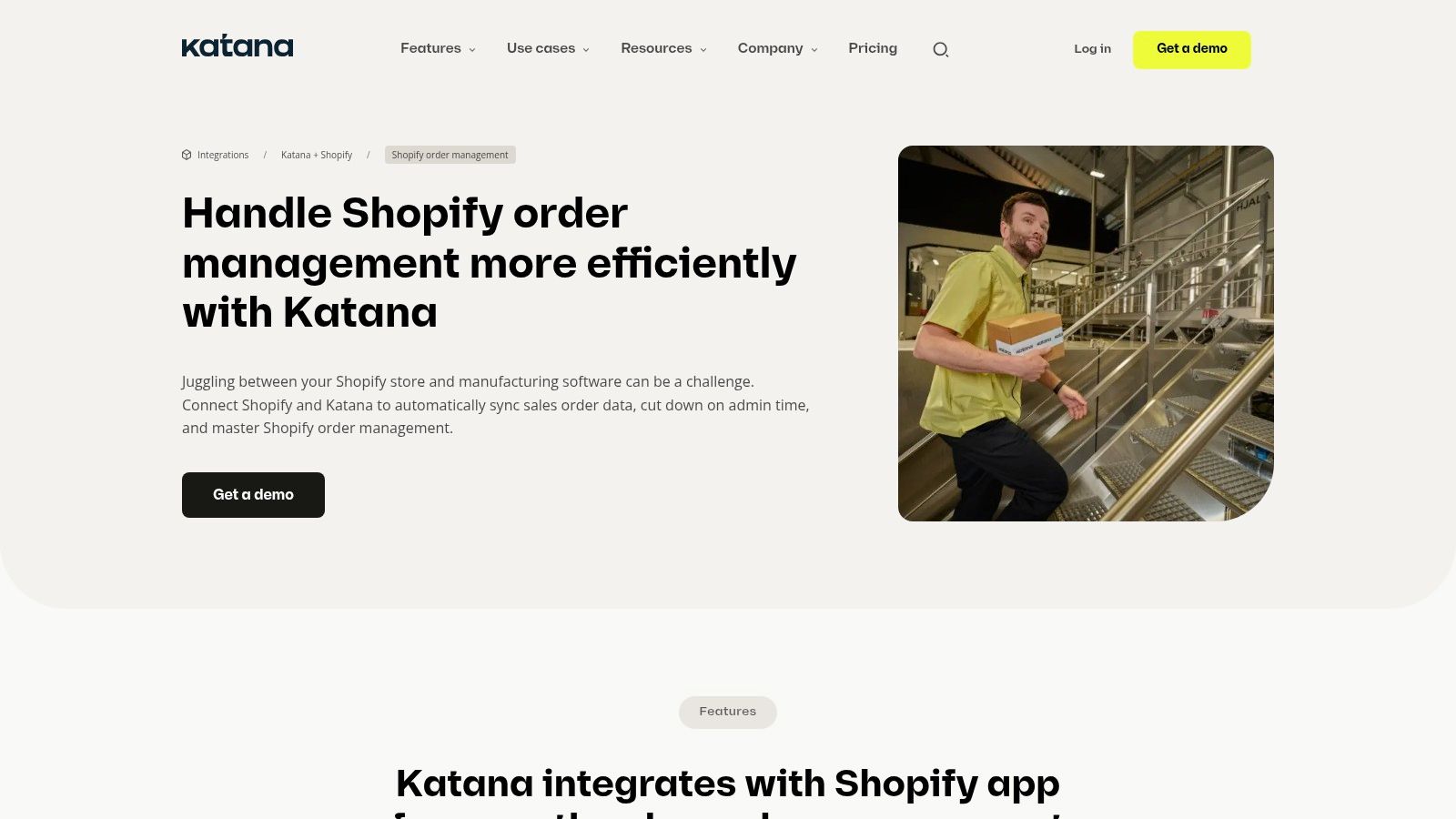
The key strength of Katana is its deep integration of sales and production. When a new order arrives in Shopify, Katana can automatically create manufacturing orders if stock is low, allocate the necessary raw materials, and add the tasks to your production queue. This visibility prevents stockouts and helps you provide accurate delivery estimates. Its user-friendly, drag-and-drop interface simplifies complex production planning, making it accessible even for businesses new to manufacturing ERPs.
Key Features & Considerations
| Feature | Best Use Case | Implementation Note |
|---|---|---|
| Real-Time Inventory | Businesses managing both raw materials and finished products. | Connect your Shopify store to automatically sync products and stock levels. |
| Production Scheduling | Made-to-order or made-to-stock manufacturing businesses. | Use the master production schedule to prioritize orders and manage resources. |
| Shop Floor Control | Teams that need to track production tasks and time. | Utilize the Shop Floor App for operators to manage their assigned tasks on tablets. |
While Katana is incredibly powerful for makers, its feature set may be overly complex for businesses that only resell products. The pricing is also higher than basic inventory apps, reflecting its focus on manufacturing needs. For businesses scaling their production, Katana provides a clear path to organizing and optimizing the entire manufacturing and fulfillment workflow, bridging the gap between your online storefront and your workshop.
- Website: Katana Manufacturing ERP
3. OrderMS
For small businesses seeking a powerful yet free solution, OrderMS offers an AI-driven approach to order and inventory management. This app is designed to automate and streamline core Shopify operations, making it a standout piece of Shopify order management software for merchants on a budget. By leveraging AI, it helps with routine tasks like order processing and inventory tracking, allowing store owners to focus on growth rather than manual data entry.
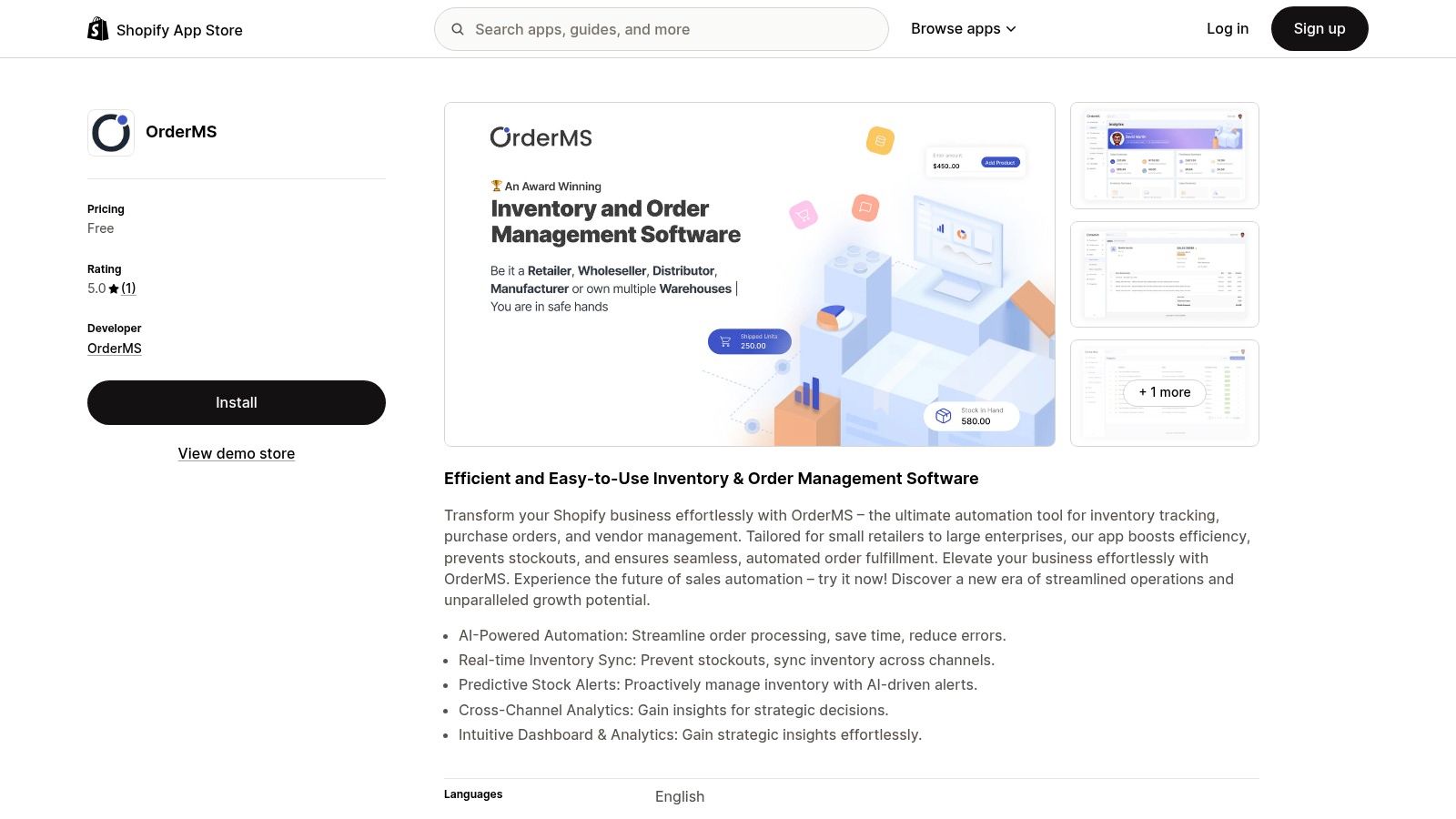
The main draw of OrderMS is its accessibility and ease of use, combined with intelligent features. Its intuitive dashboard provides comprehensive analytics and predictive stock alerts to help prevent costly stockouts. The ability to synchronize inventory in real-time across multiple channels, including integrations with platforms like WooCommerce, QuickBooks, and Xero, makes it a surprisingly robust tool for its zero-cost price tag. This positions it as an excellent starting point for businesses needing more than Shopify's native tools without the financial commitment.
Key Features & Considerations
| Feature | Best Use Case | Implementation Note |
|---|---|---|
| AI-Powered Automation | Small businesses wanting to reduce manual order entry and processing. | Let the AI handle routine tasks to free up time for marketing and sales. |
| Predictive Stock Alerts | Stores with fast-moving inventory that need to avoid stockouts. | Monitor alerts closely to reorder popular products before inventory runs dry. |
| Cross-Channel Sync | Merchants selling on Shopify and other platforms like WooCommerce. | Connect your other sales channels during setup to ensure unified inventory. |
While OrderMS is an impressive free tool, its feature set may be too basic for larger enterprises or stores with highly complex logistical needs. It's a fantastic option for new and growing businesses that need smart automation without the expense, but merchants should note that user reviews are still limited. As your business scales, you may eventually need to graduate to a more advanced, paid system to handle more sophisticated operational demands.
- Website: OrderMS
4. Webkul Order Management
Webkul Order Management focuses heavily on enhancing the post-purchase customer experience by giving shoppers more control over their orders. This app allows customers to initiate returns, exchanges, and cancellations directly from their account page, reducing the support burden on your team. It stands out as a piece of Shopify order management software designed to empower the customer, which in turn streamlines administrative tasks and builds loyalty.
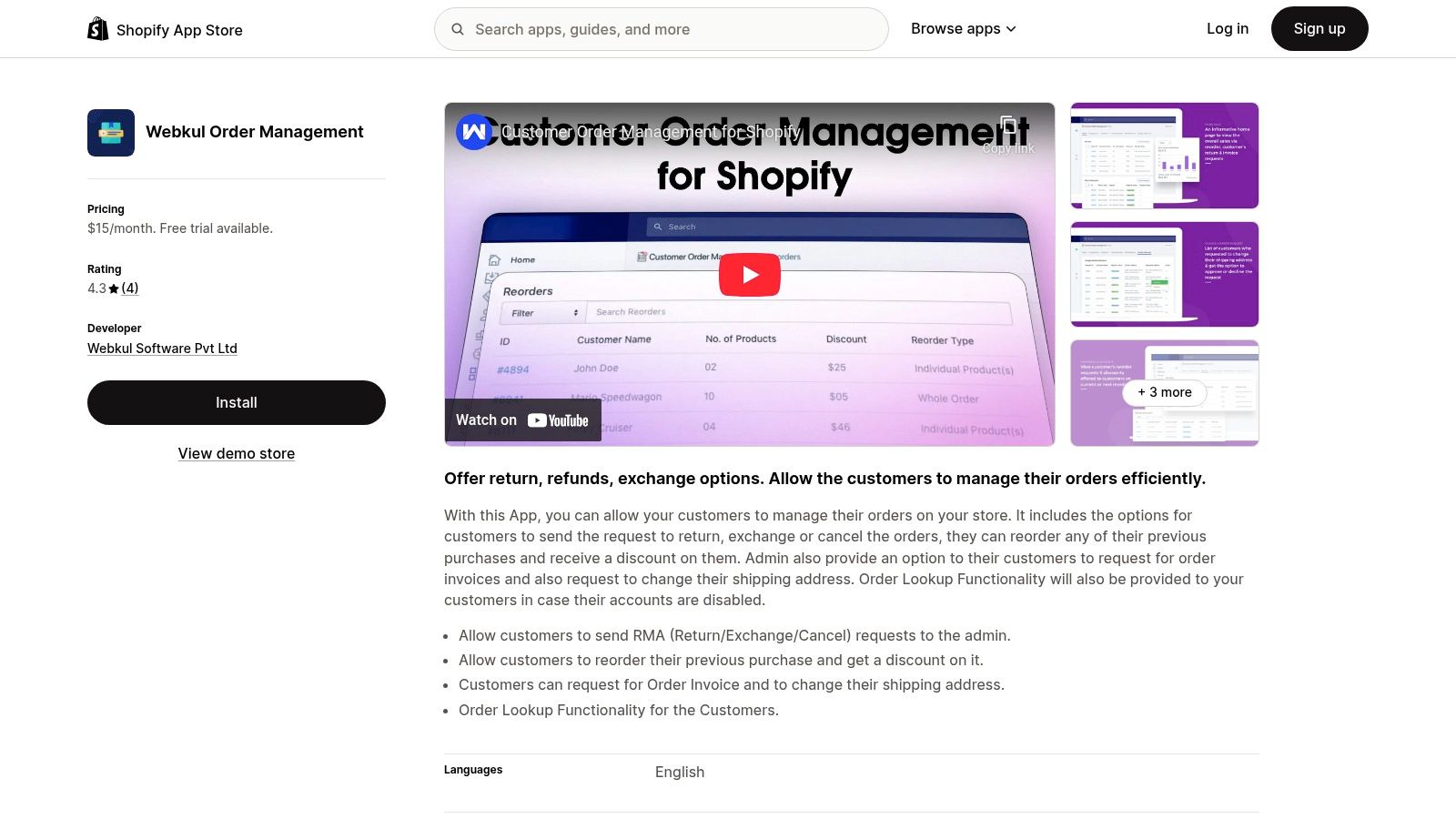
The primary benefit is the self-service portal it creates for your customers. Shoppers can request to change their shipping address, reorder a previous purchase with a potential discount, and even download invoices without needing to contact you. This level of flexibility is crucial for building trust and satisfaction. The app also includes an order lookup feature for guest checkouts, ensuring that even customers without an account can manage their orders effectively. While it comes with a monthly fee, the reduction in manual support requests often justifies the cost for growing stores.
Key Features & Considerations
| Feature | Best Use Case | Implementation Note |
|---|---|---|
| Customer-Led Actions | Stores with high order volumes needing to reduce support tickets. | Customize the available actions (return, exchange, cancel) in the app's settings. |
| Guest Order Lookup | Businesses that have a significant number of guest checkouts. | Ensure the lookup form is easily accessible on your storefront. |
| Reorder Functionality | Merchants selling consumable or frequently repurchased products. | Configure reorder discounts to incentivize repeat purchases and improve retention. |
While the app provides a robust set of self-service tools, some advanced customizations or logic may require additional setup or developer input. It is an excellent choice for businesses that want to provide a more transparent and flexible post-purchase journey, automating common requests and freeing up staff to handle more complex issues. Its multi-language support also makes it a strong contender for international brands aiming for a consistent customer experience across different regions.
- Website: Webkul Order Management
5. Multiorders
For merchants selling across multiple marketplaces in addition to Shopify, Multiorders provides a powerful solution to centralize operations. This multi-channel platform is designed to pull orders from various sources like Amazon, eBay, and Etsy into a single dashboard, eliminating the need to jump between different systems. It’s an ideal piece of Shopify order management software for businesses looking to unify their inventory, shipping, and order processing across their entire sales ecosystem.
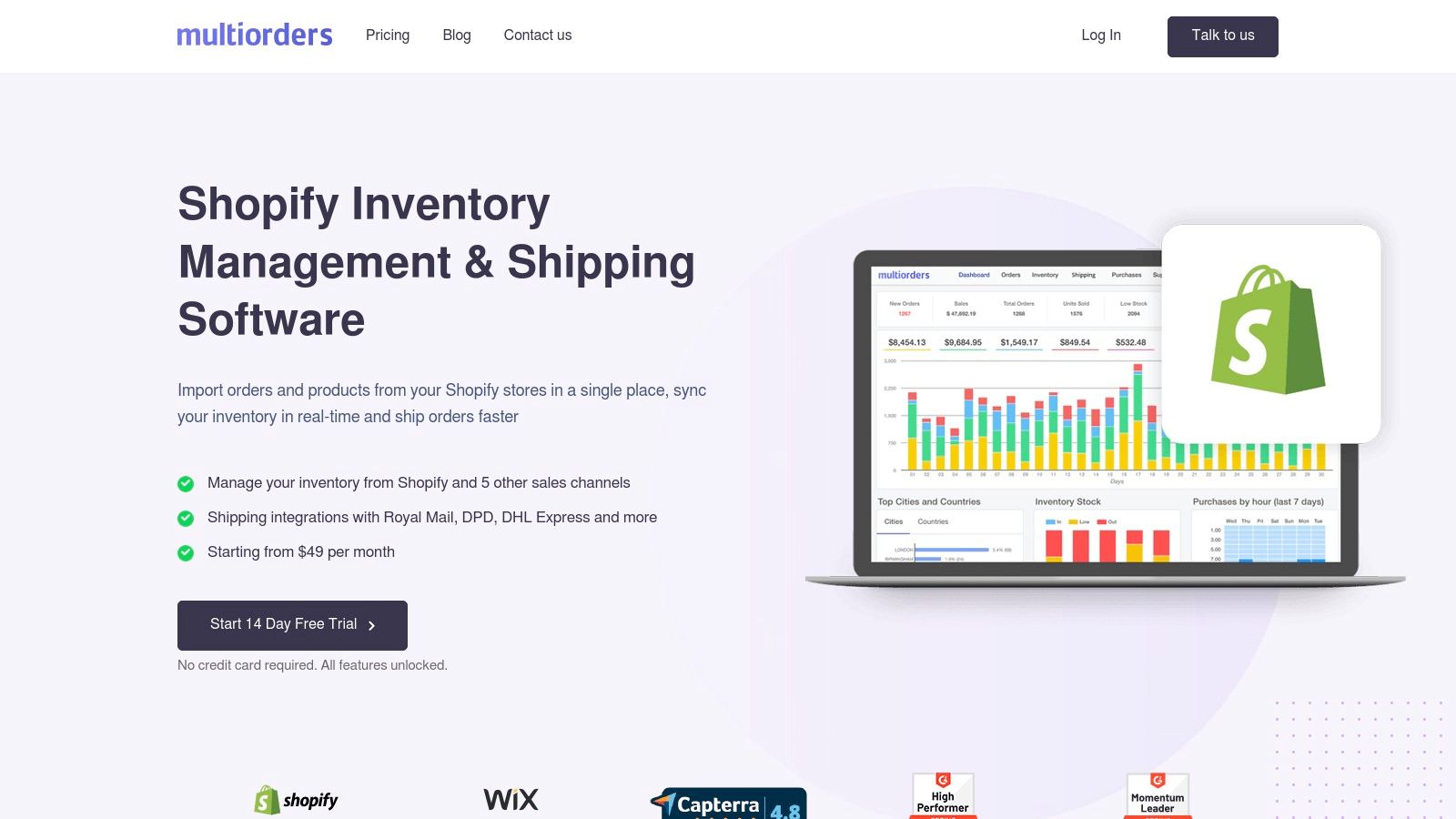
The key benefit of Multiorders is its ability to synchronize inventory in real-time across all connected channels. When an item sells on Shopify, the stock level is automatically updated on Amazon and eBay, drastically reducing the risk of overselling. Its user-friendly interface simplifies bulk order processing and printing shipping labels from various carriers, streamlining fulfillment and saving significant time for busy e-commerce teams.
Key Features & Considerations
| Feature | Best Use Case | Implementation Note |
|---|---|---|
| Multi-Channel Integration | Businesses selling on Shopify, Amazon, Etsy, and eBay simultaneously. | Connect each sales channel via API keys in the settings to start syncing data. |
| Unified Inventory Sync | Stores that need to avoid overselling across different platforms. | Ensure all product SKUs match across your channels for accurate syncing. |
| Bulk Shipping Management | High-volume sellers needing to process hundreds of orders daily. | Pre-configure your preferred shipping carrier settings for one-click label printing. |
While Multiorders offers robust features, the initial setup can take time, especially when integrating multiple channels with large product catalogs. Businesses focused solely on Shopify might find it over-featured for their needs. However, for those managing a multi-channel strategy, the automation capabilities are invaluable. You can discover how to enhance your store's automation to further complement the efficiencies gained from a tool like Multiorders.
- Website: Multiorders for Shopify
6. Zoho Inventory
For Shopify merchants operating within a broader business ecosystem, Zoho Inventory offers a powerful and well-integrated solution. It extends beyond basic order processing to provide a comprehensive view of your entire sales and stock lifecycle. This platform is ideal for businesses that manage inventory across multiple channels, including Shopify, Amazon, and eBay, and need a centralized system to synchronize stock levels, sales orders, and purchase orders. Zoho Inventory stands out as a robust piece of Shopify order management software for scaling companies that require more than just e-commerce fulfillment.
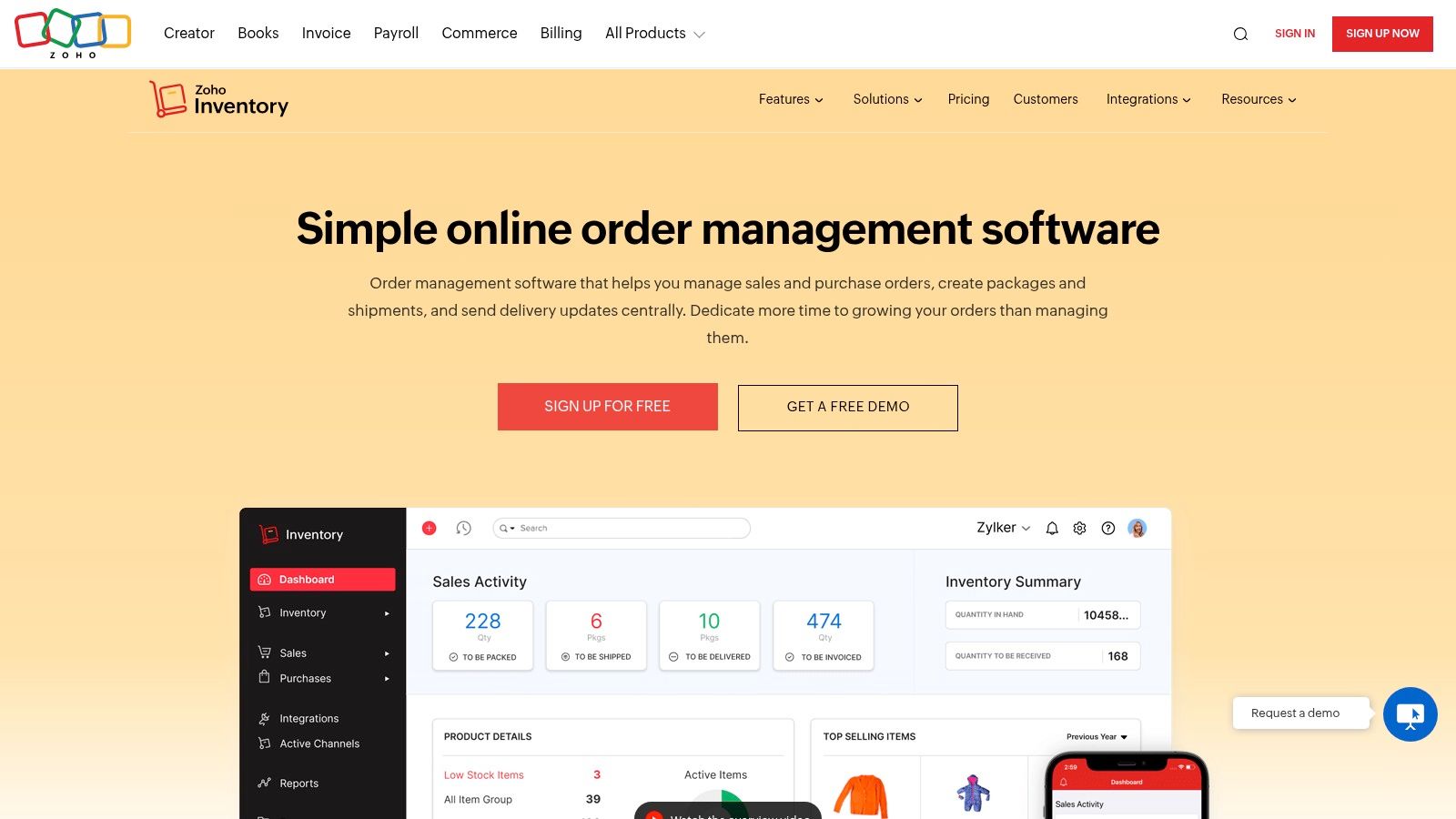
The key strength of Zoho Inventory lies in its seamless connection to the wider suite of Zoho applications, such as Zoho Books and Zoho CRM. This creates a unified business management platform where sales, inventory, and accounting data flow effortlessly between systems. It offers multi-warehouse management, serial number tracking, and automated reorder points, making it suitable for businesses with complex inventory needs. While its extensive features can present a learning curve, its affordable pricing, including a free tier, makes it accessible for businesses of various sizes.
Key Features & Considerations
| Feature | Best Use Case | Implementation Note |
|---|---|---|
| Multi-Channel Integration | Sellers on Shopify, Amazon, eBay, and Etsy. | Connect each sales channel individually and map your products to ensure accurate stock syncing. |
| End-to-End Tracking | Businesses needing detailed control over the entire inventory lifecycle. | Utilize sales orders, purchase orders, and shipping integrations to manage stock from procurement to delivery. |
| Warehouse Management | Companies with stock in multiple physical locations or fulfillment centers. | Set up each warehouse in the system and manage stock transfers between them to optimize fulfillment. |
Zoho Inventory's comprehensive reporting provides deep insights into sales trends, inventory valuation, and order fulfillment efficiency, helping you make data-driven decisions. While the free plan is generous, more advanced features like serial number tracking and batch tracking are reserved for paid tiers. For businesses already using or planning to adopt other Zoho products, this platform offers unparalleled integration and value, streamlining operations far beyond the Shopify dashboard.
- Website: Zoho Inventory
7. SKUSavvy
SKUSavvy offers a purpose-built order fulfillment and management system designed to integrate deeply with Shopify. It focuses on improving operational speed and accuracy by syncing data in real-time and automating complex routing decisions. For merchants whose primary challenge is fulfillment logistics, SKUSavvy acts as a powerful extension of their warehouse, transforming the entire process from order receipt to shipment into a streamlined, mobile-friendly workflow.
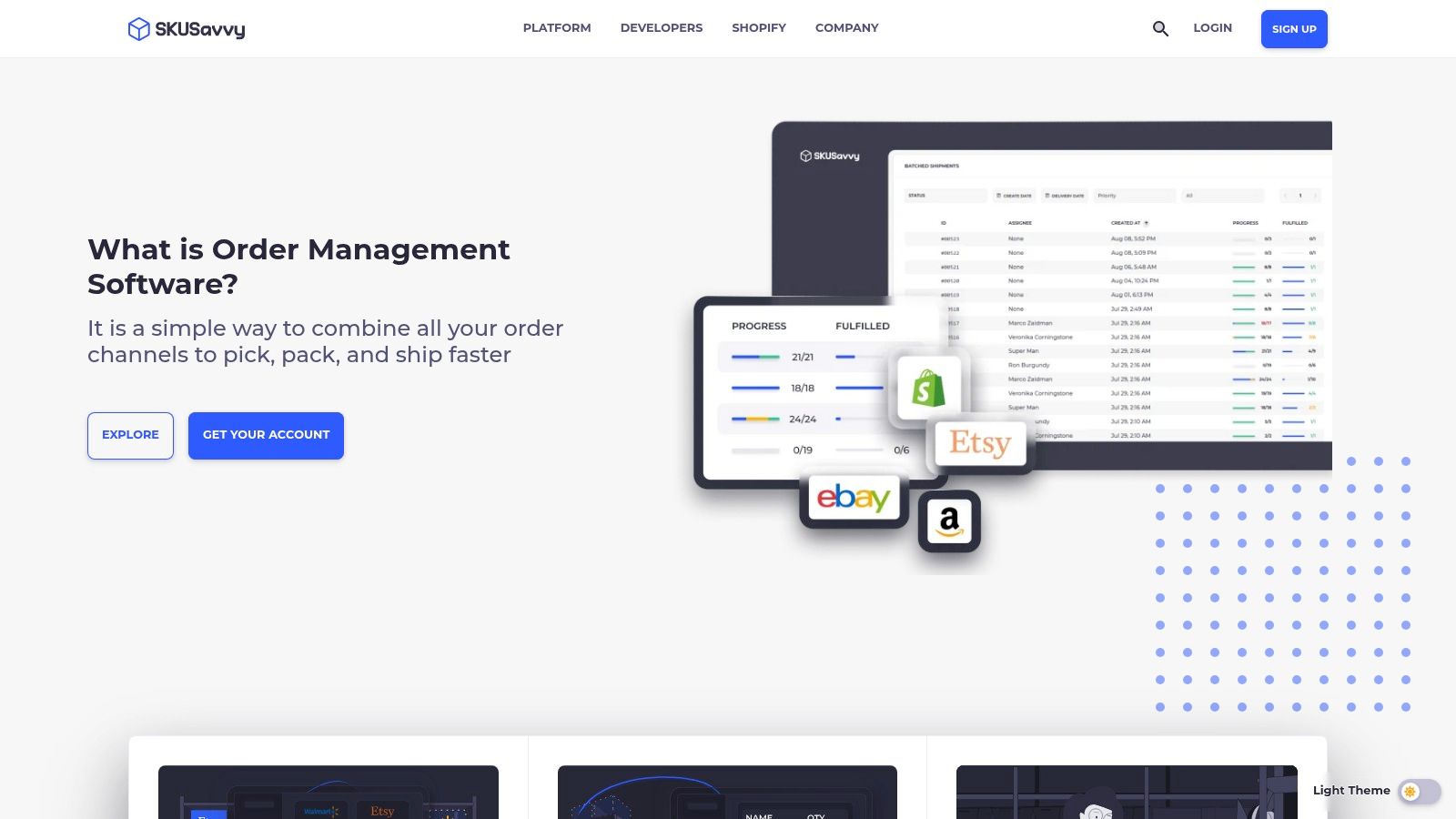
The key advantage of this Shopify order management software is its mobile-first design, empowering teams to manage tasks directly from the warehouse floor. Features like order editing and split shipments provide flexibility for handling custom requests or inventory shortages. Its automated routing logic ensures that orders are sent to the optimal fulfillment location based on priority rules you define, which is a major benefit for businesses scaling across multiple facilities.
Key Features & Considerations
| Feature | Best Use Case | Implementation Note |
|---|---|---|
| Real-Time Data Sync | Stores needing instant order, inventory, and customer updates. | The direct Shopify integration ensures data is synchronized automatically upon setup. |
| Automated Order Routing | Businesses with multiple warehouses or fulfillment centers. | Configure routing rules based on inventory levels, location, or shipping priority. |
| Order Editing & Splitting | Merchants who frequently handle complex or custom orders. | Use this feature to modify orders post-purchase without canceling them. |
While SKUSavvy is highly scalable for growing businesses, its pricing is based on order volume, which could become a significant expense for high-volume stores. It is an excellent choice for merchants who need robust, on-the-ground fulfillment tools and are ready to invest in a specialized system to enhance their operational efficiency and accuracy beyond native Shopify capabilities.
- Website: SKUSavvy
8. OrderDynamics Order Management
OrderDynamics offers a cloud-based system built for complex, enterprise-level retail operations. It excels at unifying sales channels, providing a single source of truth for inventory and orders across online storefronts, physical stores, and warehouses. This platform is a powerful piece of Shopify order management software for large businesses aiming to implement sophisticated omnichannel strategies like Buy Online, Pickup In Store (BOPIS).
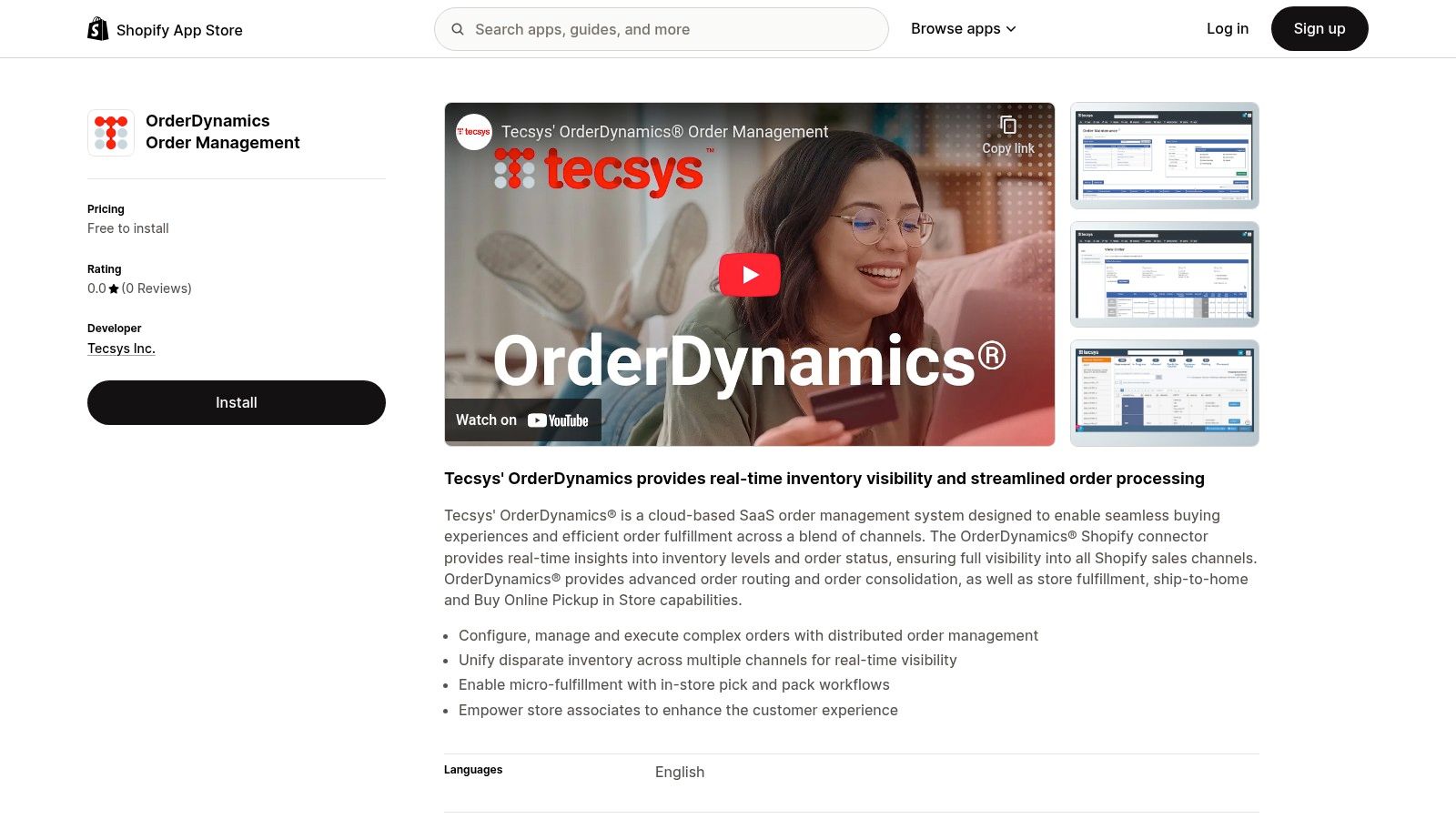
The system’s strength lies in its advanced order routing logic, which can automatically determine the most efficient fulfillment location based on custom business rules, such as proximity to the customer or current inventory levels. It also provides tools for in-store associates to manage online orders, handle returns, and assist customers, directly bridging the gap between digital and physical retail. While its feature set is extensive, it may be overly complex for small to mid-sized businesses.
Key Features & Considerations
| Feature | Best Use Case | Implementation Note |
|---|---|---|
| Advanced Order Routing | Retailers with numerous fulfillment points (stores, warehouses). | Define custom logic to prioritize fulfillment based on cost, speed, or inventory. |
| Real-Time Inventory Sync | Businesses needing precise stock visibility across all channels. | Ensures accurate inventory is displayed online and in-store to prevent stockouts. |
| In-Store Fulfillment Tools | Brands leveraging physical stores for omnichannel fulfillment. | Train store associates on the platform to manage BOPIS and ship-from-store orders. |
This solution is designed for scalability and can significantly improve operational efficiency for merchants managing high-volume, multi-channel sales. You can explore more about optimizing your store operations by mastering essential tips for Shopify store management to complement such a powerful system. However, pricing is tailored to each enterprise, so you will need to consult directly with their team for a quote.
- Website: OrderDynamics Order Management
9. SalesWarp
SalesWarp positions itself as a comprehensive, omnichannel solution built for growing businesses that need to unify their entire operation. It goes beyond basic order processing, integrating your Shopify store with other sales channels, physical locations, and back-office systems. This makes it a powerful piece of Shopify order management software for merchants looking to scale their eCommerce and retail presence cohesively under one platform.
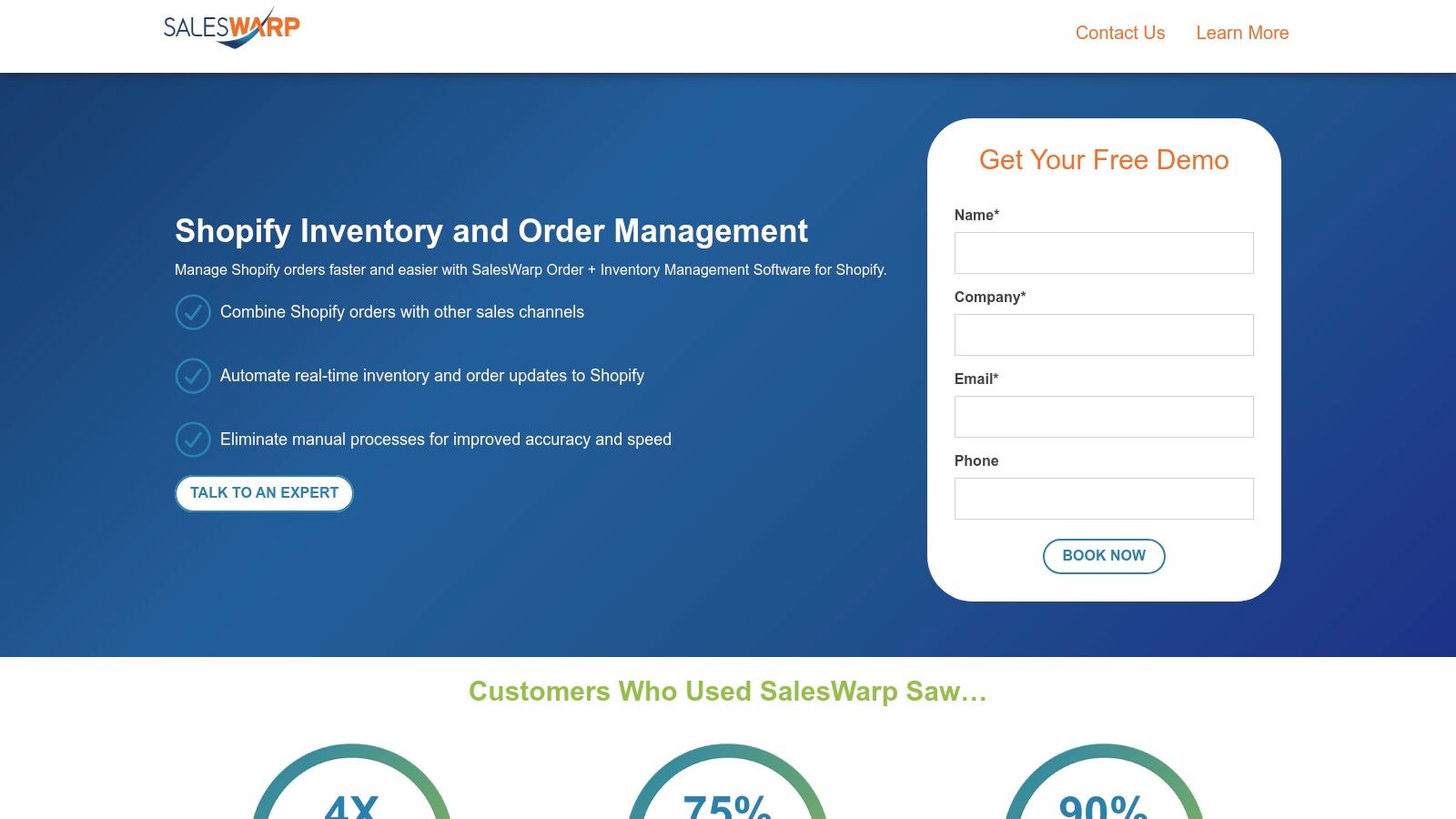
The platform’s strength lies in its ability to provide real-time visibility across all channels, from online orders to in-store purchases. It features a dedicated customer service portal to manage tickets and inquiries, helping you enhance the post-purchase experience. By automating shipping updates and connecting with systems like your CRM and accounting software, SalesWarp centralizes data and streamlines workflows for greater efficiency.
Key Features & Considerations
| Feature | Best Use Case | Implementation Note |
|---|---|---|
| Multichannel Order Management | Businesses selling on Shopify, Amazon, and other marketplaces. | Connect each sales channel to sync inventory and order data centrally. |
| Omnichannel Capabilities | Retailers with both a strong online store and physical locations. | Use the system to manage buy-online-pickup-in-store (BOPIS) orders. |
| Integrated Customer Service | Stores focused on providing high-touch post-purchase support. | Train your support team on the built-in portal to track and resolve tickets. |
While SalesWarp offers a robust feature set, it’s geared toward businesses with complex operational needs, which may mean a steeper learning curve compared to simpler apps. Pricing details are available through a direct consultation, indicating a more tailored, enterprise-level solution rather than a plug-and-play app. It’s an ideal choice for merchants who have outgrown basic tools and require an all-in-one system to manage growth.
- Website: SalesWarp
10. Trackeasy Order Management
Trackeasy offers a focused solution for merchants who need granular, real-time visibility into their order preparation and fulfillment processes. Unlike all-in-one ERPs, this app hones in on the crucial stage between receiving an order and shipping it. It acts as a live dashboard for your fulfillment team, making it an excellent piece of Shopify order management software for businesses like restaurants, local delivery services, and busy warehouses where speed and accuracy are paramount.
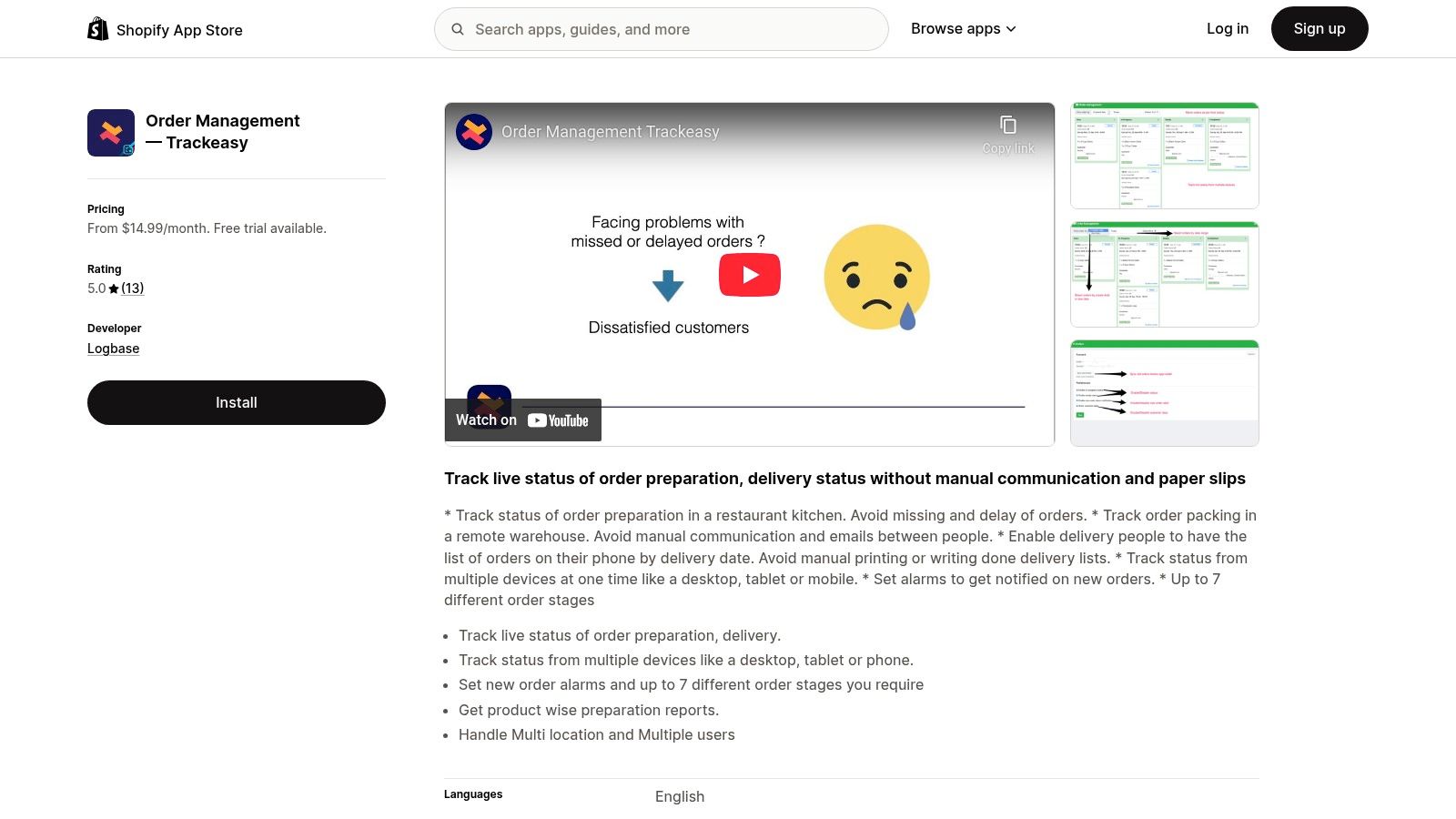
The app’s main advantage is its simplicity and direct impact on operational efficiency. By providing live tracking of preparation stages, new order alarms, and support for multiple devices, it bridges the communication gap between your front-end orders and back-end staff. This reduces manual errors and keeps everyone synchronized. User reviews often praise its easy setup and reliable support, highlighting its effectiveness in streamlining kitchen or warehouse workflows directly within the Shopify ecosystem.
Key Features & Considerations
| Feature | Best Use Case | Implementation Note |
|---|---|---|
| Live Preparation Tracking | Restaurants, cafes, and ghost kitchens needing a kitchen display system (KDS). | Customize order stages like "Preparing," "Ready," and "Out for Delivery." |
| New Order Alarms | High-volume stores where immediate order acknowledgement is critical. | Ensure notifications are enabled on your team's desktop, tablet, or mobile devices. |
| Multi-Location Support | Businesses with several physical storefronts or fulfillment centers. | Assign users to specific locations to ensure they only see relevant orders. |
Trackeasy is a specialized tool, and its strength lies in its focus on the pre-shipment phase. While it excels at preparation management, it is not a comprehensive inventory or shipping management platform. It works best when paired with Shopify’s native tools or other apps that handle post-shipment logistics. The monthly subscription fee may also be a factor for very small businesses, but for those struggling with fulfillment bottlenecks, the efficiency gains can provide a strong return on investment.
- Website: Trackeasy Order Management
11. Purchase Management by Webkul
For merchants whose order management extends to the procurement side, Purchase Management by Webkul provides a critical link between suppliers and inventory. This app focuses on streamlining the purchase order (PO) process, helping you manage suppliers, track incoming stock, and ensure you never run low on your best-selling products. It’s a targeted piece of Shopify order management software designed specifically for businesses that need to formalize their inventory purchasing and supplier relationships directly within Shopify.
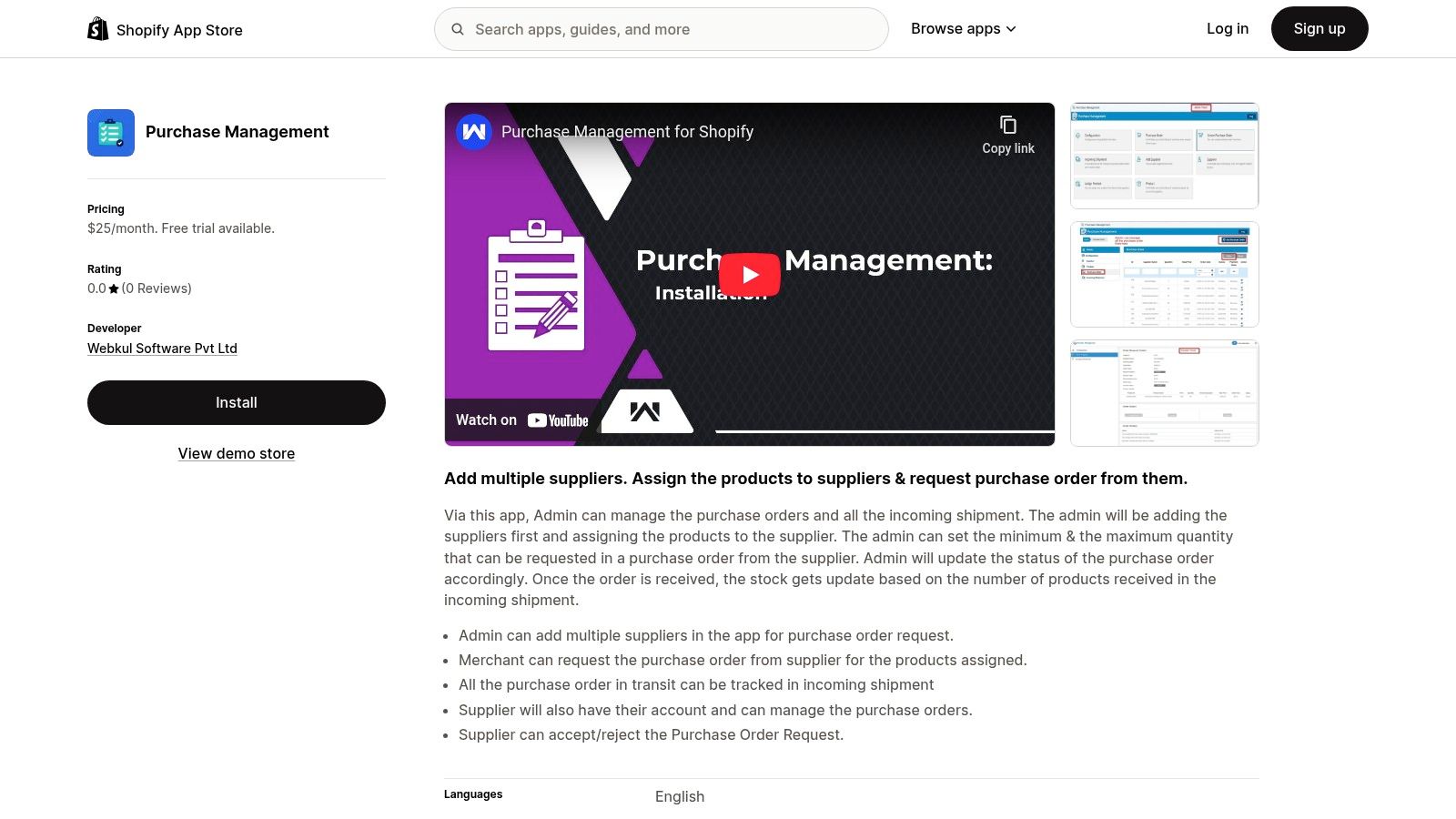
The app’s main advantage is its ability to centralize supplier communication and PO tracking, a function not native to the standard Shopify admin. You can add multiple suppliers, assign specific products to them, and generate purchase orders when stock levels hit a preset minimum. This system transforms a manual, spreadsheet-heavy task into an automated, trackable workflow. Suppliers even get their own accounts to accept or reject orders, improving communication and reducing fulfillment delays on your inbound shipments.
Key Features & Considerations
| Feature | Best Use Case | Implementation Note |
|---|---|---|
| Supplier Management | Brands working with multiple manufacturers or vendors. | Create detailed supplier profiles and assign specific products to each one. |
| Purchase Order Creation | Businesses needing to automate their inventory reordering process. | Set minimum quantity levels on products to trigger PO recommendations. |
| Incoming Shipment Tracking | Stores that need visibility on when new stock will arrive. | Use the dashboard to monitor the status of all outstanding purchase orders. |
While the app excels at procurement, its focus is narrower than all-in-one inventory management systems. It is an ideal add-on for stores that have their sales order process under control but struggle with the purchasing and supplier side of the equation. The monthly fee is a consideration for smaller businesses, but for those juggling multiple vendor relationships, the efficiency gains in inventory control and supplier coordination often justify the cost.
- Website: Purchase Management by Webkul
12. Vend
Vend is designed for retailers who need a powerful bridge between their physical stores and their Shopify presence. More than just an inventory tool, it’s a comprehensive retail management system that integrates a web-based Point of Sale (POS) with your e-commerce operations. This unified approach makes it a standout piece of Shopify order management software for businesses aiming to sync in-store and online sales, inventory, and customer data seamlessly.
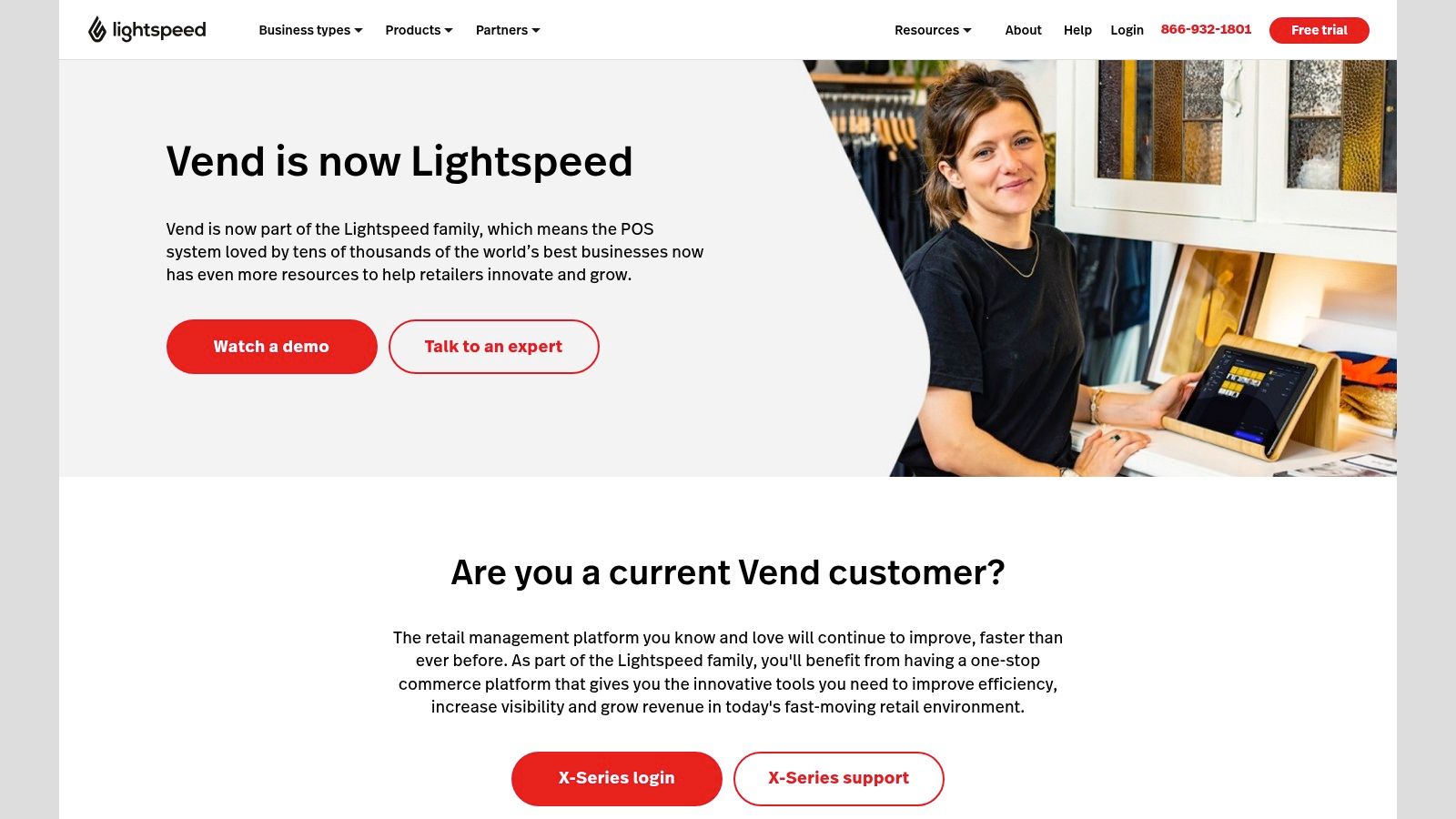
The key strength of Vend is its ability to create a single source of truth for your entire retail operation. When an item sells online, inventory is updated at the physical store, and vice versa. Its POS software even works offline, syncing sales data once you're back online to prevent disruptions. This makes it ideal for retailers operating in pop-up shops, at markets, or in locations with unreliable internet, ensuring every sale is captured and accounted for across all channels.
Key Features & Considerations
| Feature | Best Use Case | Implementation Note |
|---|---|---|
| Unified POS & E-commerce | Brick-and-mortar stores that also sell on Shopify. | Link your Shopify store during setup to sync product catalogs and inventory. |
| Offline Sales Processing | Retailers at events, markets, or with spotty Wi-Fi. | The POS app stores sales data locally and syncs automatically when reconnected. |
| Centralized Customer Profiles | Businesses wanting to build a unified customer loyalty program. | Customer data from in-store and online purchases is combined into one profile. |
While Vend offers a robust feature set that can consolidate complex retail operations, its pricing is not listed publicly and requires a direct consultation. This approach is common for enterprise-level solutions but may be a hurdle for smaller businesses wanting to compare costs upfront. For merchants focused exclusively on e-commerce without a physical retail component, some of Vend's core features, like its advanced POS, may be more than what is needed.
- Website: Vend
Order Management Software Feature Comparison
| Solution | Core Features / Capabilities | User Experience / Quality ★★★★☆ | Value & Pricing 💰 | Target Audience 👥 | Unique Selling Points ✨ |
|---|---|---|---|---|---|
| Shopify Order Management & Delivery | Integrated order & shipping, real-time inventory | Beginner-friendly UI, seamless Shopify native integration | Included with Shopify 💰 | Shopify store owners 👥 | Native platform integration 🏆 |
| Katana Manufacturing ERP | Production scheduling, raw & finished goods tracking | User-friendly drag-drop interface | Higher cost 💰 | Manufacturers on Shopify 👥 | Manufacturing-specific features ✨ |
| OrderMS | AI automation, multi-channel sync, predictive alerts | Easy setup, free for small businesses 💰 | Free plan available 💰 | Small Shopify stores 👥 | AI-driven automation ✨ |
| Webkul Order Management | Customer returns/exchanges, reorder, multi-lang support | Simplifies admin tasks, enhances post-purchase experience | Monthly fee 💰 | Shopify merchants needing returns 👥 | Flexible return/exchange requests ✨ |
| Multiorders | Multi-channel orders, shipping, bulk label printing | Efficient order processing, good channel support | Flexible plans by volume 💰 | Multi-channel sellers 👥 | Multi-platform & carrier integration ✨ |
| Zoho Inventory | Multi-warehouse, multi-platform integration | Affordable, comprehensive feature set | Free plan + affordable tiers 💰 | Varied business sizes 👥 | Integration with full Zoho suite ✨ |
| SKUSavvy | Real-time sync, order editing, mobile-friendly | Designed for Shopify, scales well | Volume-based pricing 💰 | Growing Shopify stores 👥 | Automated routing & priority shipping ✨ |
| OrderDynamics Order Management | Advanced routing, multi-channel visibility, BOPIS | Robust enterprise features, scalable | Pricing on request 💰 | Large multi-channel retailers 👥 | Complex retail ops & in-store fulfillment 🏆 |
| SalesWarp | Omnichannel orders, customer service portal | Integration-rich, enhances customer experience | Pricing on request 💰 | Growing businesses 👥 | CRM & accounting integrations ✨ |
| Trackeasy Order Management | Live order tracking, custom stages, multi-user support | Positive reviews, real-time visibility | Monthly fee 💰 | Shopify store owners 👥 | Multi-device tracking & alerts ✨ |
| Purchase Management by Webkul | Supplier mgmt, purchase orders tracking | Streamlines purchase & inventory control | Monthly fee 💰 | Stores managing suppliers 👥 | Supplier acceptance/rejection ✨ |
| Vend | POS, offline sales, loyalty, multi-platform integration | Comprehensive retail mgmt, supports offline sales | Pricing on request 💰 | Retailers with physical & online 👥 | Web POS + customer loyalty programs ✨ |
Choosing the Right Partner for Your E-commerce Growth
Navigating the landscape of Shopify order management software can feel overwhelming, but making the right choice is a critical step toward scaling your e-commerce business. As we've explored, the solutions range from simple, streamlined apps like Trackeasy Order Management to powerful, all-in-one systems like Katana Manufacturing ERP and SalesWarp. The key takeaway is that there is no single "best" tool; there is only the best tool for your specific operational needs, business size, and growth ambitions.
Your ideal software is one that eliminates your biggest bottlenecks. If you're struggling with multi-channel inventory sync, a solution like Multiorders or Zoho Inventory is built to solve that exact problem. For businesses managing in-house production or complex assembly, Katana offers specialized manufacturing workflows that standard apps simply can't match. Similarly, retailers with physical locations will find Vend's integrated POS and inventory system indispensable.
How to Make Your Final Decision
Before committing to a platform, take a step back and map out your current and future needs. Don't just solve today's problems; anticipate the challenges you'll face in six months or a year from now.
Consider these final guiding questions:
- Business Stage: Are you a rapidly growing startup that needs a flexible, low-cost solution like OrderMS, or an established enterprise requiring the robust, custom-tailored features of a system like OrderDynamics? Your current scale dictates your immediate requirements.
- Primary Pain Point: What is the single biggest operational headache you want to eliminate? Is it inaccurate inventory counts, slow fulfillment, poor communication on custom orders, or managing multiple sales channels? Pinpoint this to narrow your focus. For example, if purchase order management is your main issue, Purchase Management by Webkul is a targeted solution.
- Integration Ecosystem: Does the software integrate seamlessly with the other tools you rely on? Your accounting software, CRM, and shipping carriers must work in harmony. A disconnected tech stack creates more manual work, defeating the purpose of an order management system.
- Implementation & Support: How much technical heavy lifting are you prepared to do? Evaluate the implementation process and the quality of customer support offered. A powerful tool is useless if your team cannot adopt it effectively.
Investing in the right shopify order management software is more than just an operational upgrade; it's a strategic investment in customer satisfaction, efficiency, and long-term scalability. By choosing a system that aligns with your unique business model, you empower your team to move beyond tedious manual tasks and focus on what truly matters: growing your brand and delighting your customers.
Feeling overwhelmed by the technical details of selecting and integrating the perfect order management system? The expert developers at E-commerce Dev Group specialize in customizing Shopify and Shopify Plus stores with robust, scalable software solutions. Let us help you build a tech stack that not only meets your needs but becomes your competitive advantage.
