


In the crowded digital marketplace, a visually appealing online store isn't enough. The best ecommerce website design is a powerful engine for growth, blending stunning aesthetics with seamless functionality to convert visitors into loyal customers. It’s about creating an intuitive, trustworthy, and memorable shopping experience that guides users effortlessly from discovery to checkout. At its core, this approach is built on a foundation of strong customer experience design, which focuses on creating those positive, memorable journeys for your users.
This guide moves beyond generic advice to provide a strategic breakdown of what works right now. We will analyze seven distinct sources for high-performing themes and templates, showcasing how specific design choices in user experience (UX), mobile optimization, and brand storytelling can dramatically impact your bottom line.
You'll find actionable takeaways and replicable strategies you can apply directly to your own store. Each example includes screenshots and direct links to help you evaluate the best fit for your brand. Whether you're launching a new business or refining an established one, these insights will provide a clear roadmap to building a site that not only looks great but also drives serious results.
1. E-commerce Dev Group: The Blueprint for Custom, High-Conversion Stores
E-commerce Dev Group represents the pinnacle of strategic web development, securing its spot as a top choice for the best ecommerce website design by focusing exclusively on bespoke, high-performance solutions. Unlike template-based services, they operate as a dedicated development partner for ambitious brands, primarily on the Shopify and Shopify Plus platforms. Their entire philosophy revolves around creating a unique digital storefront that is a direct extension of a brand's identity and a powerful engine for sales growth.
Their approach is methodical and results-driven, building stores from the ground up with clean, scalable code (HTML5, CSS3, JavaScript, and Liquid). This ensures that every user touchpoint, from homepage interaction to the final checkout click, is meticulously crafted for an optimal customer journey and maximum conversion potential.
Strategic Analysis: Why E-commerce Dev Group Excels
What sets E-commerce Dev Group apart is their deep-seated expertise in transforming business objectives into tangible digital experiences. They don’t just build websites; they engineer custom ecommerce ecosystems tailored to specific market demands and brand goals.
- Bespoke Development: They reject the one-size-fits-all model. Every project is a blank canvas, ensuring the final product is truly unique and free from the bloat and limitations of pre-built themes. This allows for unparalleled flexibility in design and functionality.
- Conversion-Centric Design: Their process is rooted in conversion rate optimization (CRO) principles. They design user flows that are intuitive, frictionless, and persuasive, guiding customers seamlessly from discovery to purchase.
- Technical Excellence: By leveraging a modern tech stack and focusing on clean code, their websites are fast, reliable, and scalable. This solid technical foundation is crucial for SEO performance, user experience, and long-term growth.
Key Insight: A custom-coded Shopify store provides a significant competitive advantage. It allows for complete control over the user experience and performance optimizations that are often impossible with standard themes, directly impacting conversion rates and brand perception.
Actionable Takeaways for Merchants
To achieve a high-conversion store, brands must look beyond the initial design and focus on continuous optimization. Understanding customer behavior through detailed analytics is non-negotiable. For instance, merchants on other platforms often need robust tracking integrations to measure marketing ROI effectively. Learning how to set up Magento 2 Google Ads conversion tracking provides a glimpse into the technical requirements for linking ad performance to actual sales, a principle that applies across all platforms.
For those considering a partnership with a development agency like E-commerce Dev Group, the key is to approach the project with clear strategic goals.
- Define Your Brand Identity: Come prepared with a strong understanding of your brand's unique value proposition, target audience, and aesthetic. This is the foundation they will build upon.
- Outline Key Functionality: List the "must-have" features your store needs, whether it's custom product configurators, subscription models, or unique integration requirements.
- Focus on the Customer Journey: Think about your ideal customer's path to purchase. This insight will help the developers design a flow that minimizes friction and maximizes engagement.
By collaborating with a team that specializes in turning strategic vision into a high-functioning digital reality, merchants can build an online store that not only looks exceptional but also delivers measurable business results.
Learn more about their approach to custom Shopify store design.
2. ThemeForest
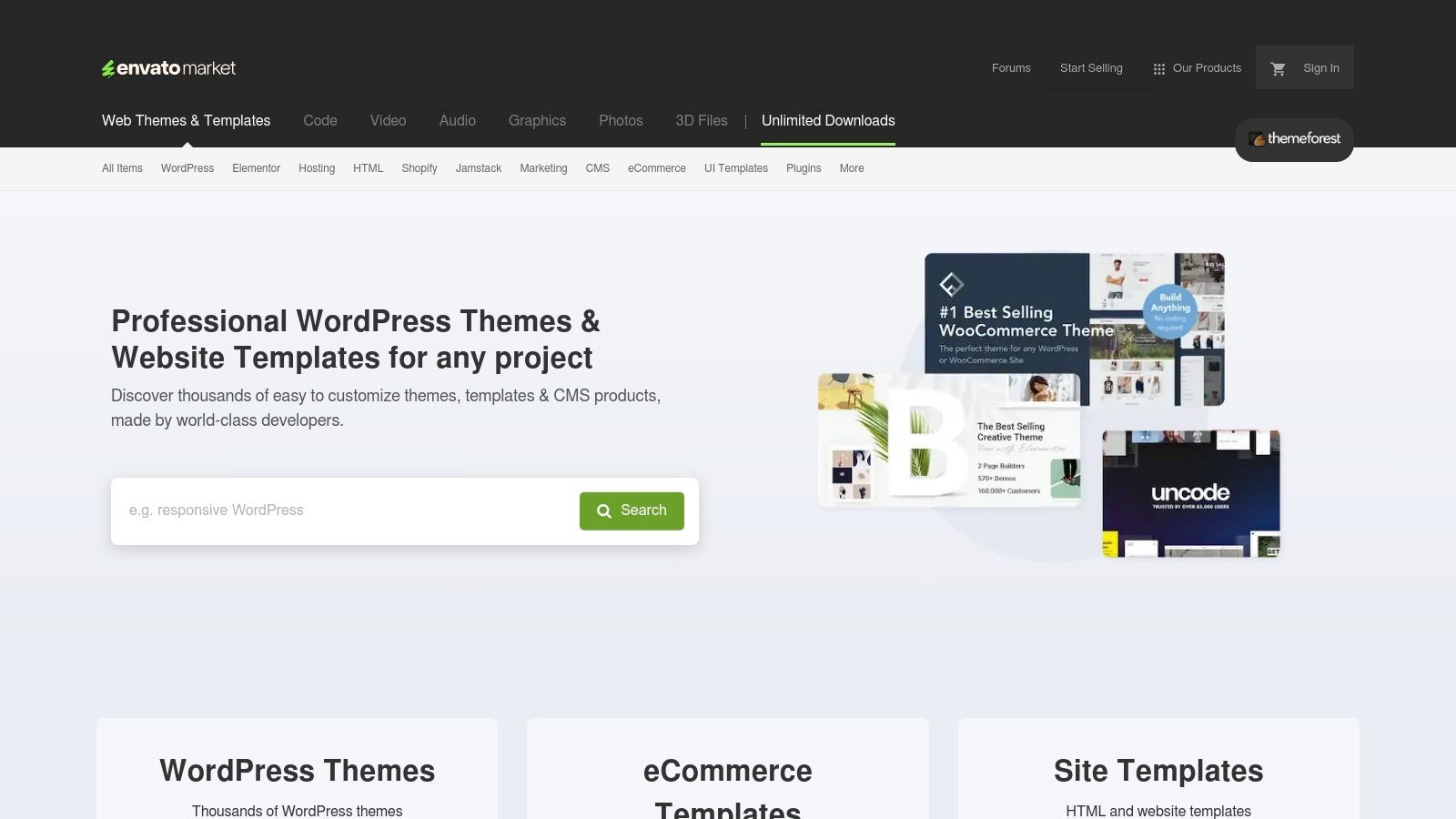
ThemeForest stands out not as a single design, but as a massive marketplace for ecommerce website templates. It’s a go-to resource for businesses that want a high-quality, professional look without the cost and time commitment of building a custom design from scratch. The sheer volume and variety make it a top contender for finding the best ecommerce website design foundation for platforms like Shopify, WordPress (with WooCommerce), and Magento.
What makes ThemeForest invaluable is its community-driven quality control. Each theme comes with user reviews, ratings, and a public comments section where you can see questions from other buyers and responses from the developer. This transparency helps you gauge the quality of the code, the level of customer support, and the overall reliability of a theme before you commit.
Strategic Insights & Actionable Takeaways
ThemeForest’s strength lies in providing a competitive head start. Instead of starting with a blank canvas, you get a feature-rich, professionally designed template that you can tailor to your brand.
How to Use ThemeForest Effectively:
- Filter Aggressively: Use the advanced search filters to narrow down options by platform (e.g., Shopify), features (e.g., drag-and-drop builder), and sales volume. Bestselling themes are often popular for a reason-they are well-supported and versatile.
- Scrutinize Reviews and Comments: Don't just look at the star rating. Read through recent comments to check if the developer is actively supporting the product and addressing user issues.
- Check the Live Preview: Every theme has a "Live Preview" button. Use it to thoroughly test the theme’s responsiveness on different devices, navigation, and overall user experience.
Pricing and Access
Pricing for premium themes on ThemeForest typically ranges from $19 to $99 for a single-use license. This one-time fee often includes six months of developer support, with an option to extend. This model is highly affordable compared to custom development, making it accessible for startups and established businesses alike. Once purchased, you receive the theme files to install on your ecommerce platform. While many themes are user-friendly, some may require a bit more technical skill to get just right. For those looking to take a theme and truly make it their own, exploring options for Shopify theme customization can help elevate a great template into a unique brand experience.
- Website: https://themeforest.net/
3. TemplateMonster
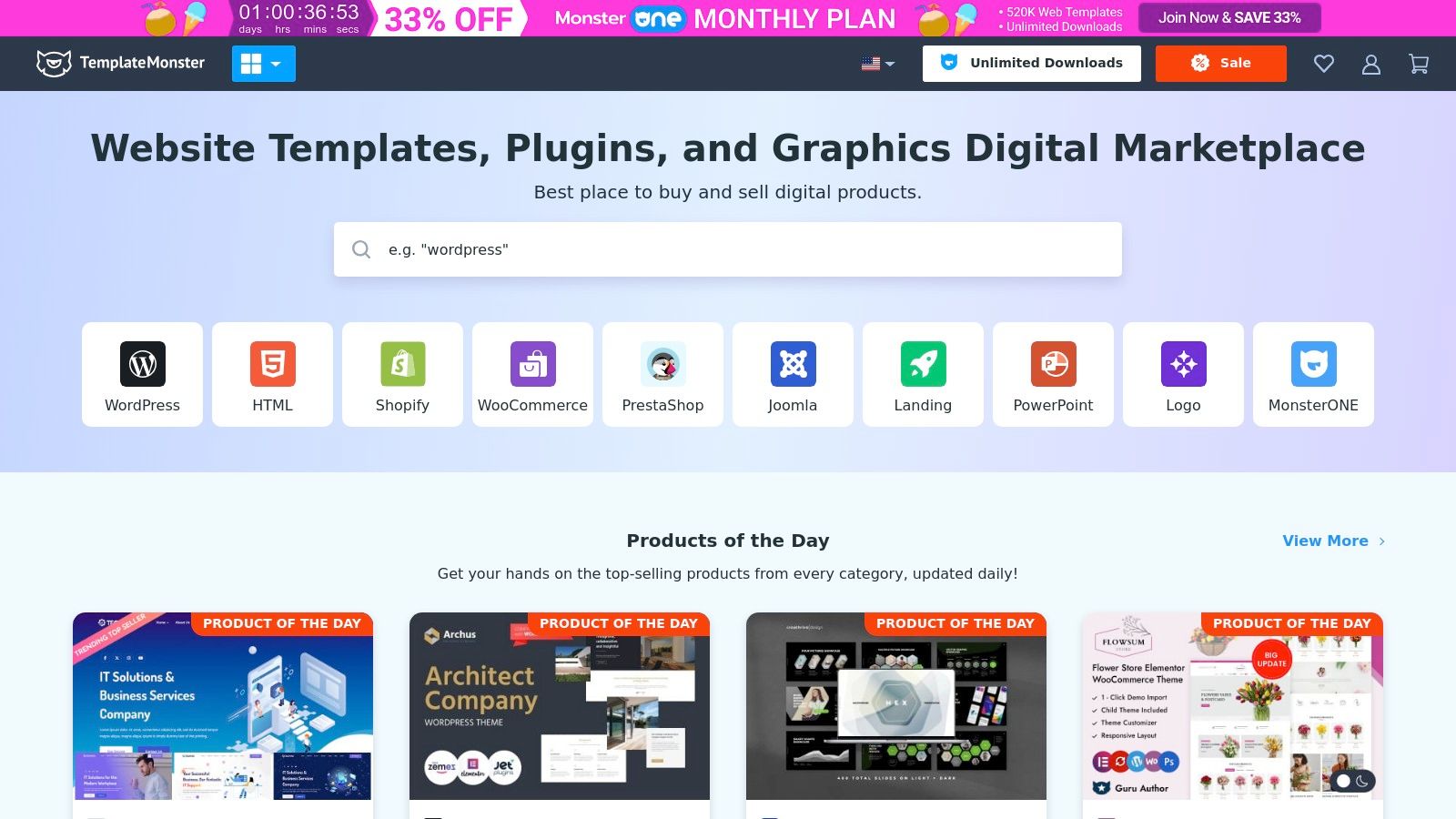
TemplateMonster is another powerhouse marketplace offering a vast and diverse collection of ecommerce templates for platforms like Shopify, WooCommerce, and PrestaShop. What sets it apart is its strong emphasis on comprehensive support and additional services, making it an excellent choice for business owners who want a one-stop-shop for their design needs. It’s a great resource for finding the best ecommerce website design while also having access to customization help and 24/7 customer support.
The platform goes beyond just selling themes by providing detailed documentation, tutorials, and even professional customization services. This ecosystem is ideal for users who may not have deep technical expertise but still want a polished, high-functioning storefront. The availability of frequent updates and promotions also adds significant value, ensuring your site stays modern and secure.
Strategic Insights & Actionable Takeaways
TemplateMonster's core advantage is its combination of variety and support. You can find a visually appealing template and get professional help to tailor it perfectly to your brand, all within the same platform.
How to Use TemplateMonster Effectively:
- Leverage 24/7 Support: Don't hesitate to use the live chat for pre-purchase questions. Ask about specific features, platform compatibility, or the theme’s technical requirements to ensure it’s the right fit.
- Evaluate Customization Options: If you find a template you love but it’s missing a key feature, check out their customization services. Getting a quote can help you budget for a more unique brand experience.
- Look for Bundles and Deals: TemplateMonster often runs promotions and offers bundled packages that include themes, plugins, and even stock photos at a discounted price, providing great value.
Pricing and Access
Templates on TemplateMonster are typically sold with a single-site license, with prices ranging from $29 to over $150, depending on the complexity and platform. The one-time fee includes updates and a standard support period. For those looking to go beyond pre-built options, understanding how to utilize custom code can transform your storefront. For instance, you can unlock advanced customization with custom liquid sections in Shopify to create truly bespoke page layouts. While some themes are beginner-friendly, others may have a steeper learning curve, making the available support and customization services a critical asset.
- Website: https://www.templatemonster.com/
4. Shopify Theme Store
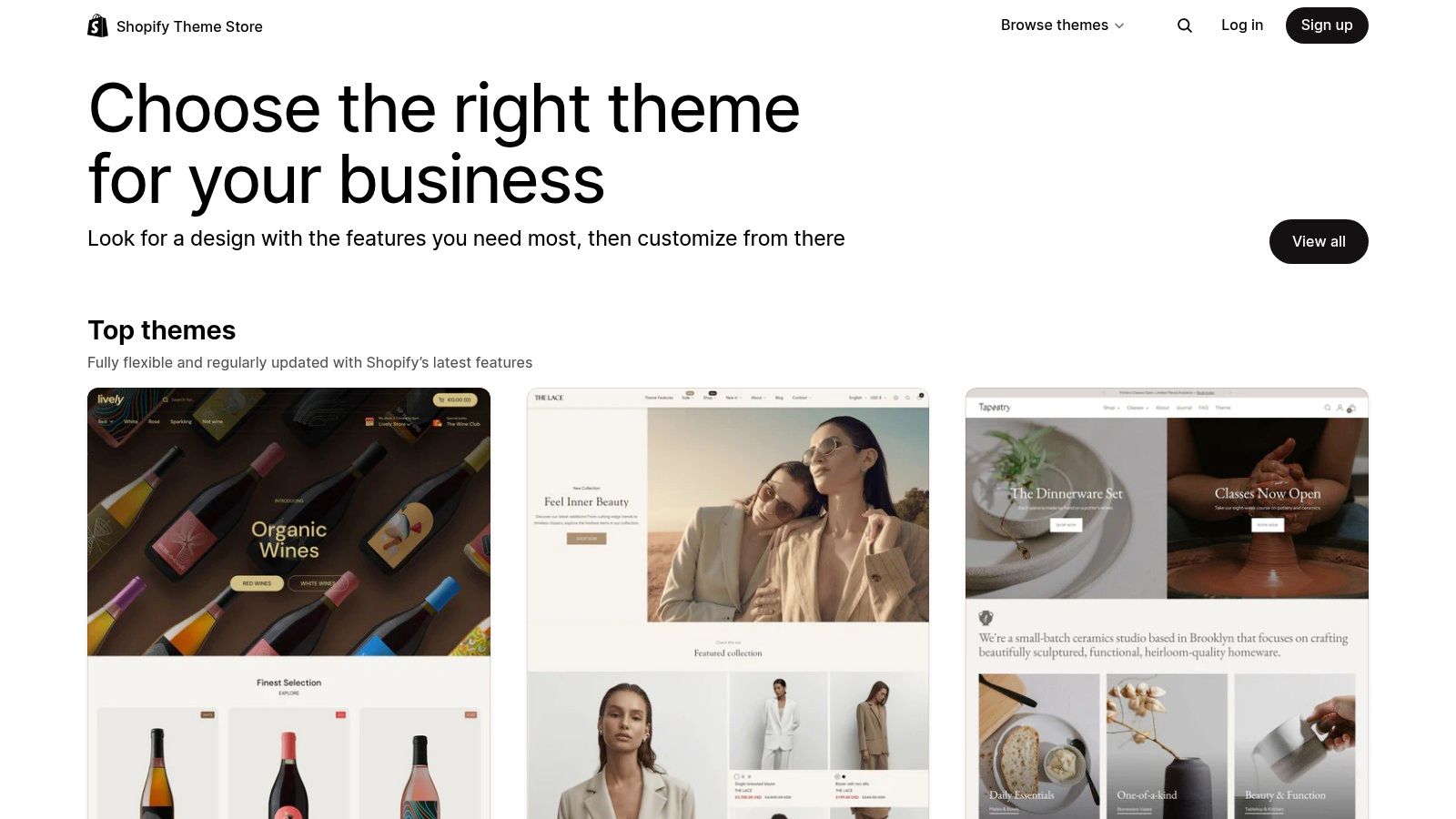
The Shopify Theme Store is the official marketplace for themes built exclusively for the Shopify platform. This direct integration is its greatest strength, as every theme is guaranteed to be fully compatible with Shopify’s core features, apps, and future updates. It offers a curated selection of both free and premium options, making it the most reliable starting point for anyone building or redesigning a store on Shopify.
Unlike broader marketplaces, the Shopify Theme Store enforces a strict review process. Every theme is vetted by a Shopify team for quality, performance, mobile responsiveness, and security. This curation ensures that even if you choose a free theme, you are getting a high-quality foundation for what could be the best ecommerce website design for your brand. This built-in trust and reliability make it an essential resource for the millions of merchants on the platform.
Strategic Insights & Actionable Takeaways
Using the official theme store eliminates compatibility guesswork, allowing you to focus on branding and user experience instead of technical troubleshooting. The themes are optimized for Shopify’s ecosystem, including its built-in SEO features and mobile-first checkout process, giving you a competitive edge from day one.
How to Use the Shopify Theme Store Effectively:
- Focus on Industry and Catalog Size: Shopify allows you to filter themes based on your specific industry (e.g., "Food & Drink") and catalog size. This helps you find a layout that is already optimized for your type of products and inventory scale.
- Prioritize Feature Needs: Use the "Features" filter to find themes with built-in functionalities like a quick-view option, sticky header, or mega menu. This can reduce your reliance on third-party apps, which can slow down your site.
- Test on an Unpublished Theme: Before committing to a premium theme, you can add it to your store and customize it in an unpublished state. This "try before you buy" feature lets you see exactly how it will look with your products and branding.
Pricing and Access
The Shopify Theme Store offers a collection of high-quality free themes developed by Shopify, which are perfect for new businesses. Premium themes, created by third-party developers, have a one-time purchase fee, typically ranging from $180 to $350. This fee includes ongoing updates and support from the theme developer. While the price is higher than some marketplaces, it reflects the quality control and guaranteed compatibility. The seamless integration also simplifies the process for businesses looking at a Shopify store migration, ensuring their new design works flawlessly from the start.
- Website: https://themes.shopify.com/
5. Wix Marketplace
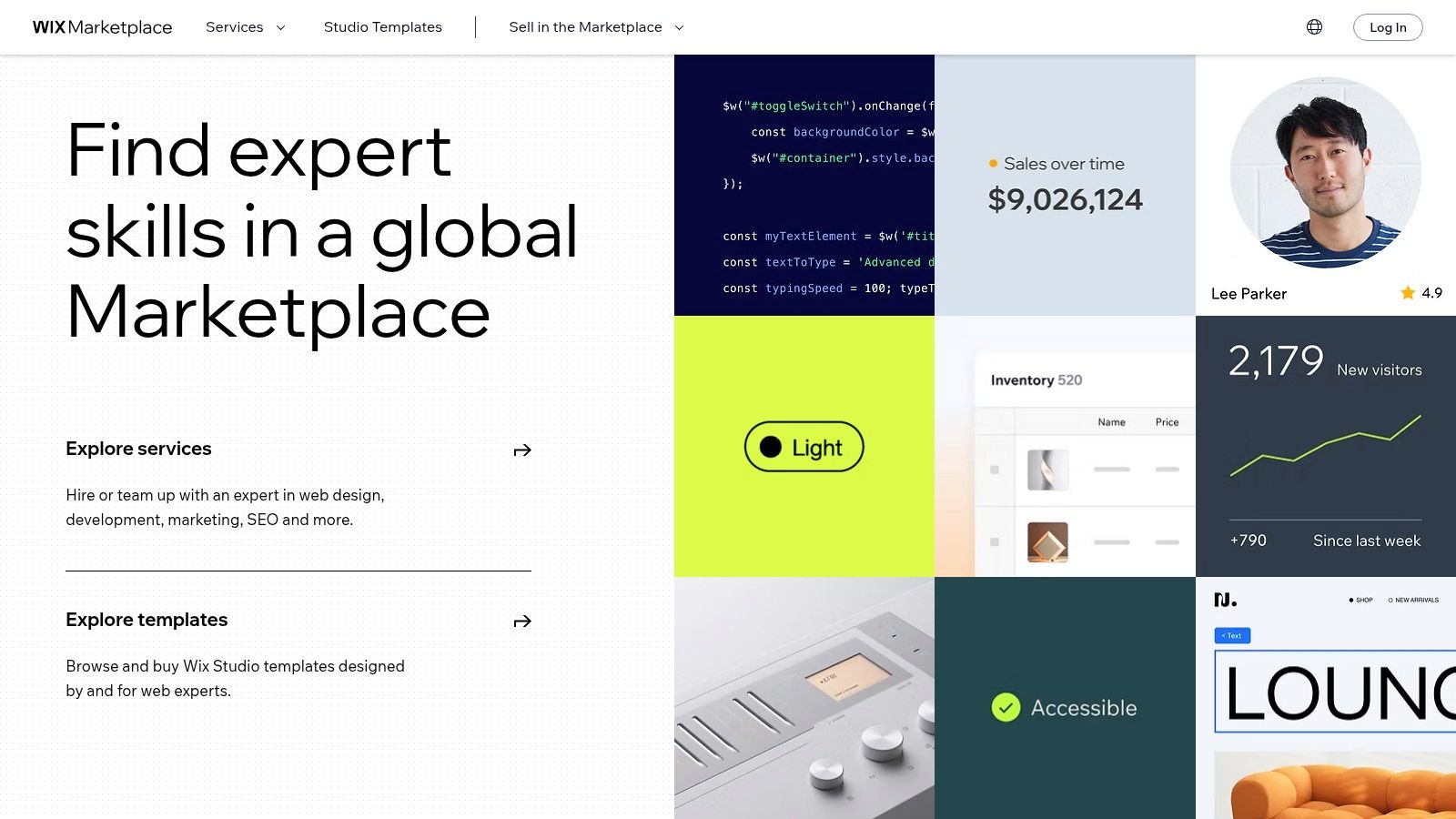
Wix Marketplace offers a highly accessible entry point into ecommerce, providing a vast library of professionally designed templates built specifically for its all-in-one platform. It is an ideal solution for small businesses, entrepreneurs, and beginners who want to launch a visually appealing online store without needing any coding skills. The platform's core strength is its powerful drag-and-drop editor, which gives users complete creative control over their site’s look and feel.
What sets Wix apart is its seamless integration of design and functionality. Every template comes ready with built-in ecommerce features, from sleek product galleries to secure payment processing. This unified ecosystem ensures that your store not only looks great but also works flawlessly from day one, making it a strong contender for the best ecommerce website design for those prioritizing ease of use.
Strategic Insights & Actionable Takeaways
Wix empowers users to create a unique and functional storefront quickly. Instead of grappling with technical complexities, you can focus entirely on branding and user experience, leveraging a design foundation that is both mobile-optimized and aesthetically modern.
How to Use Wix Marketplace Effectively:
- Choose a Template by Industry: Start by browsing templates categorized by your specific business niche (e.g., fashion, electronics, food). These templates often include relevant layouts and features that give you a strategic advantage.
- Leverage the Drag-and-Drop Editor: Don't be afraid to move elements around. Customize fonts, color palettes, and layouts to perfectly match your brand identity. The editor’s flexibility allows you to create a custom look from a template base.
- Explore the Wix App Market: Enhance your store’s functionality by adding apps. Look for tools that add features like customer reviews, loyalty programs, or advanced marketing integrations to drive sales and engagement.
Pricing and Access
Wix operates on a subscription model. To launch an ecommerce store, you need to subscribe to one of their Business & eCommerce plans, which typically start at around $27 per month. These plans include hosting, a custom domain for the first year, and access to all ecommerce features and templates. This all-in-one pricing is straightforward and removes the need to manage separate hosting or security costs. While Wix is incredibly user-friendly, its ecommerce capabilities are best suited for small to medium-sized stores and may be less flexible for large-scale enterprises with complex inventory needs.
- Website: https://www.wix.com/marketplace
6. BigCommerce Theme Store
The BigCommerce Theme Store is the official marketplace for templates built exclusively for the BigCommerce platform. Unlike broader marketplaces, every theme here is engineered to leverage BigCommerce’s native features, ensuring seamless integration, high performance, and scalability. This makes it a crucial resource for businesses committed to the BigCommerce ecosystem who are seeking the best ecommerce website design optimized for growth.
What sets the BigCommerce Theme Store apart is its focus on performance and conversion. Each theme is fully responsive and built with modern development standards, prioritizing fast load times and strong SEO foundations. Because the themes are created specifically for the platform, they reliably support core functionalities like multi-currency transactions, complex product filtering, and built-in marketing tools without requiring extensive custom coding or third-party apps.
Strategic Insights & Actionable Takeaways
Using the BigCommerce Theme Store guarantees a design foundation that is perfectly aligned with the platform’s powerful backend. This eliminates compatibility issues and ensures your site can scale effectively as your business grows.
How to Use the BigCommerce Theme Store Effectively:
- Filter by Industry: Start by filtering themes by your specific industry, such as "Fashion & Jewelry" or "Food & Beverage." This quickly narrows the selection to designs with layouts and features tailored to your niche.
- Leverage the "View Demo" Feature: Thoroughly test the live demo for each theme you consider. Pay close attention to the mobile experience, the checkout process, and the navigation structure to ensure it provides a smooth user journey.
- Prioritize Developer Support: Check the details for each theme to understand the level of support provided by the developer. Responsive support is critical for troubleshooting and making future customizations.
Pricing and Access
BigCommerce offers a selection of free themes that are perfect for new businesses or those on a tight budget. Premium themes in the store typically range from $160 to $300. While this is a higher price point than some other marketplaces, the cost reflects a one-time purchase for a high-quality, performance-optimized asset built for a specific, powerful platform. All themes, both free and paid, are accessible directly through the BigCommerce admin dashboard, making installation and updates straightforward for any user on the platform.
- Website: https://www.bigcommerce.com/themes/
7. Webflow E-commerce Templates
Webflow moves beyond traditional template systems by offering a powerful visual canvas for creating highly custom e-commerce experiences. It is the ideal platform for designers, developers, and brands that refuse to be constrained by a typical theme structure. Webflow E-commerce Templates provide a sophisticated starting point, combining intricate design with robust back-end functionality, allowing you to build a truly bespoke online store without writing code from scratch.
What sets Webflow apart is its fusion of design freedom and integrated e-commerce capabilities. Unlike platforms that rely heavily on third-party apps, Webflow's e-commerce tools are built directly into its visual editor. This means you can design everything from product grids and cart animations to custom checkout flows with pixel-perfect precision, resulting in one of the most unique and best ecommerce website design outcomes available today.
Strategic Insights & Actionable Takeaways
Webflow’s core advantage is its ability to create a brand-centric shopping experience that doesn't look like a template. It empowers you to translate a unique brand identity into an interactive, high-performing storefront.
How to Use Webflow E-commerce Templates Effectively:
- Master the Designer: Before committing, spend time with Webflow's tutorials. Understanding the basics of the visual editor, including flexbox and grid, is crucial for unlocking its full potential.
- Leverage the CMS: Use Webflow's integrated CMS to create dynamic content beyond product pages. Build rich blog posts, lookbooks, or case studies that seamlessly connect back to your products.
- Customize Interactions: Go beyond static pages. Use Webflow's interactions and animations tool to create engaging micro-interactions, such as a custom add-to-cart animation or hover effects on product images, that delight users and reinforce your brand.
Pricing and Access
Webflow offers both free and premium templates, with premium options typically ranging from $49 to $129. This is a one-time purchase for the template itself. To use the e-commerce features, you must subscribe to one of Webflow’s e-commerce hosting plans, which start at $29 per month (billed annually). While the initial learning curve can be steeper than other platforms, the unparalleled level of design control makes it a top-tier choice for businesses aiming for a distinctive online presence.
Top 7 Ecommerce Website Design Comparison
| Product | Implementation Complexity 🔄 | Resource Requirements ⚡ | Expected Outcomes 📊 | Ideal Use Cases 💡 | Key Advantages ⭐ |
|---|---|---|---|---|---|
| E-commerce Dev Group | Medium to High – requires expert developers and custom coding | Moderate to High – skilled team and ongoing support | High – optimized stores with improved SEO, speed, conversions | Businesses needing custom Shopify development and full support | Expert certified Shopify team, scalable pricing, 24/7 support |
| ThemeForest | Low to Medium – mostly plug-and-play, some customization needed | Low – purchase templates, some coding for tweaks | Medium – good starting point but variable quality | Users seeking affordable and quick theme options | Large template variety, community reviews, affordable pricing |
| TemplateMonster | Low to Medium – templates plus optional paid customization | Low to Moderate – templates plus optional paid service | Medium – themes plus support and tutorials improve results | Users wanting templates with access to support and customization | Broad platform support, extensive resources, 24/7 support |
| Shopify Theme Store | Low – themes built for Shopify, easy customization | Low – purchase themes, minimal setup | Medium to High – guaranteed Shopify compatibility | Shopify users needing reliable, well-supported themes | Shopify-vetted, mobile-responsive, SEO optimized |
| Wix Marketplace | Very Low – drag-and-drop with minimal technical skill | Low – all-in-one platform with hosting included | Medium – suitable for small to medium stores with quick setup | Beginners or small businesses needing easy store build | User-friendly, extensive customization, integrated tools |
| BigCommerce Theme Store | Low to Medium – platform specific themes, some config needed | Low – theme purchase plus BigCommerce subscription | Medium to High – optimized for scalability and performance | Growing businesses on BigCommerce requiring scalability | Professional, performance-optimized, scalable themes |
| Webflow E-commerce Templates | Medium to High – visual editor plus code customization | Moderate to High – design knowledge and hosting included | High – unique, highly customizable, dynamic e-commerce sites | Designers/developers seeking bespoke e-commerce with CMS | High design control, integrated CMS, no plugins needed |
From Inspiration to Implementation: Building Your Best Site
We've explored a dynamic landscape of resources, from the expansive template marketplaces of ThemeForest and TemplateMonster to the curated, platform-specific collections on the Shopify and BigCommerce theme stores. We've also seen how powerful no-code platforms like Wix and Webflow empower visual creation. The central theme connecting all these options is clear: the best ecommerce website design is never a one-size-fits-all template.
Instead, the ideal design is a strategic fusion of your unique brand identity, your customers' needs, your technical capabilities, and your ultimate business objectives. It’s a solution meticulously tailored to your specific context.
Synthesizing Your Strategy: Key Takeaways
The journey from inspiration to a high-performing site requires a strategic mindset. Reflecting on the examples and tools we’ve analyzed, several core principles emerge as non-negotiable for success:
- Goal-Driven Selection: Your choice of tool or partner must be driven by your goals. Are you focused on rapid market entry, deep brand customization, or scaling to enterprise-level traffic? A starter theme from the Shopify Theme Store serves a different purpose than a bespoke build from a specialized agency.
- Brand Alignment Over Trends: While modern design trends are important, they should never overshadow your brand's core identity. The most effective websites feel authentic. Your design should be a natural extension of your brand's story, values, and promise to the customer.
- Conversion is King: A beautiful website that doesn't convert is merely a digital art piece. The best ecommerce website design is rooted in conversion rate optimization (CRO). This includes intuitive navigation, clear calls-to-action, streamlined checkout processes, and a mobile-first approach.
- Scalability is Foresight: Your business will grow, and your website must be prepared to grow with it. Whether you start with a template or a custom build, consider its ability to handle more products, increased traffic, and future feature integrations without requiring a complete overhaul.
Your Actionable Next Steps
Feeling inspired is the first step; turning that inspiration into a tangible, revenue-generating asset is the next. Here’s how to move forward with purpose:
- Define Your Core Requirements: Before browsing a single template or contacting any developer, document your needs. List your must-have features, your budget range, your timeline, and your primary business goals for the next 12-24 months.
- Evaluate Your In-House Skills: Be realistic about your team's technical expertise. Do you have the resources to customize and maintain a complex theme, or do you need a more turn-key solution or the support of an expert partner?
- Choose Your Path:
- For speed and affordability: Start with a premium, well-reviewed template from a trusted marketplace like the Shopify Theme Store.
- For creative control without code: Explore the visual builders offered by platforms like Webflow or Wix.
- For ultimate performance and brand uniqueness: Partner with a specialized development agency. This is the path for established brands looking to maximize performance, conversions, and create a truly defensible online presence.
Choosing the right partner is arguably the most critical decision in this process. A team of experts doesn't just build a website; they build a growth engine. By focusing on a strategic, user-centric, and conversion-focused design, you can create an online experience that not only captivates customers but also drives sustainable success for years to come.
Ready to translate your vision into a high-performance ecommerce powerhouse? The team at E-commerce Dev Group specializes in creating the best ecommerce website design solutions tailored specifically for ambitious Shopify and Shopify Plus merchants. Contact E-commerce Dev Group today to discuss how a custom, conversion-focused strategy can elevate your brand and accelerate your growth.
