


Why Smart Businesses Are Moving to Shopify

Running a successful online store is no easy feat. You need a platform that not only looks great but also handles the complexities of e-commerce while letting you focus on growth. This is where Shopify comes in. More and more, businesses are switching from WooCommerce to Shopify, seeking the robust features and streamlined experience of a dedicated e-commerce platform.
One major reason for this change is scalability. While WooCommerce is a popular option, it often presents challenges as businesses expand. Managing servers, plugin compatibility, and security updates can become a significant burden. For instance, during peak sales, WooCommerce stores on shared hosting can slow down or even crash, resulting in lost sales and unhappy customers. Shopify's SaaS model handles these technical aspects, letting you concentrate on selling.
Shopify's app ecosystem provides a wealth of integrations to simplify your business operations. The Shopify App Store offers tools for everything from inventory management and marketing automation to advanced analytics and customer support. WooCommerce often requires multiple plugins, sometimes conflicting, to achieve the same functionality. Shopify’s integrated approach streamlines workflows and reduces technical problems.
This migration to Shopify is evident in the platforms' growth patterns. As of early 2025, WooCommerce powers over 4.4 million stores globally. However, its growth has plateaued around 4.5 million active stores. Shopify, by contrast, has seen significant growth, more than doubling its active installations since 2021. This is largely due to its simplified SaaS model and comprehensive backend, particularly appealing to mid-sized businesses looking to scale without major IT investment. Learn more about migrating from WooCommerce to Shopify.
Why Shopify Outperforms WooCommerce for Growing Businesses
Shopify’s advantages extend beyond technical aspects. It offers a more user-friendly interface and a wider selection of built-in features designed specifically for e-commerce.
- Simplified checkout process: Shopify’s checkout is optimized for conversions, offering various payment gateways and a streamlined customer experience.
- Built-in marketing tools: Shopify equips you with the tools to reach your target audience, from email marketing and abandoned cart recovery to SEO and social media integration.
- 24/7 customer support: Shopify offers dedicated support around the clock to help you resolve any issues quickly. Find out more about mastering Shopify Plus solutions.
These features, combined with Shopify's scalable infrastructure and robust app ecosystem, make it the ideal platform for businesses leaving WooCommerce to grow their online stores.
Before You Migrate: The Preparation Playbook
Migrating your e-commerce store from WooCommerce to Shopify can feel like a big project. But with the right planning, it can be a smooth and successful transition. Think of it like moving to a new house: a little organization upfront saves a lot of headaches later. This section covers the key pre-migration steps to set you up for success.
Auditing Your WooCommerce Store
Before making the move from WooCommerce to Shopify, a thorough audit of your existing store is essential. This means taking stock of your important data and features. It's not just about what you have, but also what you need on your new platform.
- Product Inventory: Make a detailed list of every product, including any variations, SKUs, descriptions, and images. This ensures everything transfers over correctly.
- Customer Data: Gather all your customer information, such as names, email addresses, order histories, and loyalty program details. Keeping this data is key for maintaining customer relationships after the migration.
- Order History: Keep a record of all past orders, including dates, products purchased, shipping details, and payment information. This historical data is important for accounting and customer service.
- Customizations and Integrations: Make a note of any custom themes, plugins, and integrations you're using. Figure out which ones are essential for your business and find their Shopify equivalents.
Documenting Existing Processes
Documenting your current workflows is like creating a blueprint. It helps you see potential compatibility issues and makes the operational transition smoother. It's like knowing what furniture will fit in your new house before you move in.
- Fulfillment Process: Describe exactly how orders are processed, packaged, and shipped. This will be helpful when you set up your fulfillment settings in Shopify.
- Customer Service Procedures: Explain how you handle customer inquiries, including return policies and support channels. This information is vital for setting up customer service in Shopify.
- Marketing Strategies: Keep track of your current marketing activities, including email campaigns, social media strategies, and any advertising. This lets you easily recreate these campaigns on your new Shopify store.
Planning Your Timeline and Communication
Create a realistic timeline for each step of the migration. This helps manage everyone's expectations and keeps the transition on track. Clear communication is also essential.
- Team Communication: Keep your team updated on the migration plans, timelines, and any possible disruptions. This ensures everyone is prepared.
- Customer Communication: Let your customers know about the upcoming migration. Explain any temporary downtime or website changes. Being transparent helps manage customer expectations and minimizes any frustration.
Before we move on, let's look at a handy checklist to help you prepare.
A pre-migration checklist is a valuable tool to ensure a smooth transition. The table below outlines key tasks, their priority, and helpful resources.
| Task | Priority | Notes/Resources |
|---|---|---|
| Back up your WooCommerce store | High | Ensure all data is securely backed up before starting the migration process. |
| Choose a Shopify plan | High | Select the plan that best suits your business needs and budget. |
| Set up your Shopify store | High | Configure basic settings, such as your store name, address, and payment gateway. |
| Import your products | High | Use Shopify's import tool or a third-party app to transfer your product data. |
| Import your customer data | High | Transfer your customer information to maintain existing relationships. |
| Set up shipping and fulfillment | Medium | Configure shipping rates and fulfillment options based on your existing processes. |
| Customize your theme | Medium | Choose a Shopify theme and customize it to match your brand. |
| Set up marketing apps | Medium | Install and configure marketing apps to continue your existing strategies. |
| Test your Shopify store | High | Thoroughly test all functionalities before launching your new store. |
| Go live! | High | Launch your new Shopify store and redirect your domain. |
This checklist provides a roadmap for a successful migration. Remember to tailor the specifics to your own individual business requirements.
By carefully auditing your WooCommerce store, documenting your current processes, and planning your timeline and communication, you can minimize risks and ensure a successful move to Shopify. This preparation is an investment in a seamless transition and future growth for your business. Learn more about Shopify store migrations.
Migration Made Simple: Your Step-by-Step Roadmap
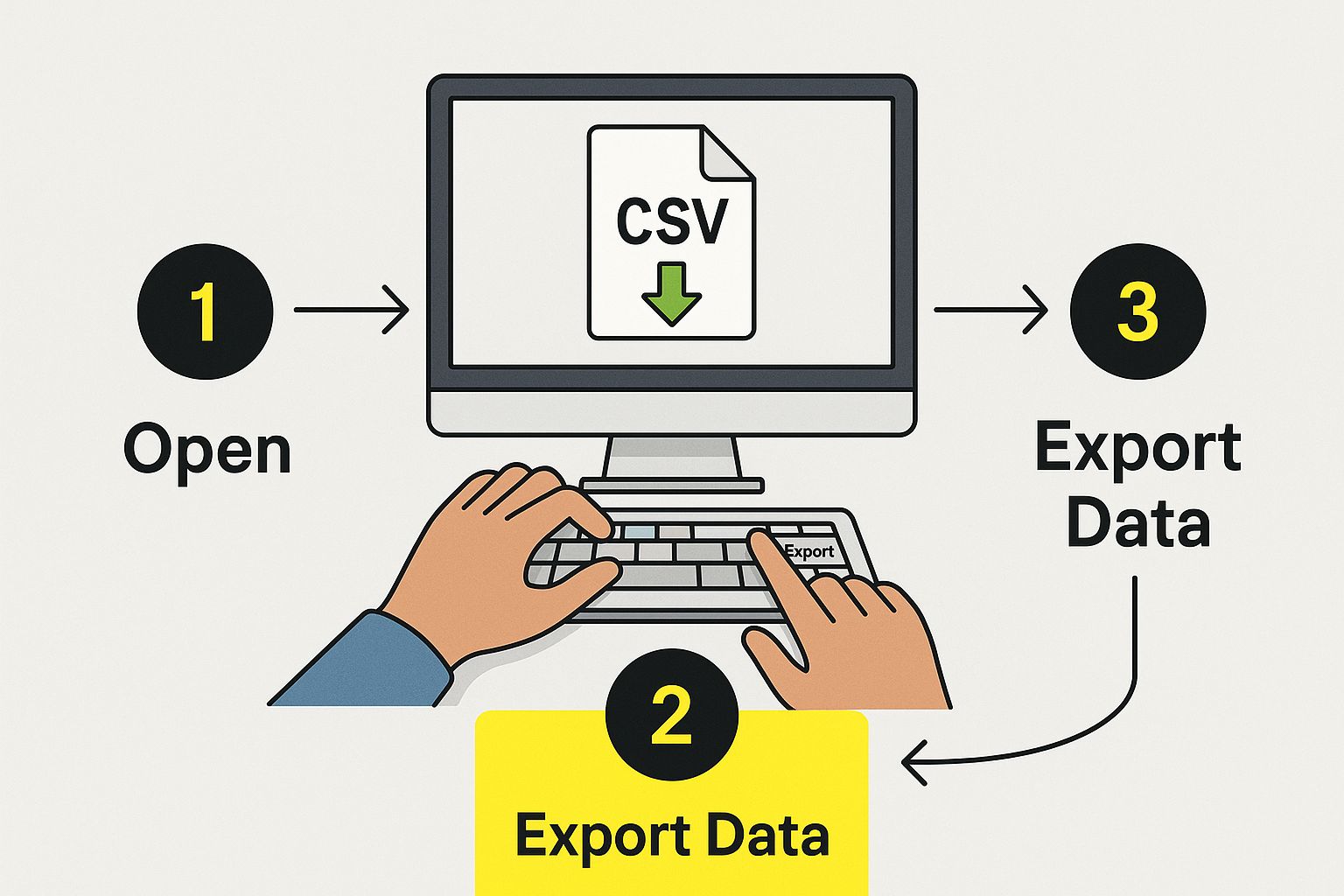
The infographic above shows the process of exporting data, a crucial first step when moving your online store from WooCommerce to Shopify. Think of exporting your data like carefully packing your belongings before a move. It ensures everything arrives safely at your new online home. This visualization emphasizes how important it is to handle your data correctly during the migration.
Before starting, a checklist can be incredibly helpful for a smooth transition. The Shopify Migration Checklist offers valuable tips to make sure all your data transfers correctly and completely. Planning your migration strategy is equally vital. This includes choosing the right tools and setting a realistic timeframe.
Choosing Your Migration Method
There are several migration methods, each with its own advantages and disadvantages. Manual migration means you export and import data yourself using CSV files. This method is free, but it can be time-consuming and requires some technical know-how.
Automated migration apps like Matrixify simplify the process, automating data transfer and minimizing manual effort. However, these apps usually come with a cost. Hiring a Shopify expert is the quickest and most reliable option, especially for complex stores. Experts handle all the technical details, ensuring a smooth, disruption-free move.
Transferring Your Data
Moving from WooCommerce to Shopify involves careful planning and execution for a seamless switch. This includes transferring data, setting up your new store's configurations, and, importantly, preserving your SEO rankings. Guides and checklists can help you navigate the process, minimizing the risk of losing traffic and maintaining your SEO integrity.
You’ll need to export crucial data from WooCommerce: product details, customer information, and order history. Then, you import this data into Shopify, ensuring data compatibility between the platforms. For additional guidance, refer to this resource on WooCommerce to Shopify migration and how to master Shopify store migrations.
To help you understand potential data compatibility issues, we've provided the following table:
WooCommerce vs Shopify: Data Migration Compatibility
This table compares how different types of store data transfer between platforms and highlights special considerations.
| Data Type | Migration Difficulty | Special Considerations | Recommended Tools |
|---|---|---|---|
| Products | Medium | Product variations and custom fields may require manual adjustments. | Matrixify, Cart2Cart |
| Customers | Easy | Customer data usually transfers smoothly. | Shopify's native import tool |
| Orders | Medium | Historical order data may require formatting. | Rewind |
| Content (Pages/Blogs) | Medium | URLs may need to be redirected to maintain SEO. | Shopify's native import tool, Traffic Control app |
This table summarizes key differences and similarities in migrating various data types. Pay close attention to the special considerations for each data type to ensure a smooth migration process.
Handling WooCommerce-Specific Elements
Some WooCommerce features, like product variations, custom fields, and shipping rules, might not directly translate to Shopify. You may need to manually reconfigure these settings in your new Shopify store. For example, WooCommerce product variations might need to be recreated as Shopify variants. Custom fields in WooCommerce could require custom coding in Shopify. Addressing these platform differences is essential for your store to function correctly after the migration.
Testing and Launching Your Shopify Store
After migrating your data, thoroughly test your Shopify store before its official launch. This includes checking product information, testing the checkout process, and making sure all integrations work correctly. Once testing is complete, launch your new store and redirect your domain. This ensures a seamless transition for your customers.
Protecting Your SEO During Platform Transition
Migrating your e-commerce platform can feel a bit like walking a tightrope. You want the shiny new features of a system like Shopify, but you also have to protect your existing search engine rankings. Losing your hard-earned SEO during a transition from WooCommerce to Shopify can significantly impact your traffic and sales. Fortunately, with the right approach, you can maintain your SEO and maybe even improve it.
URL Mapping and 301 Redirects: Your SEO Lifeline
Protecting your SEO during a platform transition hinges on setting up proper URL redirects. Think of it like forwarding your mail. Shopify URL redirects are crucial for preserving your search engine rankings after moving from WooCommerce to Shopify. 301 redirects tell search engines your content has permanently moved. This prevents Google from viewing your new Shopify store as brand new, which preserves your link equity and rankings.
Creating a comprehensive URL map is the first step. This map matches each old WooCommerce product page to its new Shopify equivalent. This ensures every page on your old site correctly redirects to the corresponding page on your new Shopify store.
Metadata Migration: Preserving Your SEO Foundation
Transferring your metadata is just as important as redirecting URLs. Metadata, which includes title tags and meta descriptions, tells search engines what your pages are about. This information shows up in search results and influences click-through rates.
When switching from WooCommerce to Shopify, make sure this data transfers accurately. Tools like the Shopify import tool or migration apps can streamline the process. After migrating, double-check your metadata for accuracy and optimize it for Shopify's structure. This can even boost your search visibility.
Site Structure and Speed: Leveraging Shopify's Advantages
Keeping a consistent site structure is another key SEO factor during migration. Shopify offers different themes and customization compared to WooCommerce, but try to maintain a similar site architecture. This provides a familiar experience for both customers and search engines. For more information, check out this resource: How to master Shopify SEO best practices.
Shopify’s infrastructure often leads to faster page load speeds compared to self-hosted WooCommerce sites. Site speed is a major ranking factor, so using Shopify’s performance advantages can really help your SEO. However, optimizing your theme, images, and apps after migrating is important to maximize these speed benefits.
Technical SEO Post-Migration: Ensuring Business Continuity
After migration, update your technical SEO foundation. This includes submitting your new Shopify sitemap to Google Search Console and verifying your domain. These actions help search engines quickly index your site and understand your business hasn’t disappeared, just moved.
Also, make sure your robots.txt file is set up correctly so you’re not accidentally blocking search engines from crawling important pages. Taking care of these technical aspects strengthens your SEO and ensures search engines understand and index your new Shopify store.
Beyond Migration: Optimizing Your New Shopify Store

Successfully moving your e-commerce store from WooCommerce to Shopify is a big step. But it's just the beginning! Think of it like moving into a new house. You've unpacked, but now you need to make it feel like home. Optimizing your Shopify store is key to unlocking its full potential and surpassing your WooCommerce results.
Customizing Your Shopify Theme for Maximum Impact
One of Shopify’s biggest advantages is its theme customization. WooCommerce themes often require coding knowledge for changes. Shopify uses the Liquid templating language and a user-friendly interface, making customization much simpler. Choose from a wide variety of free and premium themes. Each offers settings to perfectly match your brand’s look and the features you need. This creates a visually appealing and engaging online store that resonates with your target audience and drives sales.
Streamlining Your Checkout Experience
A smooth checkout is crucial for reducing cart abandonment and increasing sales. Shopify shines here, offering many options for optimizing the checkout experience. For example, Shop Pay, Shopify’s accelerated checkout, lets customers save their information for faster future purchases. This added convenience can significantly boost conversions. You can also integrate with various payment gateways to offer your customers their preferred payment methods.
Leveraging Shopify’s Marketing Tools
Shopify offers powerful built-in marketing tools that go beyond WooCommerce's capabilities. This is where your Shopify store can truly excel. The abandoned cart recovery feature automatically emails customers who leave items in their carts, encouraging them to complete their purchase. This can be a game-changer for recovering lost sales and boosting your bottom line. Customer segmentation lets you target specific customer groups with tailored marketing campaigns. This level of personalization is often difficult to achieve with WooCommerce without multiple plugins.
Gathering Customer Feedback and Continuous Improvement
After migrating, gather customer feedback to identify any pain points and areas for improvement. Shopify offers several ways to collect this information, such as post-purchase surveys and feedback forms. By actively listening to your customers and using their feedback, you can continuously optimize your store. For instance, if customers report navigation difficulties, you can adjust your theme’s design or menus. This customer-centric approach to optimization is essential for creating a store that converts visitors into loyal customers. By using Shopify's features and constantly seeking improvements, you can transform your new Shopify store into a powerful sales engine that outperforms your previous WooCommerce setup. Learn more about growing your Shopify store with E-commerce Dev Group.
Transformation Stories: Businesses That Thrived After Migrating
Migrating from WooCommerce to Shopify can be a significant step for businesses looking to improve their growth and efficiency. It's more than just a platform switch; it's about transforming your entire online operation. Let's look at some real-world examples of businesses that migrated successfully and saw substantial benefits.
From Frustration to Freedom: Real-World Successes
Many businesses choose to migrate from WooCommerce to Shopify to avoid the technical challenges of managing a self-hosted platform. This frees them to focus on their core business activities. Imagine a specialty food company struggling to grow beyond $1 million in annual revenue because of WooCommerce's technical limitations. After switching to Shopify, they are no longer burdened by constant server maintenance, plugin updates, and security worries. This allows them to concentrate on product development, marketing, and customer relationships, driving their business forward.
Another example is a boutique fashion retailer. Their complex product variations and high-resolution images were slowing down their WooCommerce site. This impacted mobile conversions and the overall user experience. Migrating to Shopify led to a 68% reduction in page load times and a 41% increase in mobile conversions. This highlights how Shopify's optimized infrastructure and mobile-first design can significantly boost performance.
Measuring the Impact: Tangible Benefits of Migration
These success stories demonstrate the real benefits of moving from WooCommerce to Shopify. Improved site speed, a more efficient checkout process, and better mobile responsiveness are just a few of the advantages businesses often experience. Shopify’s powerful marketing tools and extensive app ecosystem also help businesses reach a broader audience and automate many operational tasks.
Migration can significantly impact a business's online presence. For example, LaEnviro saw 200% sales growth within three months of migrating to Shopify. They also experienced a 150% improvement in SEO efficiency and a 70% reduction in page load time, leading to higher user engagement. Discover more insights about migrating from WooCommerce to Shopify. These results show the potential for increased sales and customer satisfaction through a better user experience and improved SEO.
Beyond the Numbers: Focusing on Growth
These transformations demonstrate that migration is more than a technical process; it's a strategic move towards greater efficiency and scalability. By switching from WooCommerce to Shopify, businesses can streamline their operations, improve the customer experience, and focus on what truly matters – business growth. These real-world examples showcase the potential that awaits businesses after a successful migration. Learn more about how E-commerce Dev Group helps companies transition seamlessly to Shopify.
Overcoming Migration Challenges: Real Solutions That Work
Migrating your e-commerce platform from WooCommerce to Shopify can offer significant advantages, but it's not always a smooth journey. Even with careful planning, unexpected hurdles can pop up. This section explores common obstacles businesses face during this transition and offers practical, proven solutions to navigate them effectively.
Common Migration Challenges and Their Solutions
Several recurring issues often arise during a WooCommerce to Shopify migration. Let's delve into some of the most common roadblocks:
-
Complex Product Catalogs: Moving a large product catalog with variations, custom fields, and complex pricing can be complicated. A simple import might not capture all the necessary details. Solution: Use dedicated migration apps such as Matrixify or Cart2Cart. These tools are designed to handle the intricacies of product data, ensuring a complete and precise transfer. For exceptionally complex catalogs, consulting a Shopify expert can provide personalized support.
-
Custom Functionality: WooCommerce stores frequently rely on custom plugins and themes for specialized features. Recreating these features in Shopify's different architecture can be tricky. Solution: Explore the Shopify App Store for apps with similar functionality. While an exact match might not always exist, many apps offer comparable or even enhanced features. If no suitable app is available, consider collaborating with a Shopify developer to build a custom solution.
-
Data Mapping Complications: Data structures between WooCommerce and Shopify are different. This can cause mapping issues, particularly with customer data, order history, and product attributes. Inaccurate mapping can result in data loss or corruption. Solution: Meticulously map your data fields before starting the transfer. You can use CSV files for manual mapping, or utilize a migration app to automate the process. Following established guidelines, like those from resources such as Bloggle, will help ensure accurate data transfer.
Minimizing Downtime and Communicating Effectively
Two crucial elements for a successful migration are minimizing downtime and keeping your customers informed.
-
Minimizing Downtime: Extended downtime during migration can impact sales and customer satisfaction. Solution: Schedule the migration during your lowest traffic periods. Use a staging environment to thoroughly test your new Shopify store before going live. A phased migration, moving data in stages, can also minimize downtime.
-
Effective Communication: Keeping your customers in the loop is essential. Solution: Announce the upcoming migration clearly, explaining any potential temporary disruptions. Provide regular updates on the progress and estimated timeline. Transparency helps manage customer expectations and builds trust.
Troubleshooting Post-Migration Issues
Even after a seemingly smooth migration, problems like missing data or design inconsistencies can surface.
-
Missing Data: After migration, verify the integrity of your data. Solution: Double-check product details, customer information, and order histories. If data is missing, consult your backups and re-import the necessary information. If you used a migration app, review their support documentation for troubleshooting steps.
-
Design Inconsistencies: Theme differences can lead to visual discrepancies between your old and new stores. Solution: Customize your Shopify theme to closely match your previous design and branding. This ensures a consistent brand experience for your customers.
By anticipating these challenges and implementing these practical solutions, you can confidently migrate from WooCommerce to Shopify and minimize potential disruptions. A smooth transition contributes to a positive experience for both you and your customers.
